13
USB Operations
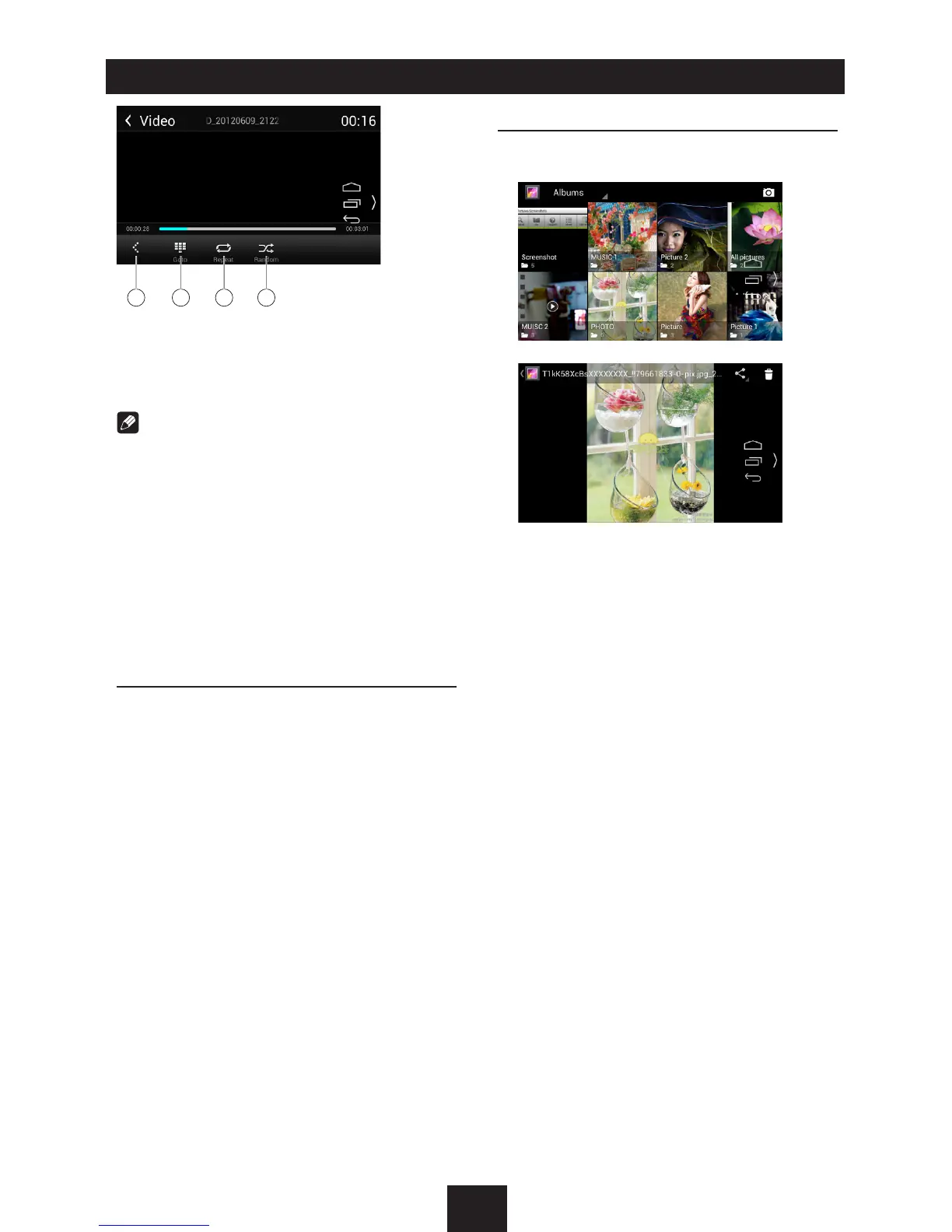
10 11 12 13
10. Show previous page of control buttons
11. Enter search menu
12. Repeat play
13. Random play
Notes
• DisconnectUSBstoragedevicesfromthe
unitwhennotinuse.
• UseanoptionalcabletoconnecttheUSB
audioplayer/USBmemoryasanydevice
connecteddirectlytotheunitwillprotrude
outfromtheunitandmaybedangerous.
• Donotuseunauthorizedproducts.
Using an Android mobile
phone as a USB storage
device
If you want to use your Android mobile phone
as a USB storage device.
1. Connect your Android mobile phone to the
unit with a USB cable.
2. Set USB connection type of your mobile
phone to “Mount SD card”.
* If you select “Charge only”, it won’t be
recognized by the unit.
3. In the setting menu of the unit, select
“Storage”, then “Mount USB disk”.
Gallery Operations
1. Select [Gallery] on the APPS menu.
2. Select one gallery to show the picture list.
3. Touch to view it.
Drag left/right to scroll.
Touch the top right corner to delete the
photo.
Touch top left corner to back.


 To Next Page