EasyManua.ls Logo

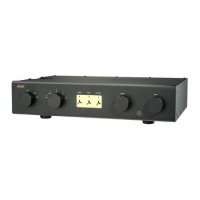
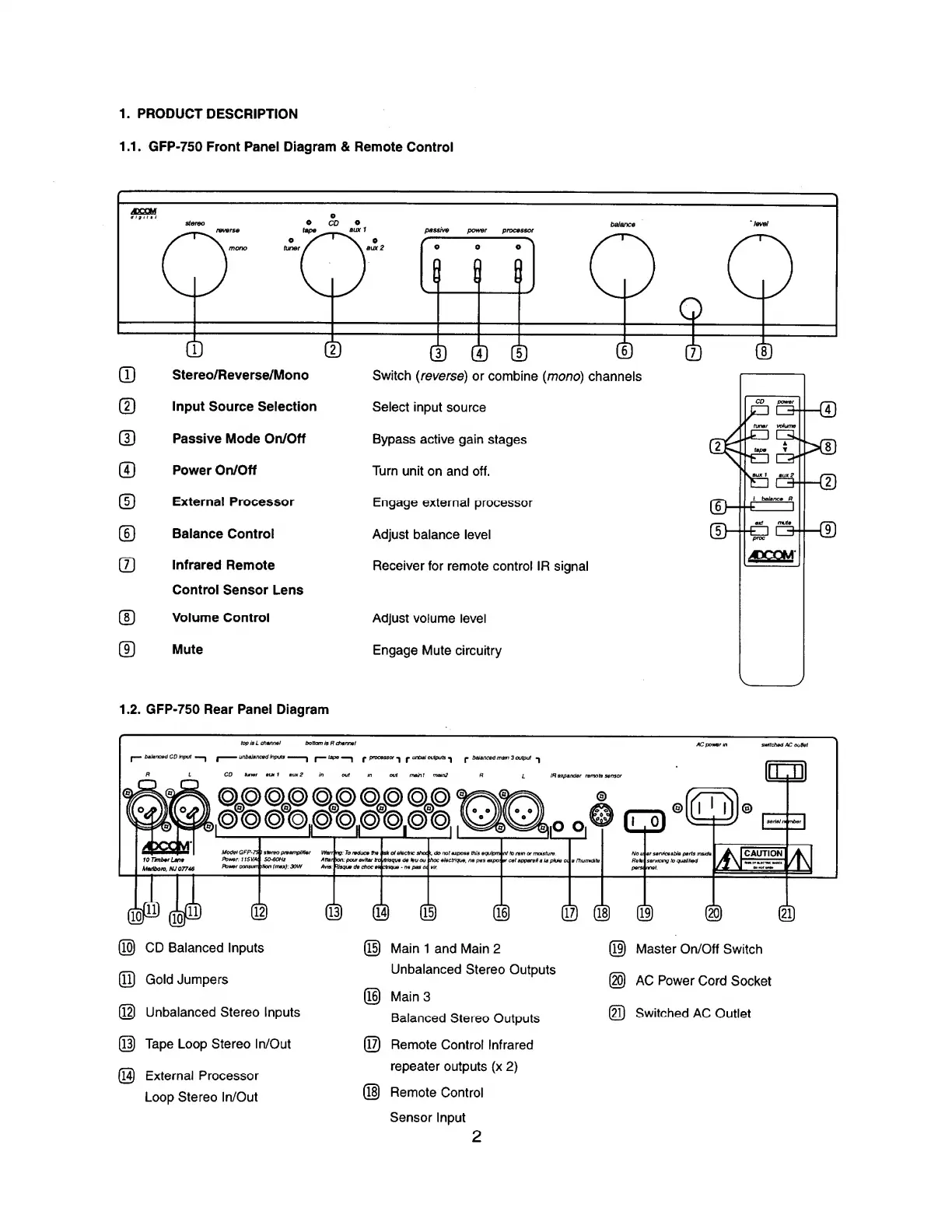
Adcom GFP-750 - Product Description; GFP-750 Front Panel Diagram & Remote Control; GFP-750 Rear Panel Diagram

Adcom GFP-750
8 pages
Print Icon
To Next Page IconTo Next Page
To Previous Page IconTo Previous Page
Loading...
1.
PRODUCT
DESCRIPTION
1.1.
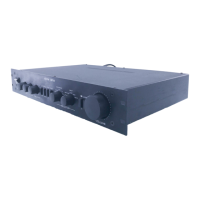
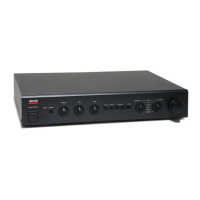
GFP-750
Front
Panel
Diagram
&
Remote
Control
Stereo/Reverse/Mono
Switch
(reverse)
or
combine
(mono)
channels
Input
Source
Selection
Select
input
source
®
Passive
Mode
On/Off
Bypass
active
gain
stages
Power
On/Off
Turn
unit
on
and
off.
©
External
Processor
Engage
external
processor
©
Balance
Control
Adjust
balance
level
©
Infrared
Remote
Control
Sensor
Lens
Receiver
for
remote
control
IR
signal
©
Volume
Control
Adjust
volume
level
©
Mute
Engage
Mute
circuitry
1.2.
GFP-750
Rear
Panel
Diagram
@
CD
Balanced
Inputs
^l)
Gold
Jumpers
@
Unbalanced
Stereo
Inputs
@
Tape
Loop
Stereo
In/Out
@
External
Processor
Loop
Stereo
In/Out
@
Main
1
and
Main
2
Unbalanced
Stereo
Outputs
@
Main
3
Balanced
Stereo
Outputs
(T^
Remote
Control
Infrared
repeater
outputs
(x
2)
(18)
Remote
Control
Sensor
Input
Master
On/Off
Switch
@
AC
Power
Cord
Socket
@
Switched
AC
Outlet
2

Related product manuals