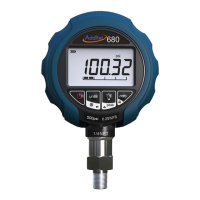
(GP15) gauge and put a custom unit of 900 then the custom will be accepted because the max
pressure of this gauge would display as 90000 (100 kPa x 900). But if you try and program 1000
as my custom unit it will not be accepted because the max value would be above the 5 digit
resolution (100 kPa x 1000 = 100000 kPa).
(8) To display the custom unit exit back to the main display. Press and hold key to enter the
menu and scroll over to menu. Press to enter the menu. By pressing key you can
cycle through the engineering units available. When you reach your custom unit, the whole
number will be flashing. To accept this press and exit out to the main display.
(9) Press key to cycle through the unit selections available. The custom unit is indicated by the
Unit icon in the bottom right of the display.
14



 To Next Page