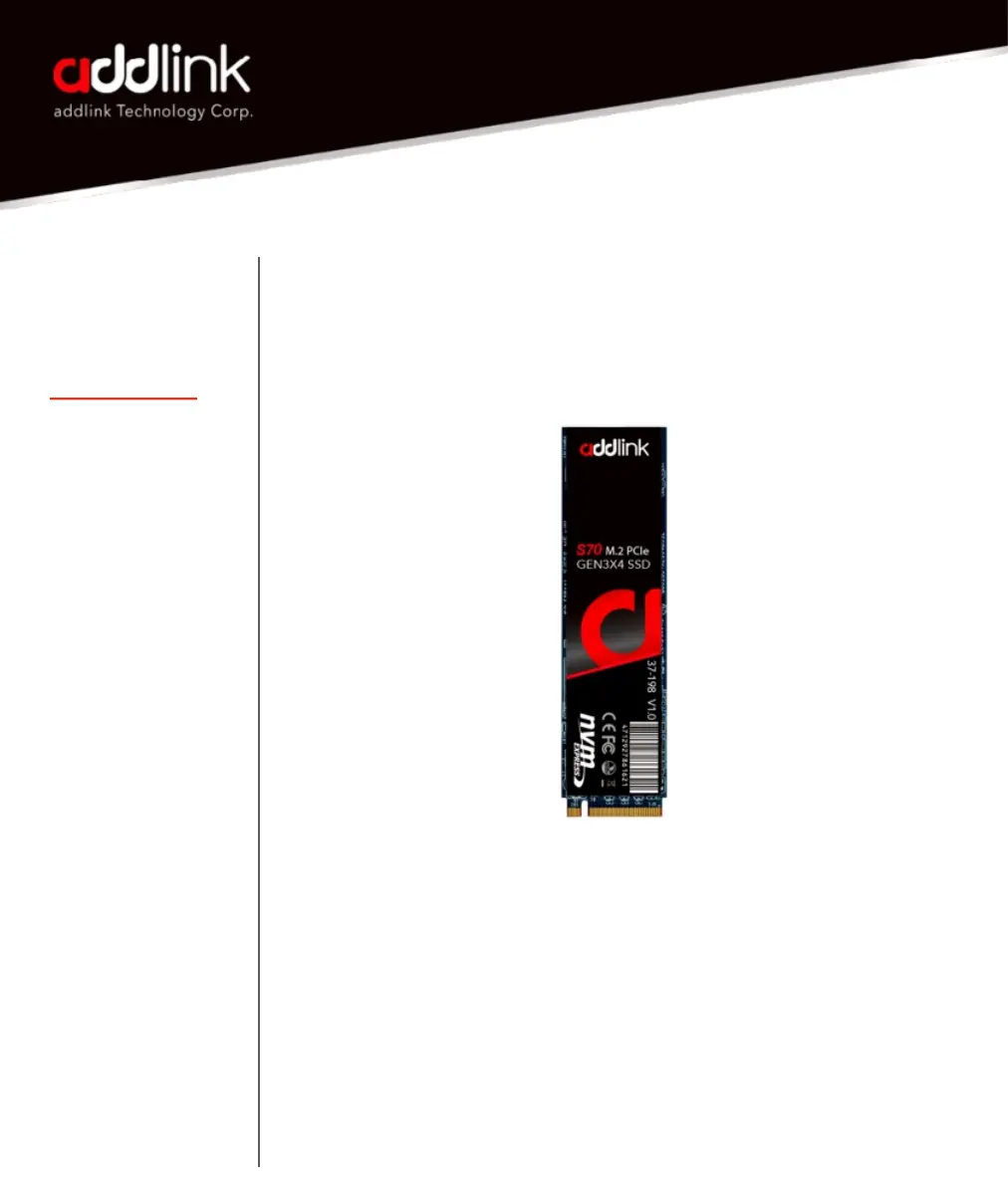
M.2 PCIe
Users Manual
INTRODUCTION
REQUIRED TOOLS
& PREPARE
WINDOWS DRIVERS
& CLONE
DESKTOP INSTALL
LAPTOP INSTALL
GLOSSARY
Installing a addlink SSD is easy and makes your
computer significantly faster!
Installation by a professional desktop computer technician is recommended.
Before continuing with the installation process, it is your responsibility to
review any warranty policy and instructions provided by your motherboard
and computer manufacturer to ensure you follow proper procedures to install
your storage device. Some manufacturers may void or limit your
motherboard or computer warranty if you proceed with the installation of a
new storage device. Accordingly, by proceeding with any installation, you
agree to be solely responsible for any failure to follow any manufacturer's
instructions.
2


 To Next Page