M.2 PCIe
Users Manual
INTRODUCTION
REQUIRE D TOOLS
& PREPARE
WINDOWSDRIVERS
& CLONE
DESKTOP INSTALL
LAPTOP INSTALL
GLOSSARY
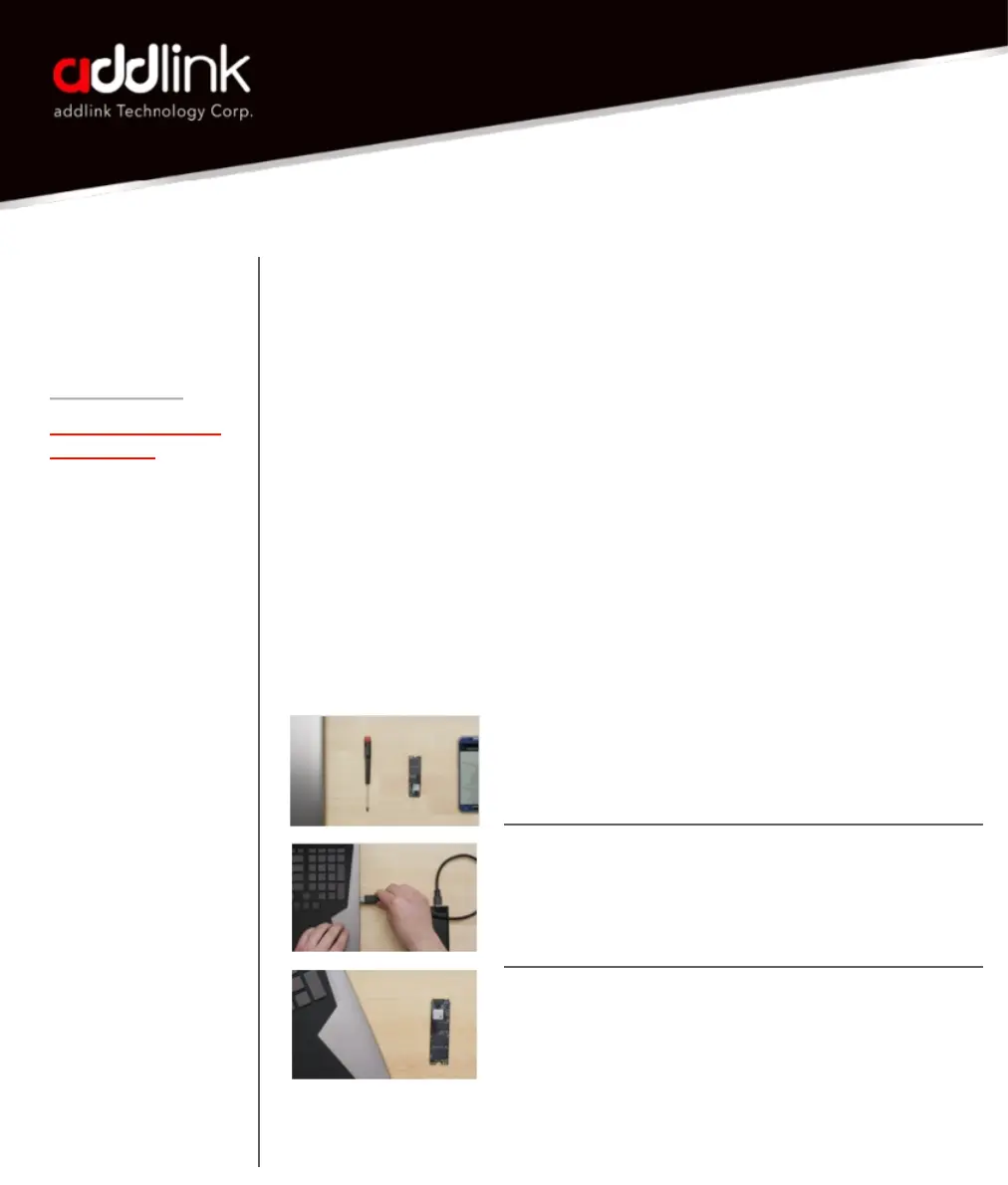
Required Tools and Parts:
• Screwdriver appropriate to the type of screw used for fastening the M.2
device, and the appropriate screwdriver or tool for opening your desktop
computer.
• One screw for fastening the M.2 device to the motherboard. The
necessary screw or hardware for fastening an M.2 device to the
motherboard may have been included with your motherboard. If this has
not been included, contact your motherboard manufacturer or computer
system manufacturer for this information.
• Depending on the type of hardware used by your motherboard to fasten
an M.2 device, a motherboard-style stand-off screw
Prepare
1. Gather supplies
You’ll need your computer, a screwdriver, your new
addlink SSD, and your computer’s owner’s manual.
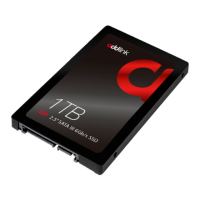
2. Back up important files
Before starting the install process, save any
important files on your computer to an external
storage drive, a USB flash drive, or cloud storage.
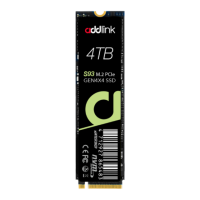
3. Go slowly and deliberately
The information you need is all here. Your computer
will likely look different than the ones shown, but the
process is the same.
3


 To Next Page