48
1. Remove the batteries from the battery
compartment and wait a moment.
2. Reinsert the batteries.
Observe the correct polarity (+/-).
3. Proceed as described in the chapter
“Receiving the time signal”.
Cleaning
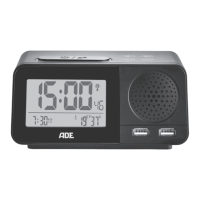
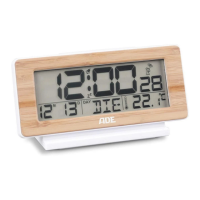
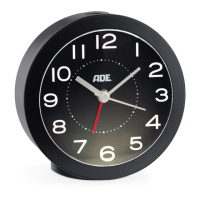
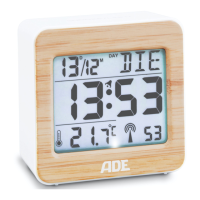
Do not immerse the alarm clock
in water or other liquids. Do not
use rough, scratching or abrasive
cleaning agents.
− If necessary, use a soft, dry cloth, or a slightly
moistened one to wipe the alarm clock.


 To Next Page