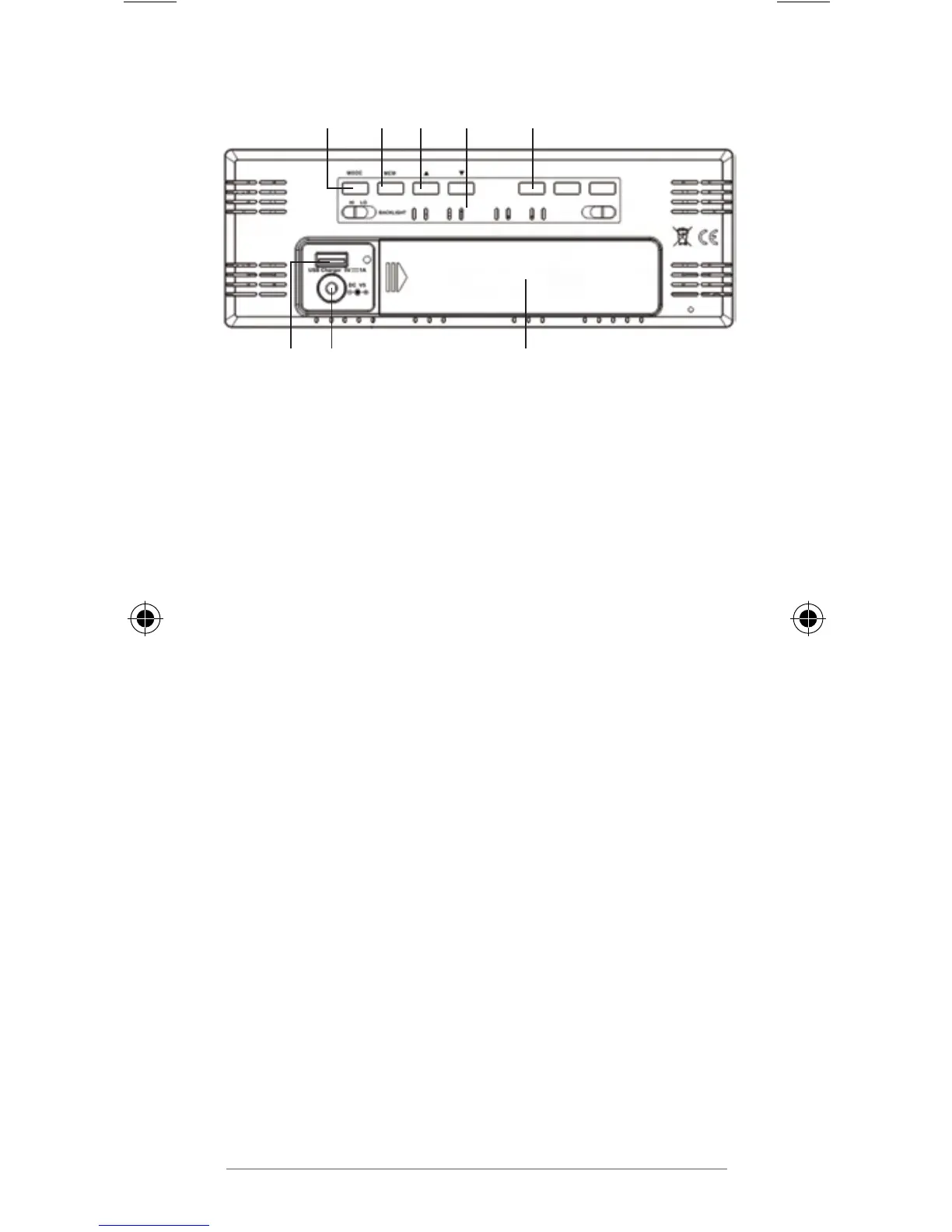
Rear view
1 2 3 4 5
678
1 Select brightness of display light
2 Activate settings mode
Save changed settings
Set and display alarm time
3 Display highest (MAX) and lowest
(MIN) saved value for humidity and
temperature
4 Adjust values (increase)
Manually start signal reception
5 Adjust values (decrease)
Transmit values from the wireless
sensor
6 Battery compartment
7 Connection socket for mains adaptor
8 USB socket for charging of external
devices (smartphone, MP3 player, etc.)



 To Next Page