11
Weather Station with Wireless Outdoor Sensor WS 2136-x
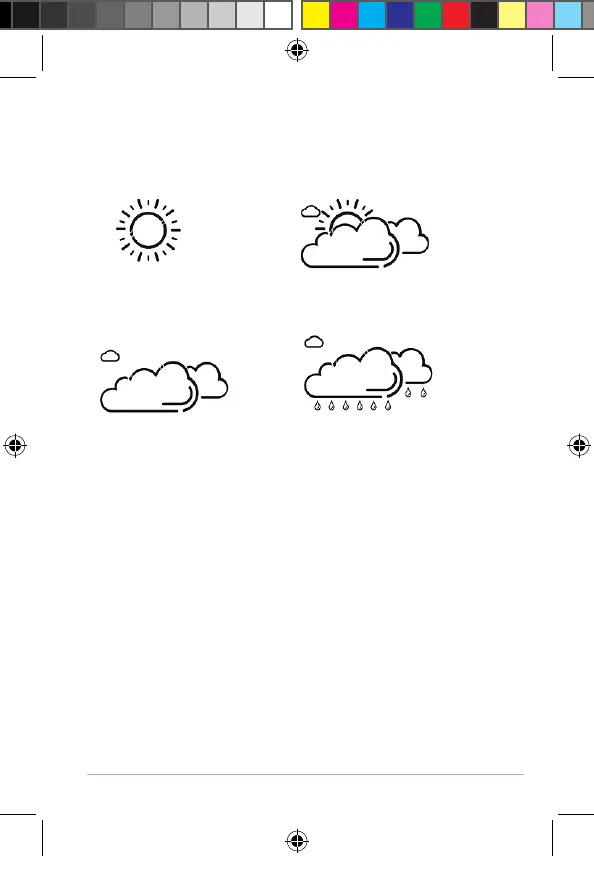
The animated weather icons show the weather
development for the next 8 hours, not the current
weather.
sunny light cloud
cloudy rainy
Saved weather data
Using the MEM button, you will get the highest and
lowest temperature and humidity values for the last
24 hours displayed.
Press 1x: MAX values are displayed
Press 2x: MIN values are displayed
Press 3x: normal display indicator
In order to delete the saved values:
− Press and hold the MEM button for
approx.2seconds until the displayed values are
deleted.
Kurzanleitungen WS 2136-x DE EN FR.indb 11Kurzanleitungen WS 2136-x DE EN FR.indb 11 27.10.2021 10:54:2827.10.2021 10:54:28



 To Next Page