A-dec 6300 Ceiling-Mount Dental Light Installation Guide
10 85.0521.00 Rev R
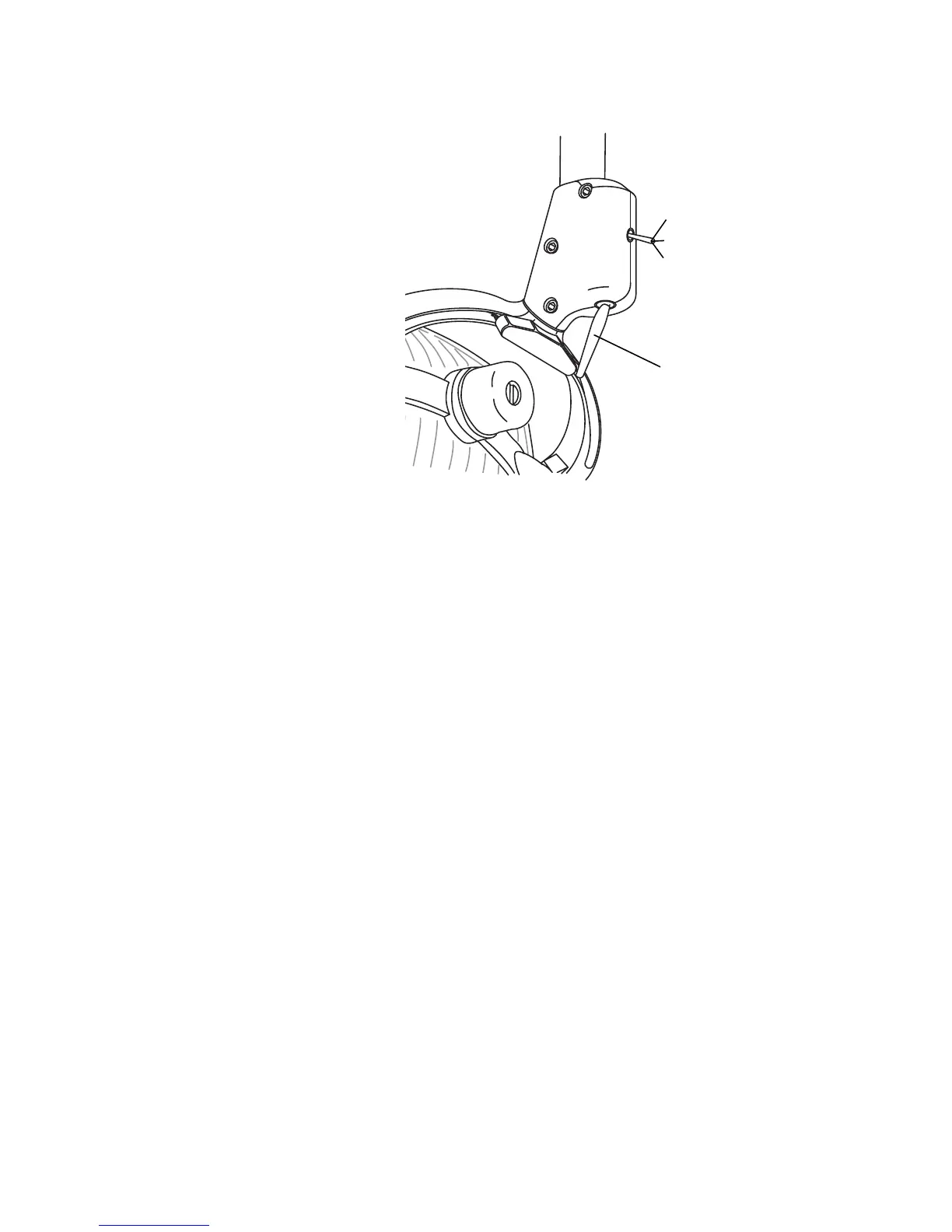
Test the Light
1. Turn on the dental light.
2. Move the dental light on/off switch at
the base of the light head swivel to the on
position. If the light does not work,
verify there is power to the transformer
and check all electrical connections.
3. The dental light intensity switch is the
small switch located on the back of the
light head swivel. With the on/off switch
in the on position, verify that there are
three intensity levels.
4. If the system includes a touchpad, from
the touchpad, verify that the dental light
turns on and off and toggles between
high, medium, and composite intensities.
Before Leaving
Make Adjustments
1. Recheck the position of the light post
with a level. Make the necessary
adjustments if the post is not level. See
step 5 on page 7.
2. Loosen the setscrew in the stop ring, then
slide the stop ring and cover up the post
to the ceiling. Tighten the setscrew on the
stop ring to hold the cover against
the ceiling.
Figure 16. Test the On/Off and Intensity Switches
Up = High Intensity
On/Off Switch
Middle = Medium Intensity
Down = Composite
Intensity



 To Next Page
 Loading...