A-dec 6300 Ceiling-Mount Dental Light Installation Guide
85.0521.00 Rev R 9
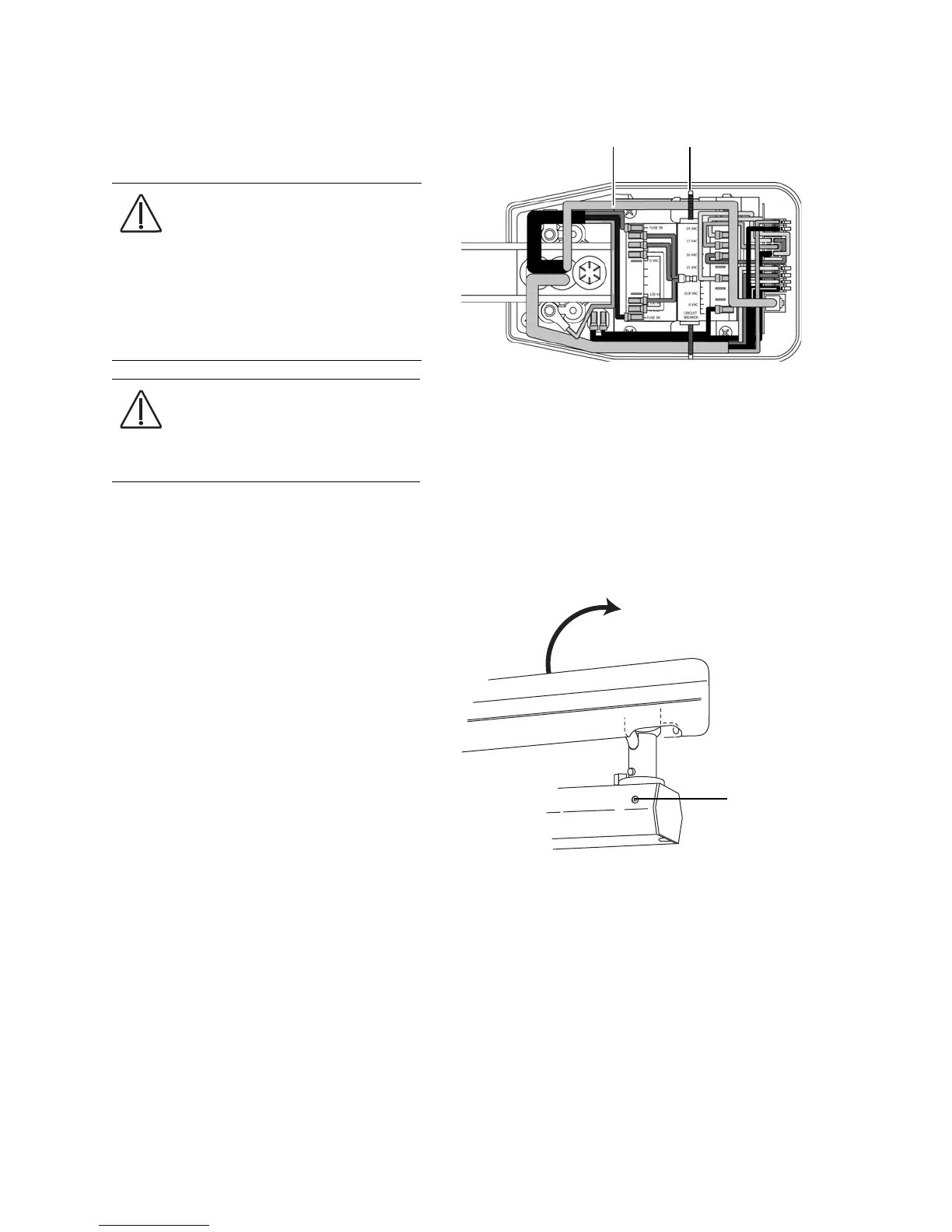
9. If the system includes a touchpad, plug
in the data line, connect the strain relief,
and then reinstall the cover.
Adjust the Light Rotation
Rotate the light to make sure the range of
motion is correct. To correct the range of
motion, tighten or loosen the adjustment
screw in the arm, move the arm to the
desired position, then retighten the
adjustment screw.
CAUTION Circuit boards are
sensitive to static electricity.
Electrostatic Discharge (ESD)
precautions are required when
touching a circuit board or making
connections to or from the circuit
board. Circuit boards should be
installed only by an electrician or
qualified service person.
CAUTION When removing or
replacing covers, take care not to
damage any wiring or tubing.
Verify that the covers are secure
after replacing them.
Figure 14. Connect the Data Line and Strain Relief
Figure 15. Adjust the Light Rotation
Data Line Connection
Strain Relief


 To Next Page
 Loading...