a.910 – 07-2005 10
Zone selection
Check with your operator if this feature is available
Time and Date
The hours flash. Scroll through the values with S and T. Confirm with “
”.
The minutes flash. The procedure is identical and can also be used to change the day and month.
Definition of Flashing
Select the value with the S and T buttons. Confirm with “
”.
Contrast
Select one of the eight display contrast levels with the S and T buttons. Confirm with “
”.
The contrast can also be set by successively pressing the “

” button.
No messages
Allows you to delete the “ ” voicemail indicator. Confirm with “
”.
Exit Options
The display returns to idle mode. You can also return to idle mode at any time by pressing
.
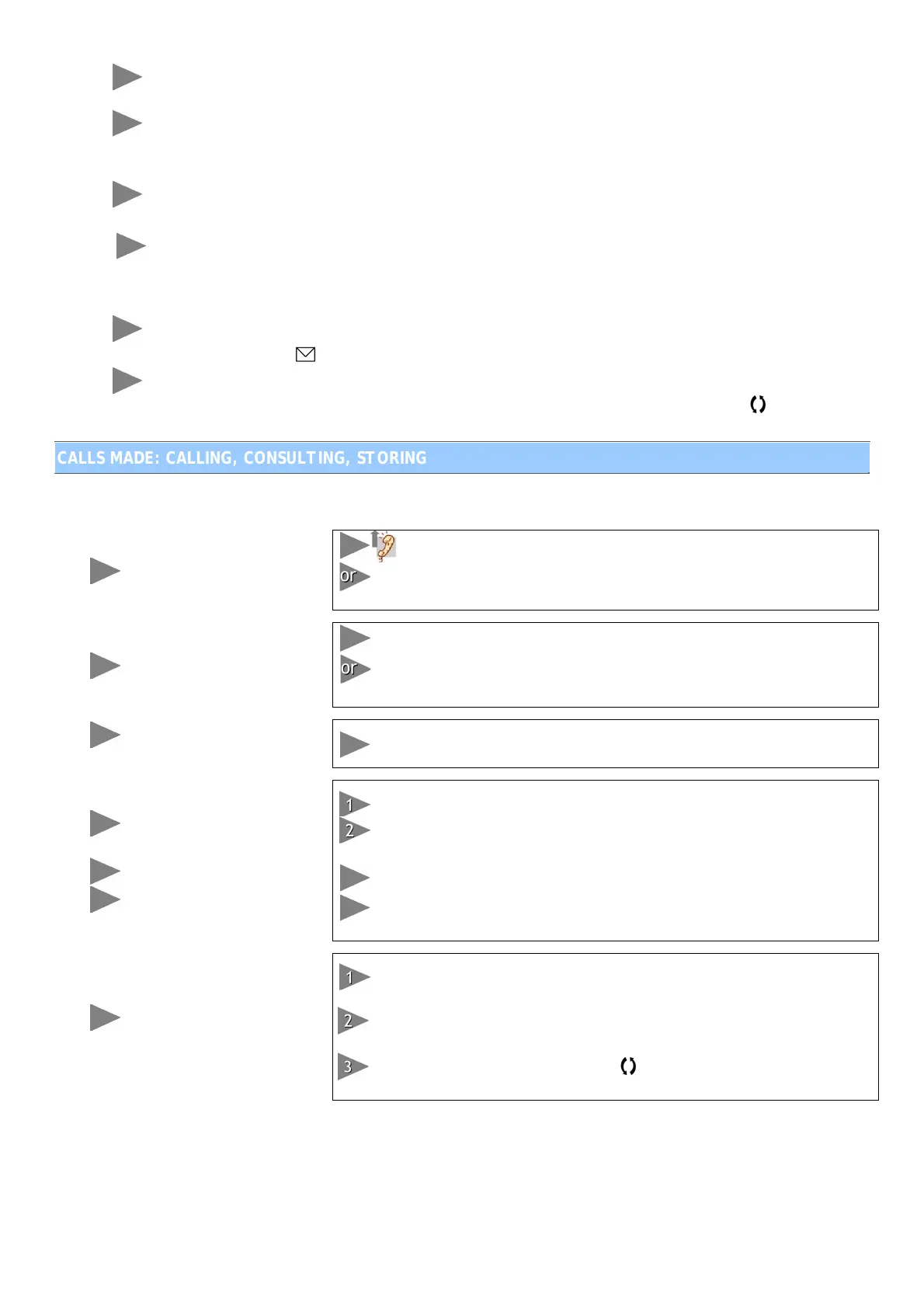
CALLS MADE: CALLING, CONSULTING, STORING
During a call, the number called and the total duration of the current call are displayed.
To make a call
and dial the number
Press “;” to make a call without the handset. Dial the number. Lift
the handset. The call is transmitted to the handset.
To call in hands-free mode
Dial the number without lifting the handset. Press “
”
Press “;”. Dial the number.
The call is made in hands-free mode. Press “
;” to end the call.
To redial the last external
no. dialled
Use the “
ÇÇ” button for a handset or hands-free call.
To consult a list of the last
10 calls made
To redial a number
To delete a number
Press “
É” when the telephone is in use or idle.
Use the S and T buttons to scroll through the calls made, from the
most to the least recent.
You can redial these numbers by pressing “
”.
You can delete each number by pressing “C”. Confirm the deletion by
pressing “C”.
To add a number dialled to
the directory
When the telephone is in use or idle, press “É” until you reach the
number you want to store.
Press “”. The cursor flashes and you can enter a name to be
associated with it.
Press “” twice to confirm. Press
to exit the menu. The entry is
then stored.


 To Next Page