a.910 – 07-2005 13
Press
to exit the menu. The entry is then stored.
To delete an entry
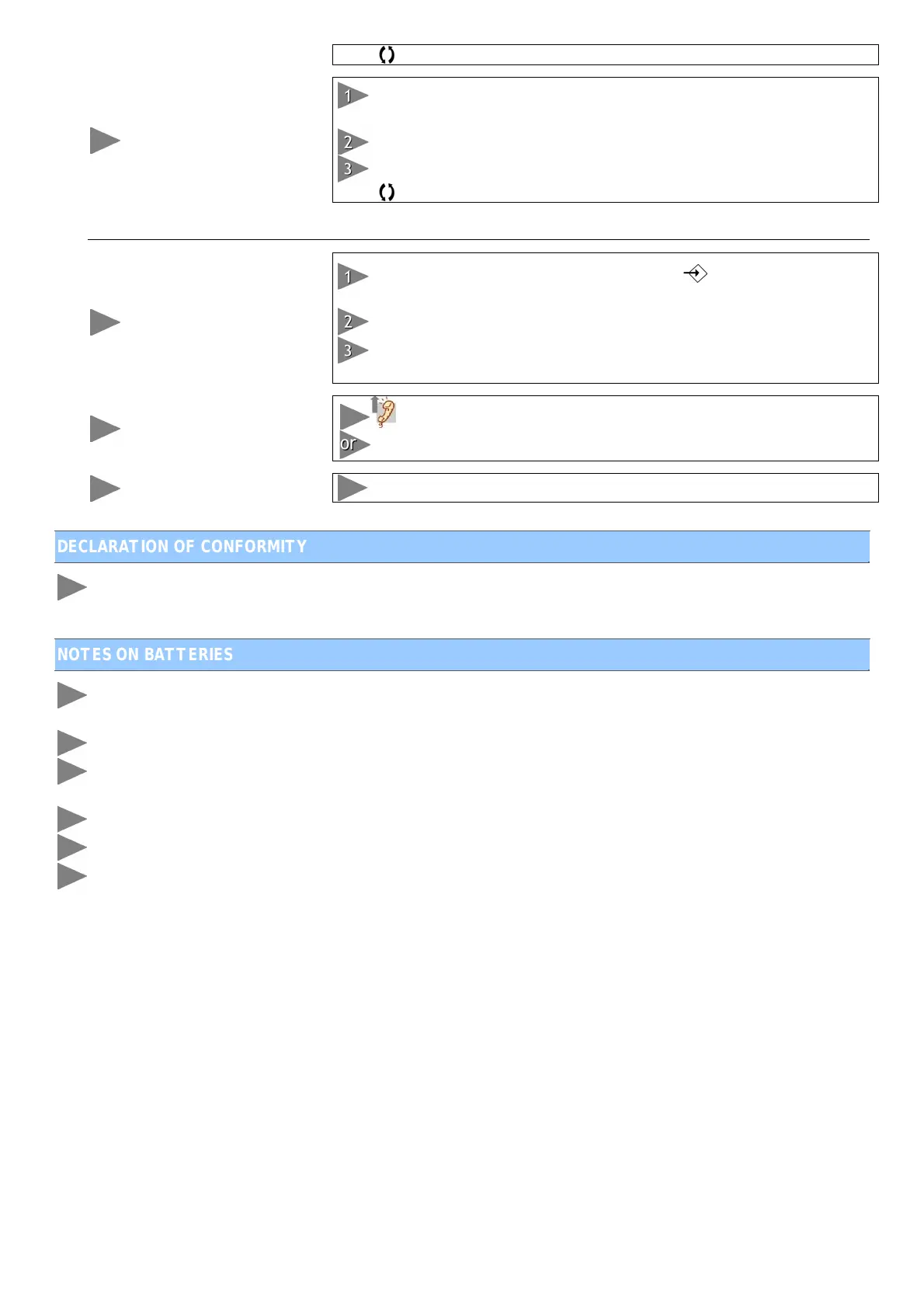
While the telephone is in use or idle, press “”. “SEARCH” flashes.
Confirm with “
”.
Use the S and T buttons to select the entry you want to delete.
Press “C”. “DELETE?” appears. Confirm with “C”.
Press
to exit the menu. The entry is then deleted.
Memory Numbers (indirect memories)
To create an entry
When the telephone is in use or idle, press “ ”. “STORE NUMBER”
appears
Enter the telephone number you want to store (up to 22 digits)
Press “Mem” and the number to be associated with the entry. The
entry is then stored.
To make a call
or press “
;”. Press “Mem” followed by the associated number.
Press “Mem” followed by the associated number, then “
”.
To consult an entry
Press “Mem” followed by the associated number.
DECLARATION OF CONFORMITY
The CE mark confirms that your a.910 telephone is in compliance with the 1999/5/EC (R&TTE) European
directive.
NOTES ON BATTERIES
Never open the battery compartment or insert / change the batteries when the a.910 telephone is connected
to the telephone line. First disconnect the telephone.
Make sure that the battery polarities are correct.
Only use the recommended battery type, and do not mix different types of batteries (alkaline, standard
carbon/zinc or rechargeable nickel/ cadmium). Do not mix new and old batteries.
Change all of the batteries at the same time with new, identical batteries.
The battery terminals should not be short-circuited. Do not recharge the batteries or try to open them.
The batteries in your a.910 telephone must not be disposed of with household waste or thrown into a fire.
You must dispose of them in a dedicated recycling centre; otherwise, you may be subject to penalties.


 To Next Page