a.910 – 07-2005 11
CALLS RECEIVED: ANSWERING, CONSULTING RECEIVED, ANSWERED AND MISSED CALLS, STORING
If you have subscribed to the "Calling Line Identification Presentation" (CLIP) service :
When the telephone is in idle mode, the display indicates the total number of received calls (CALL) and the
number of missed calls (NEW). The "
Ì” indicator also flashes to indicate that you have missed calls.
Note : The number and identity of received and new calls are not displayed if the CLIP service is unavailable.
Receiving a call
The caller's number is displayed along with its position in the call list.
If the telephone is connected behind a ADEPT Telecom ISDN PABX,
the name of the telephone is indicated (internal call)
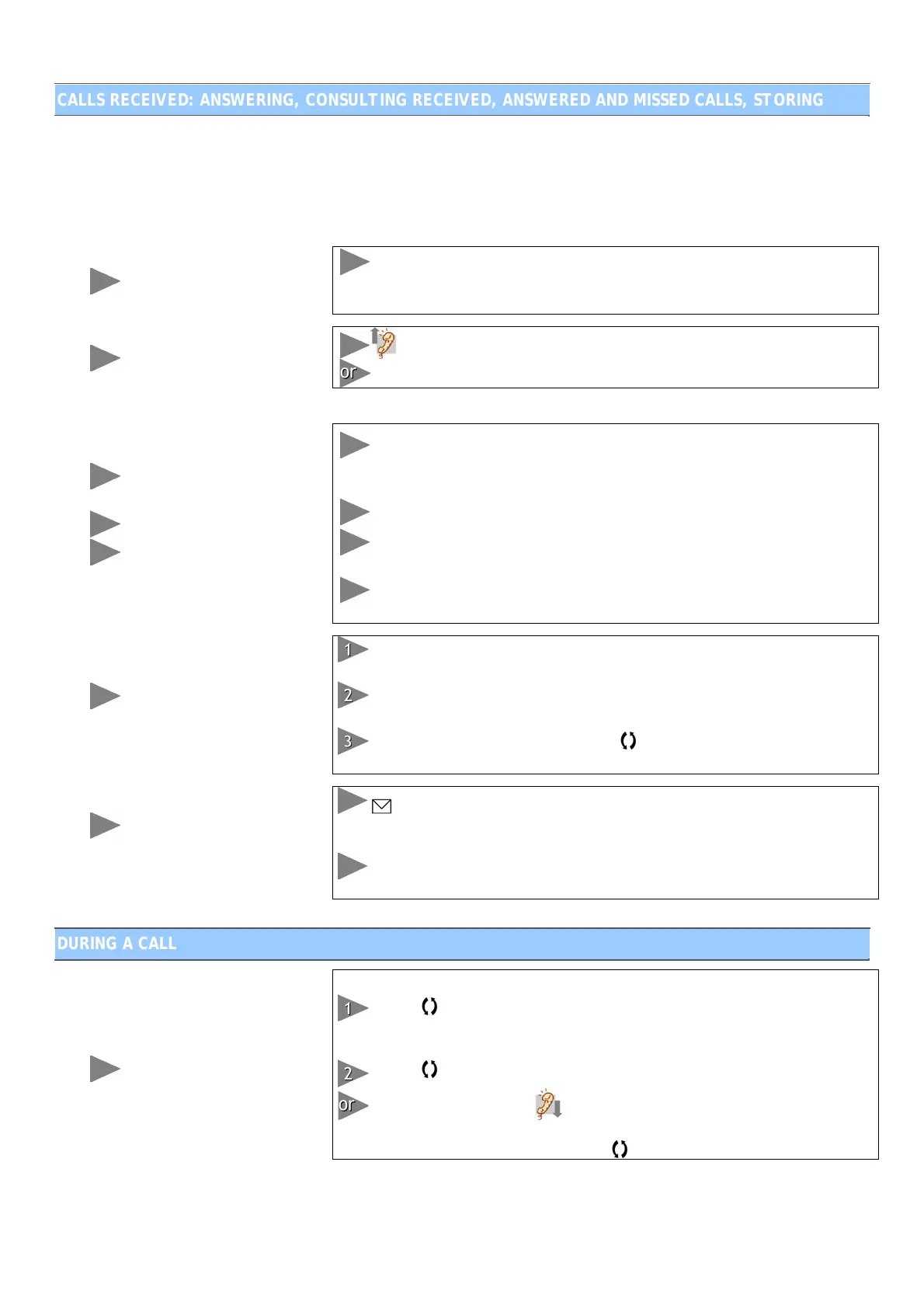
To answer a call
Press “;” for a hands-free call
To consult the list of
received calls
To redial a number
To delete received calls
individually or as a whole
When the telephone is in use or idle, scroll through the received calls
with S and T, from the most to the least recent (1). The list can
contain up to 60 entries. The missed calls are identified by "NEW".
You can call back these callers by pressing “
”.
Press “C” briefly to delete a number. When “DELETE CALL” is
displayed, press "C" to confirm the deletion.
Hold down "C" to delete all of the numbers. When “DELETE ALL" is
displayed, press "C" to confirm the deletion.
To add a received call to
the directory
When the telephone is in use or idle, scroll through the received calls
with S and T until you reach the number you want to store.
Press “”. The cursor flashes and you can enter a name to be
associated with it.
Press “” twice to confirm. Press
to exit the menu. The entry is
stored.
Receiving a voicemail
message
(function requiring
operator subscription)
flashes on the display and invites you to listen to your voicemail
messages. Refer to the information provided by your operator for the
conditions of use.
Please read the "Personalisation" section if the envelope does not
disappear once you have listened to your messages.
DURING A CALL
Call hold
You can put a caller on hold during a call:
Press “
”. The respective indicator comes on. If you were previously
in hands-free mode, it remains activated. Your caller hears a waiting
beep.
Press “
” to resume the call.
During a handset call,
.
The call is parked in hands-free mode. It is
put on hold and the indicator remains lit. You can resume the call by
lifting the handset or by pressing
in hands-free mode.


 To Next Page
 Loading...