User Manual MKA 500 / MKA 800
Conforms to
Issue 21.02.2023_01 Page 8
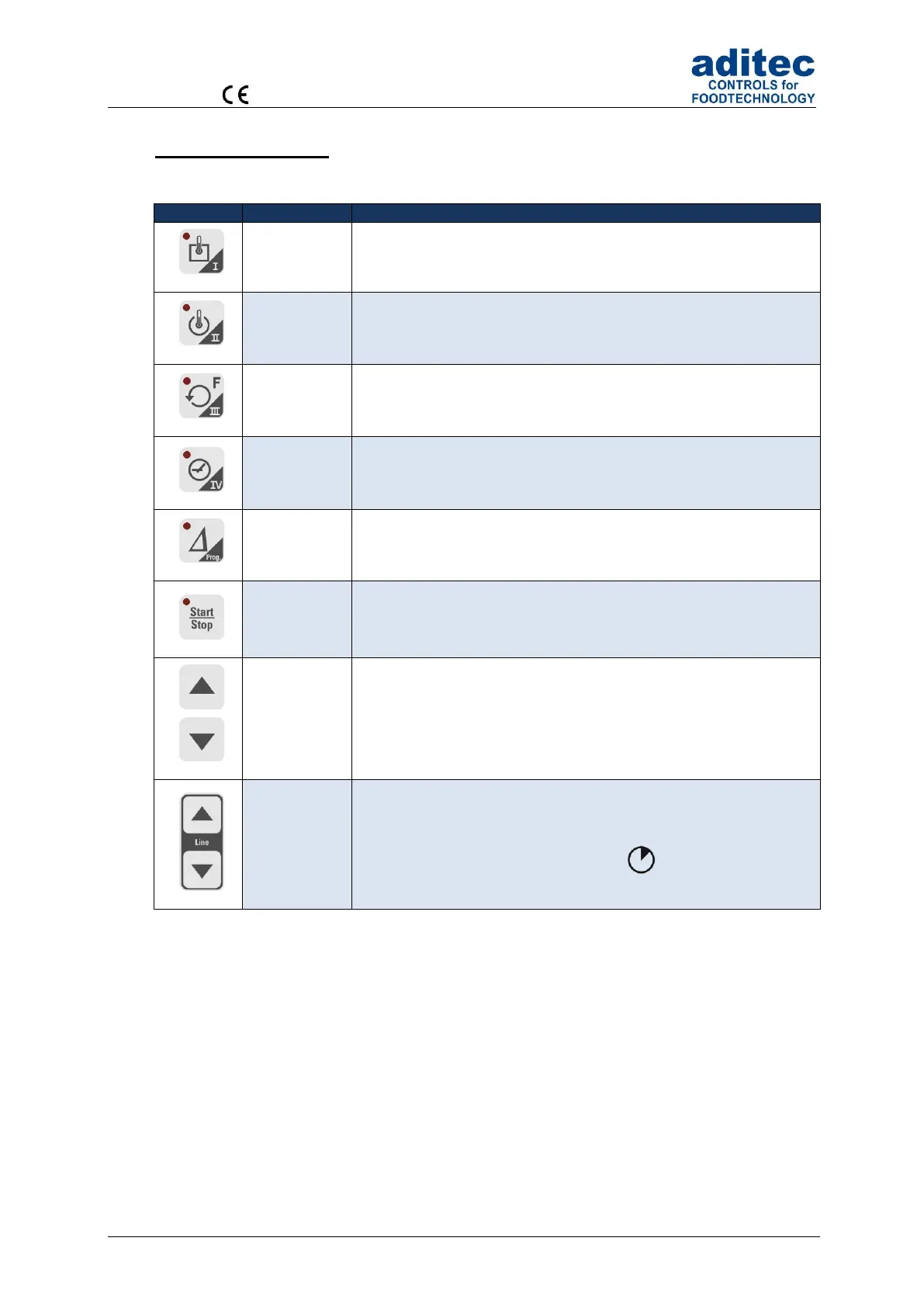
2.3 Button functions
2.3.1 MKA 500
Short cut button for entering the following nominal values:
temperature (min, max)
Short cut button for entering the following nominal values: core
temperature
Short cut button for entering the following nominal values:
humidity (min, max)
Short cut button for entering the following nominal value: step time
Short cut button for entering the following nominal value: Delta
Starting and stopping programs
Moving the cursor within the display,
selecting specific settings
Confirming an entry and focussing the next item by briefly
pressing both cursor buttons simultaneously.
Leaving the screen (code) by pressing
and holding both cursor buttons
simultaneously.
Table 1: Button functions MKA 500



 To Next Page