FLASH CS3
User Guide
191
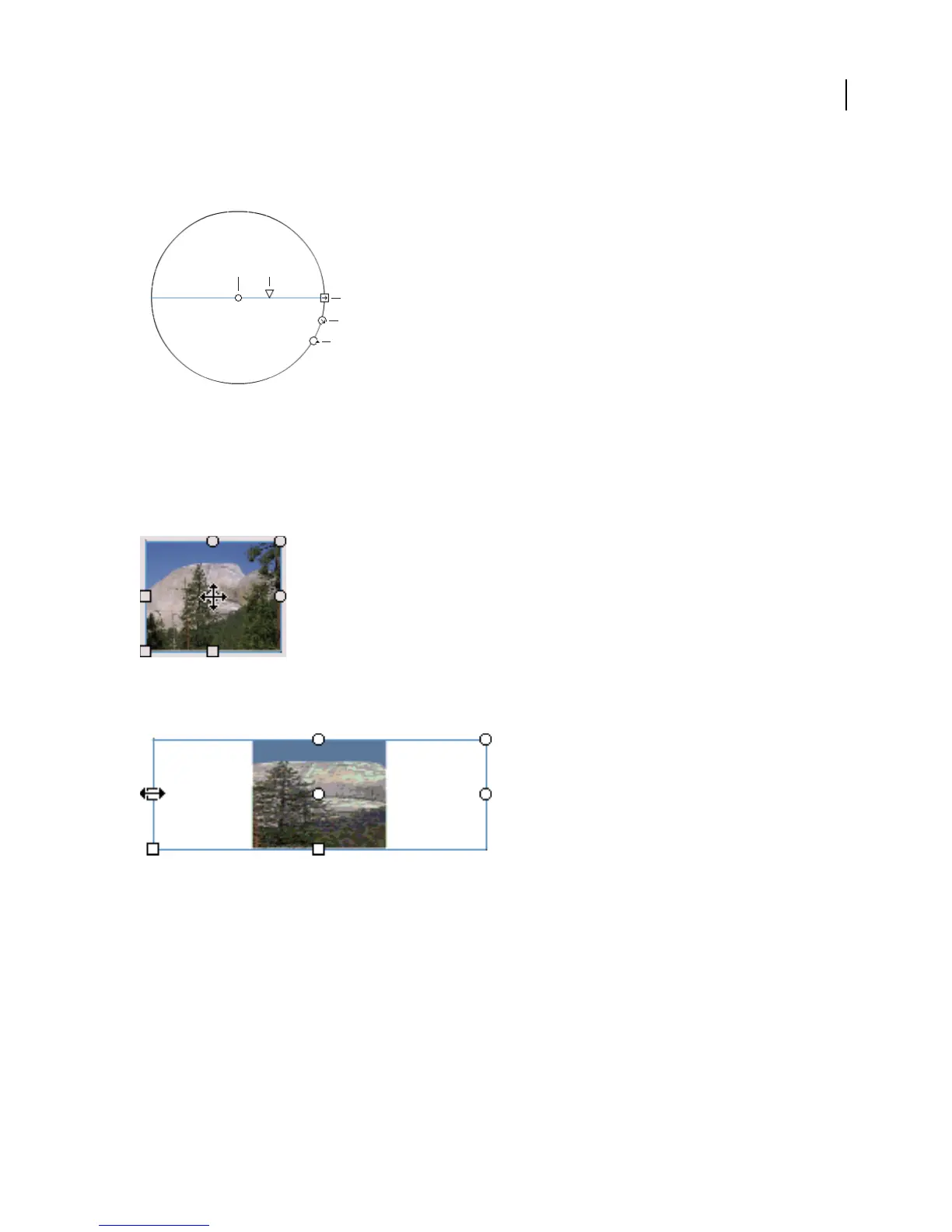
Width Adjusts the width of the gradient. The rollover icon for the width handle (the square handle) is a double-
ended arrow.
Radial Gradient controls
A. Center point B. Width C. Rotation D. Size E. Focal point
Press Shift to constrain the direction of a linear gradient fill to multiples of 45˚.
3 Reshape the gradient or fill in any of the following ways:
• To reposition the center point of the gradient or bitmap fill, drag the center point.
• To change the width of the gradient or bitmap fill, drag the square handle on the side of the bounding box. (This
option resizes only the fill, not the object containing the fill.)
D
C
E
BA



 To Next Page