FLASH CS3
User Guide
192
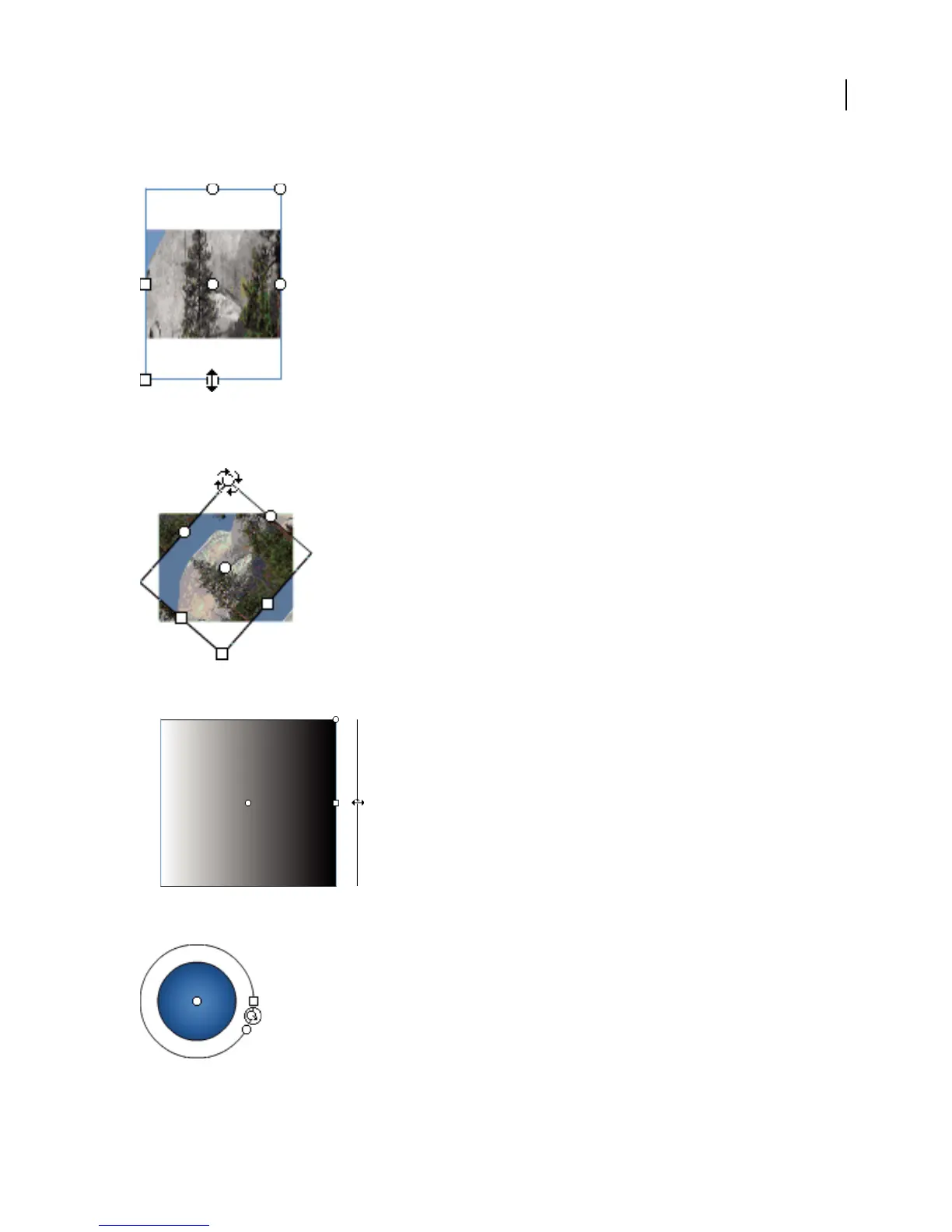
• To change the height of the gradient or bitmap fill, drag the square handle at the bottom of the bounding box.
• To rotate the gradient or bitmap fill, drag the circular rotation handle at the corner. You can also drag the lowest
handle on the bounding circle of a circular gradient or fill.
• To scale a linear gradient or a fill, drag the square handle at the center of the bounding box.
• To change the focal point of a circular gradient, drag the middle circular handle on the bounding circle.



 To Next Page