FLASH CS3
User Guide
409
• The properties appear in the following order: variable, text, htmlText, html, textWidth, textHeight,
maxChars, borderColor, backgroundColor, textColor, border, background, wordWrap, password,
multiline, selectable, scroll, hscroll, maxscroll, maxhscroll, bottomScroll, type, embedFonts,
restrict, length, tabIndex, autoSize.
The Debug > List Objects command lists TextField objects. If an instance name is specified for a text field, the Output
panel shows the full target path including the instance name in the following form:
Target = "target path"
See also
“Control compiler warnings” on page 406
Use the trace statement
A trace() statement sends specific information to the Output panel. For example, while testing a SWF file, you can
send results to the Output panel when a button is pressed or a frame plays. The
trace() statement is similar to the
JavaScript
alert statement.
When you use the trace() statement in a script, you can use expressions as parameters. The value of an expression
appears in the Output panel in the test environment.
1 Select a frame in the Timeline and add a trace() statement. For example, you might select Frame 1 and add the
following ActionScript 2.0 code:
this.createEmptyMovieClip("img_mc", 10);
var mclListener:Object = new Object();
mclListener.onLoadInit = function(target_mc:MovieClip) {
trace(target_mc+" loaded in "+getTimer()+" ms");
};
mclListener.onLoadError = function(target_mc:MovieClip, errorCode:String,
httpStatus:Number) {
trace(">> error downloading image into "+target_mc);
trace(">>\t errorCode="+errorCode+", httpStatus="+httpStatus);
};
var img_mcl:MovieClipLoader = new MovieClipLoader();
img_mcl.addListener(mclListener);
img_mcl.loadClip("http://www.helpexamples.com/flash/images/404.jpg", img_mc);
2 Select Control > Test Movie to test the SWF file.
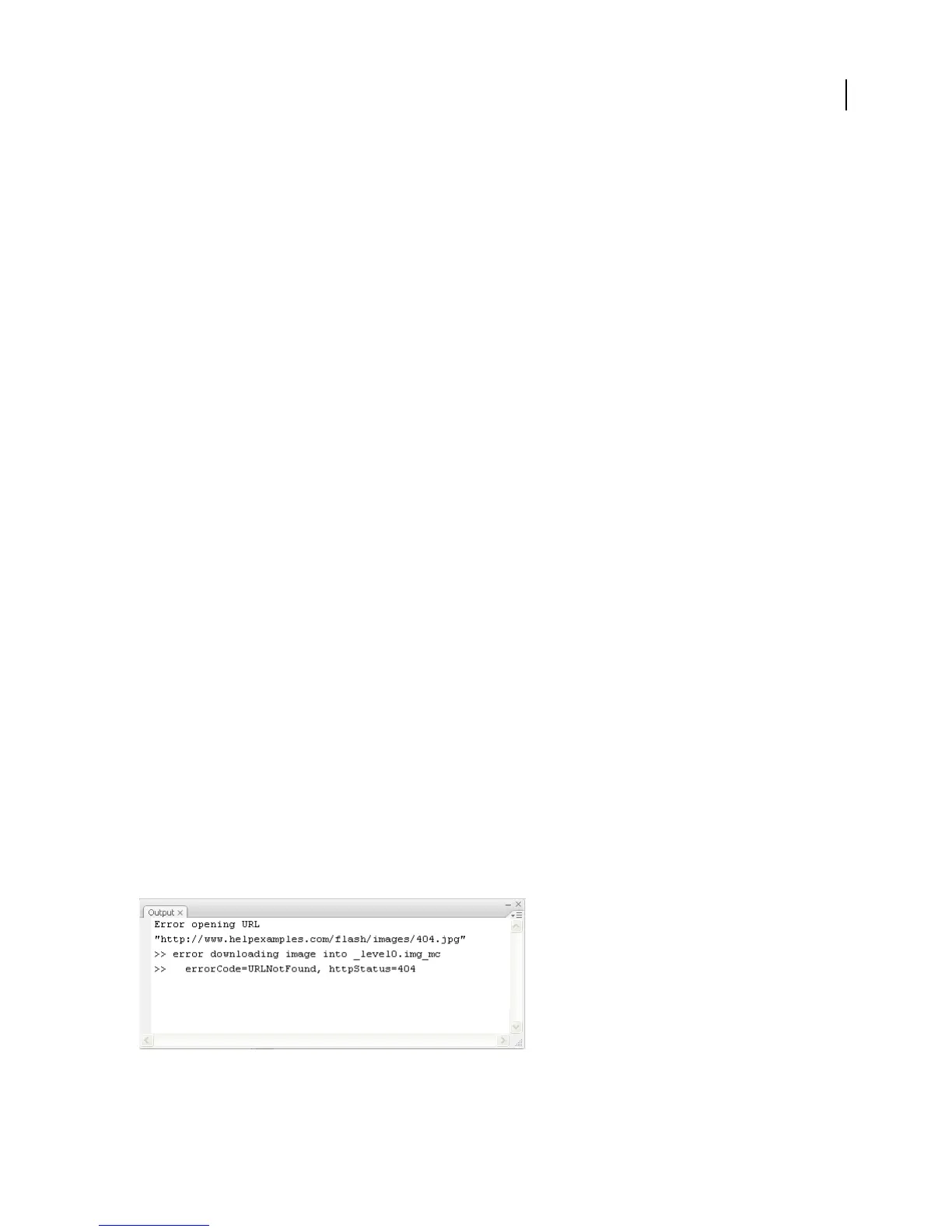
The Output panel displays the results of the trace() statement. For example, the panel might display the following
message:
Output panel



 To Next Page