119
ADOBE FRAMEMAKER 7.0
Classroom in a Book
4
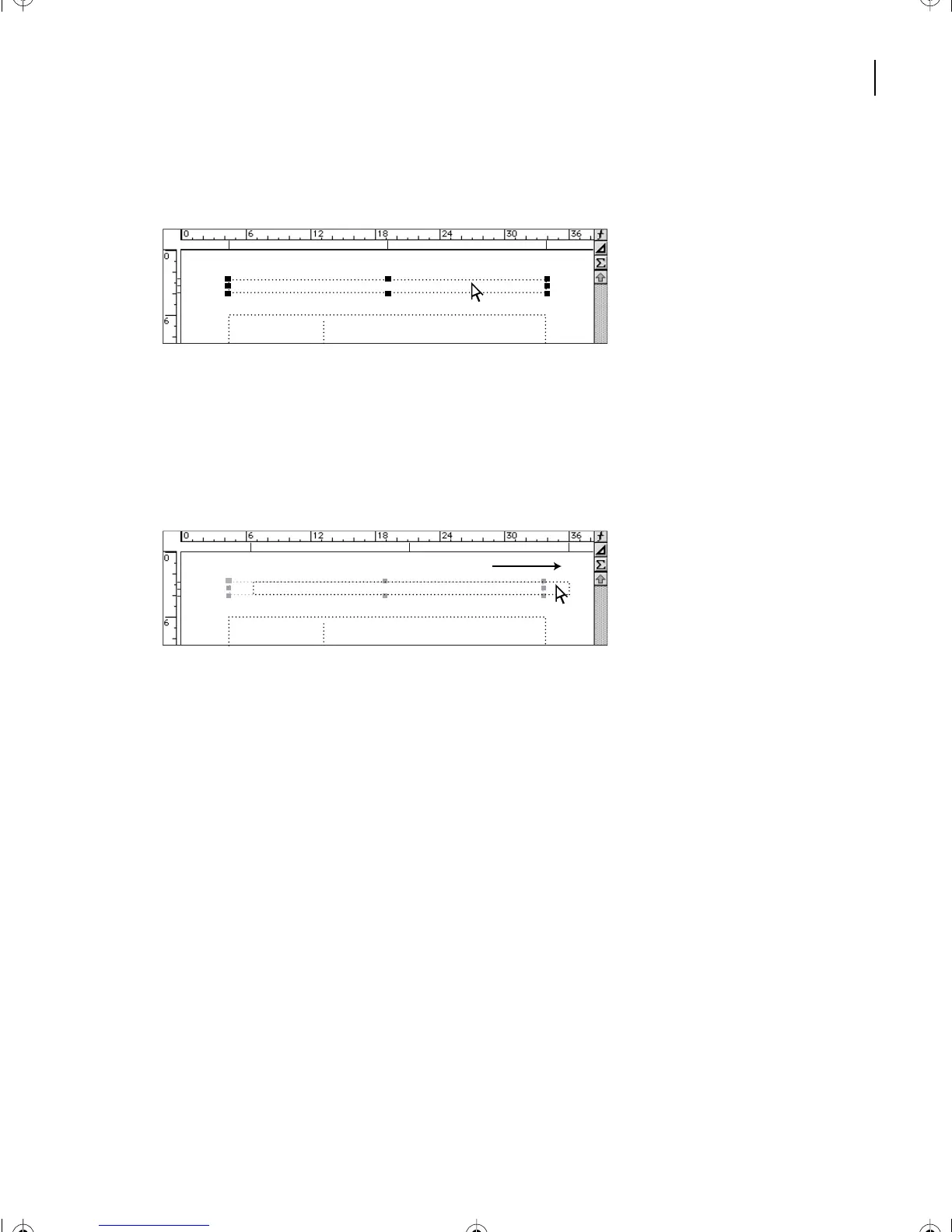
Place the pointer inside the header text frame (not on a handle). The pointer changes
to a hollow arrow.
5
Shift-drag the header text frame to the right until the right edge of the text frame is at
the 36-pica mark on the top ruler. Holding down Shift as you drag constrains the
movement to horizontal or vertical.
Ve rtical lines appear below the ruler as you drag, to indicate the left side, center, and right
side of the frame.
The header text frame still needs to move a little more to the right, so you’ll adjust its
position slightly.
6
Do one of the following to move the header text frame four points to the right:
•
(Windows) Press Alt-Right Arrow four times (using the arrow key to the left of the
numeric keypad).
•
(Mac OS) Press Option-Right Arrow four times.
•
(UNIX) Press Control-Right Arrow four times.
Next you’ll move the header text frame closer to the top of the page.
L05.fm Page 119 Saturday, July 6, 2002 11:45 AM



 To Next Page