LESSON 5
126
Graphics
•
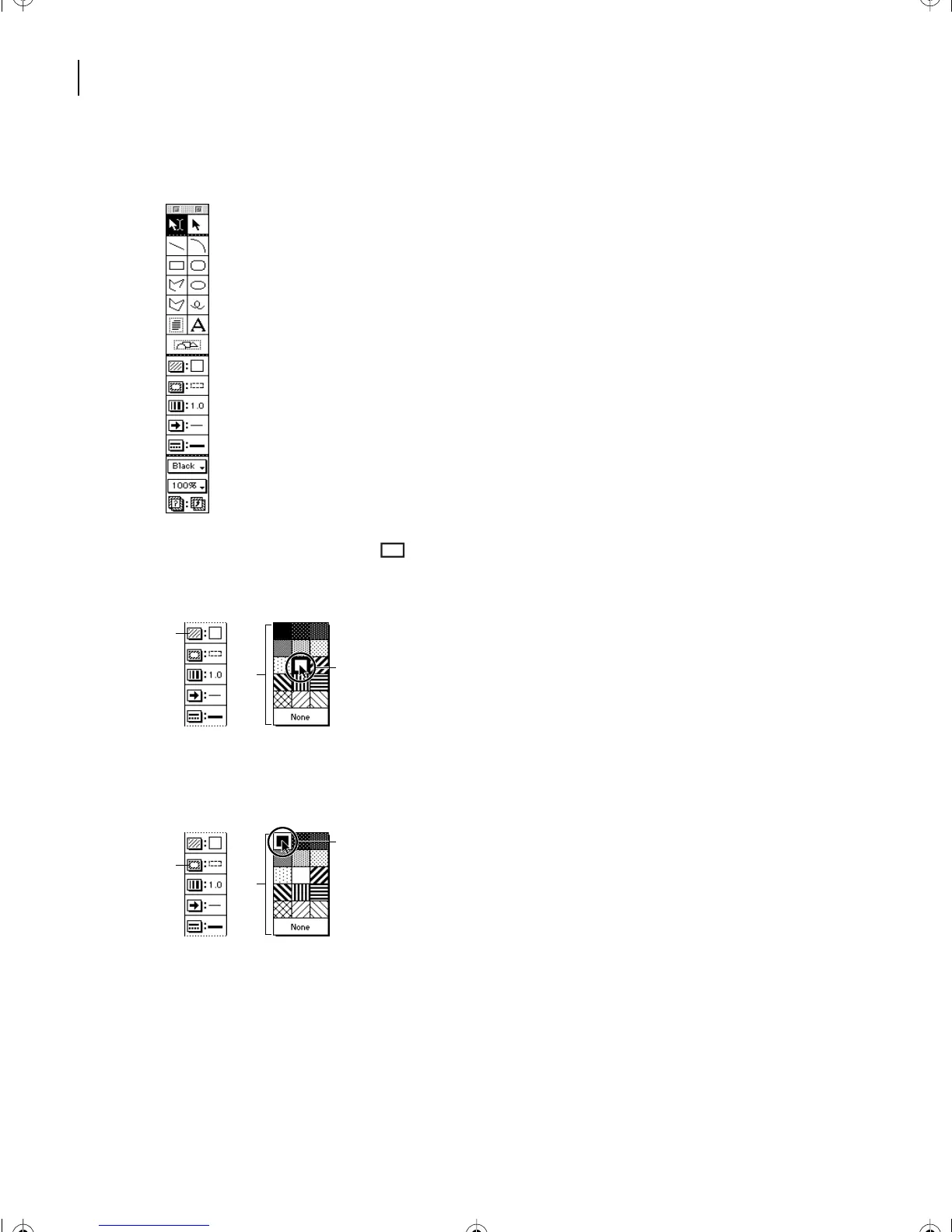
Pop-up menus for changing an object’s drawing properties.
2
Click the rectangle tool ( ) on the Tools palette.
3
Click the Fill pop-up menu and choose White.
A.
Fill pop-up menu button
B.
Fill pop-up menu
C.
Selected fill
4
Click the Pen pop-up menu and choose Solid.
A.
Pen pop-up menu button
B.
Pen pop-up menu
C.
Selected fill
Yo u’ll change the pen pattern to white later, but for now it’s handy to be able to see the
rectangle’s border.
5
Move the pointer to the document window. The pointer changes to a cross hair (+).
A
C
B
A
B
C
L05.fm Page 126 Saturday, July 6, 2002 11:45 AM



 To Next Page