125
ADOBE FRAMEMAKER 7.0
Classroom in a Book
Masking part of a graphic
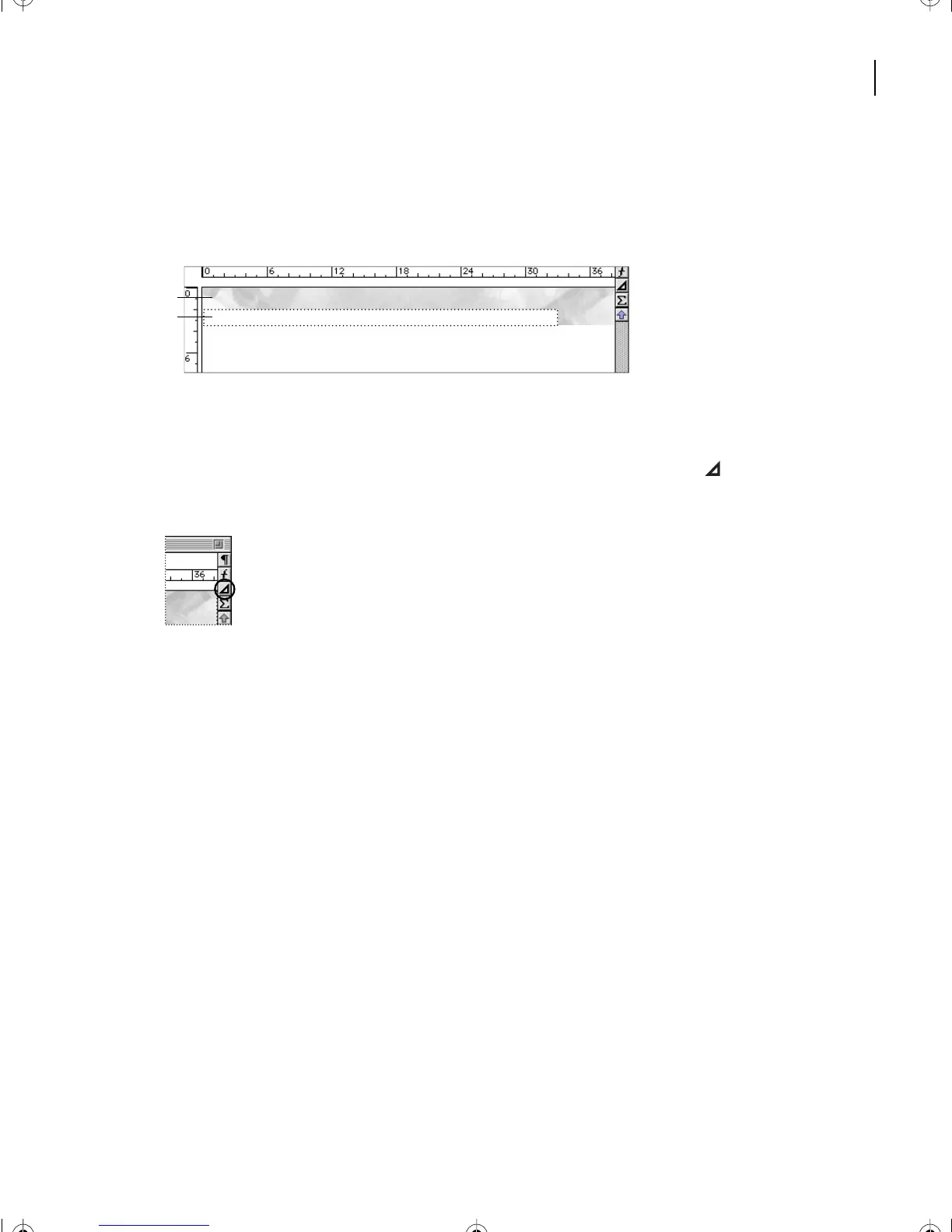
Next, you’ll mask part of the graphic at the top of the page by placing a white rectangle
over part of the graphic.
A.
Imported graphic
B.
White rectangle masking part of graphic
First you’ll draw the rectangle.
1
At the right side of the document window, click the Tools button ( ) to display the
To ols palette.
The Tools palette contains the following items:
•
Selection tools that control how you select text and objects.
•
Drawing tools for drawing various objects.
#
A
B
L05.fm Page 125 Saturday, July 6, 2002 11:45 AM



 To Next Page