LESSON 7
174
Tables
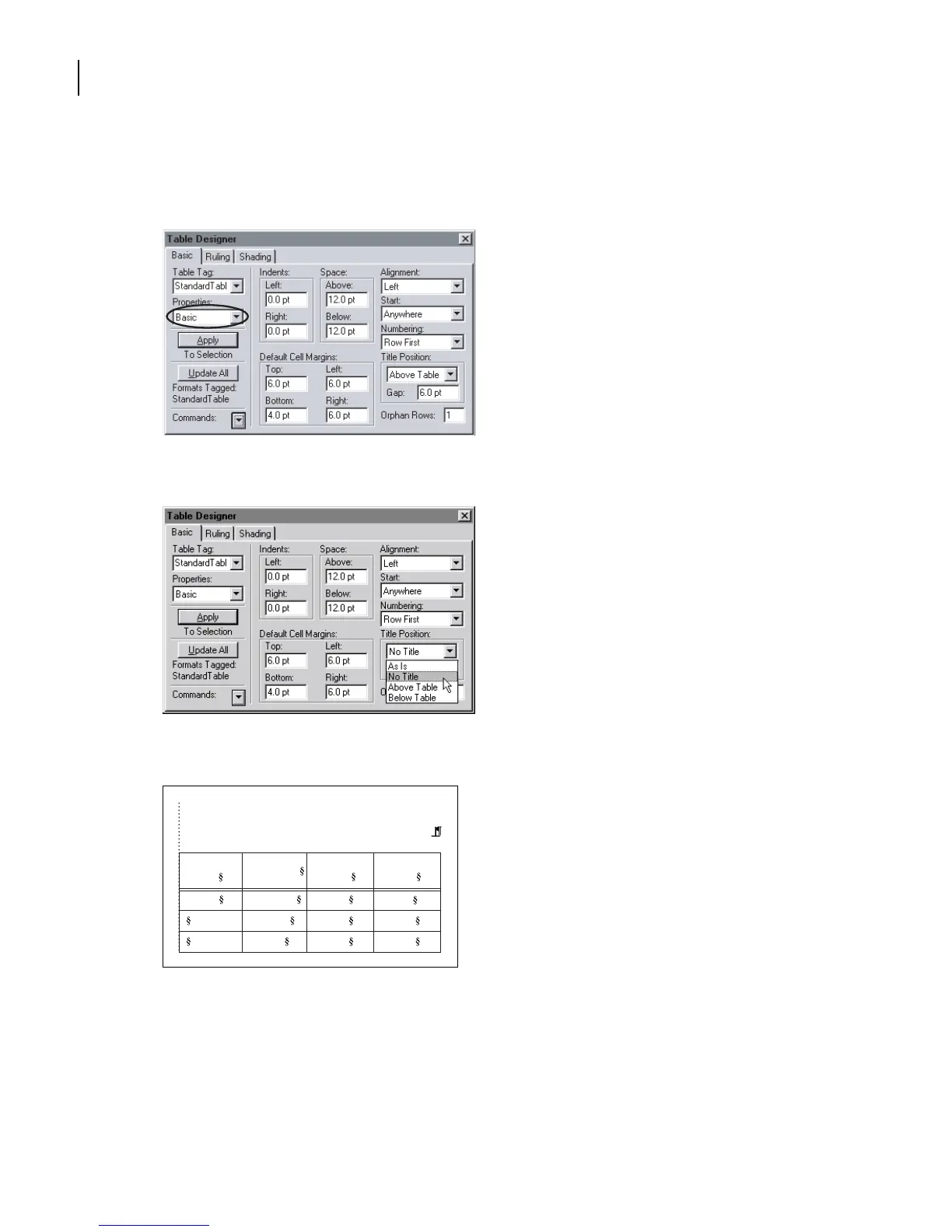
5 If the Basic properties aren’t displayed in the Table Designer, choose Basic from the
Properties pop-up menu.
6 In the Title Position area choose No Title from the pop-up menu and click Update All.
The title is removed from the table.
results. If the image resolution is too high for an output
device, it will take a long time to image; if the image res-
olution is too low, the quality of the output will be poor.
Resolution
(ppi)
Line Screen
(lpi)
5 x 5 in. Newspaper 160 80
Magazine 266 133
Art book 350 175
Publication
Image
Size



 To Next Page