195
ADOBE FRAMEMAKER 7.0
Classroom in a Book
5
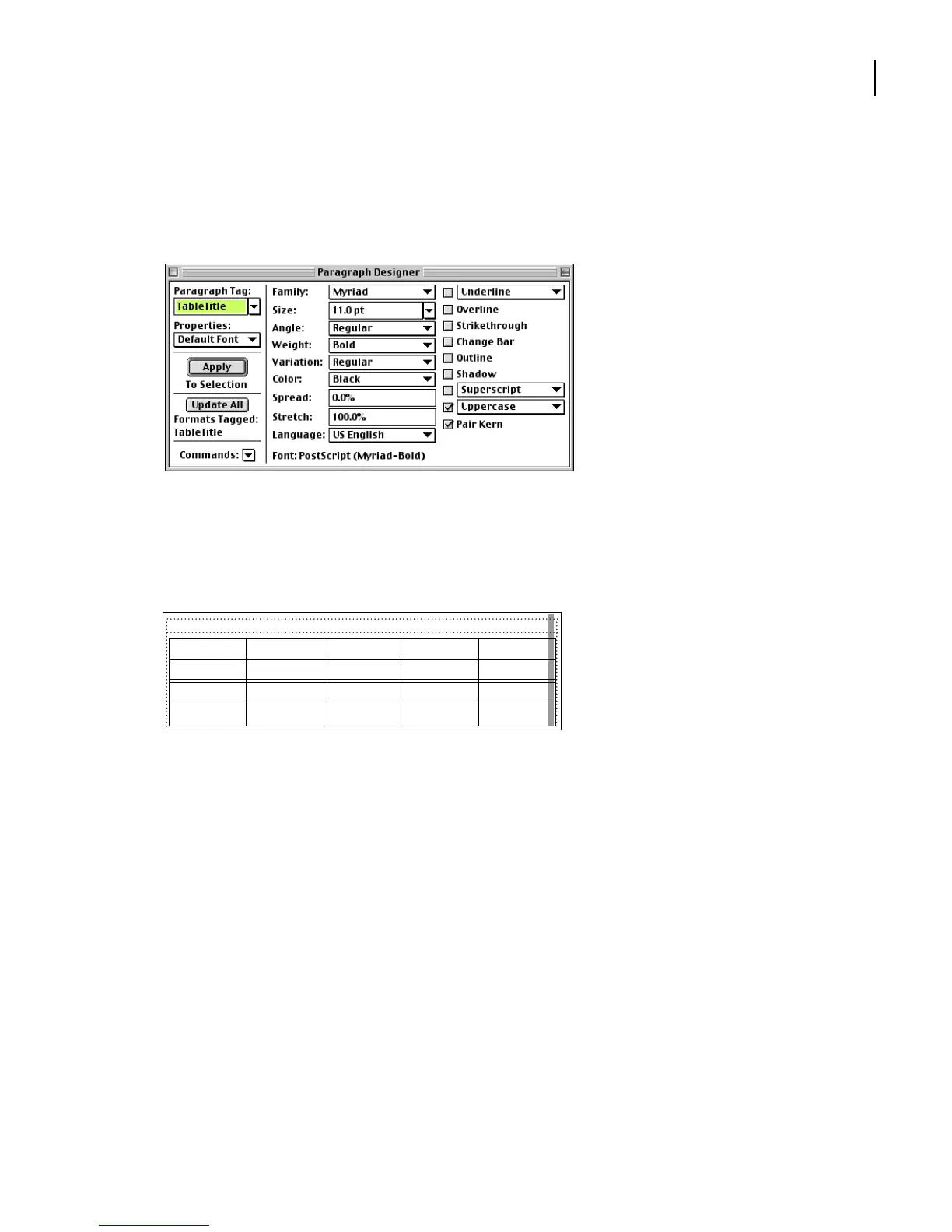
Choose Default Font from the Properties pop-up menu.
6
Change the Family to Myriad-Roman (Windows) or Myriad (Mac OS and UNIX) and
the Size to 11. Then choose Uppercase from the pop-up menu.
7
Click Update All.
8
Choose Basic from the Properties pop-up menu.
9
Choose Left from the Alignment pop-up menu. Then click Update All.
10
Close the Paragraph Designer.
Setting basic table properties
Now you’re ready to set overall table properties. First you’ll change the space above the
table and its cell margins.
1
Make sure that the insertion point is in the table. If the Table Designer is not already
open, open it by choosing Table > Table Designer.
2
Choose Basic from the Properties pop-up menu in the Table Designer.
FISCAL YEAR
Current assets:
Cash & cash
equivalents
203,461 146,992 89,557 72,429
ASSETS
2002 2001 2000 1999



 To Next Page