LESSON 8
194
Customizing Tables
Formatting the table title
Yo u’ll change one more paragraph format—the table title. You’ll remove the autonumber,
left-align the title, and change it to uppercase.
1
Click in the table title and type
Assets
.
Note: You can also insert a system variable, Table Continuation, after the last word in a title.
If the table continues to the next page, the title will indicate that it is continued from the
previous page. Choose Special > Variable and select Table Continuation.
Inserting the Table Continuation variable will save time if the pagination changes later.
(You may have to refresh the screen display in order to see its effect on page 3.)
2
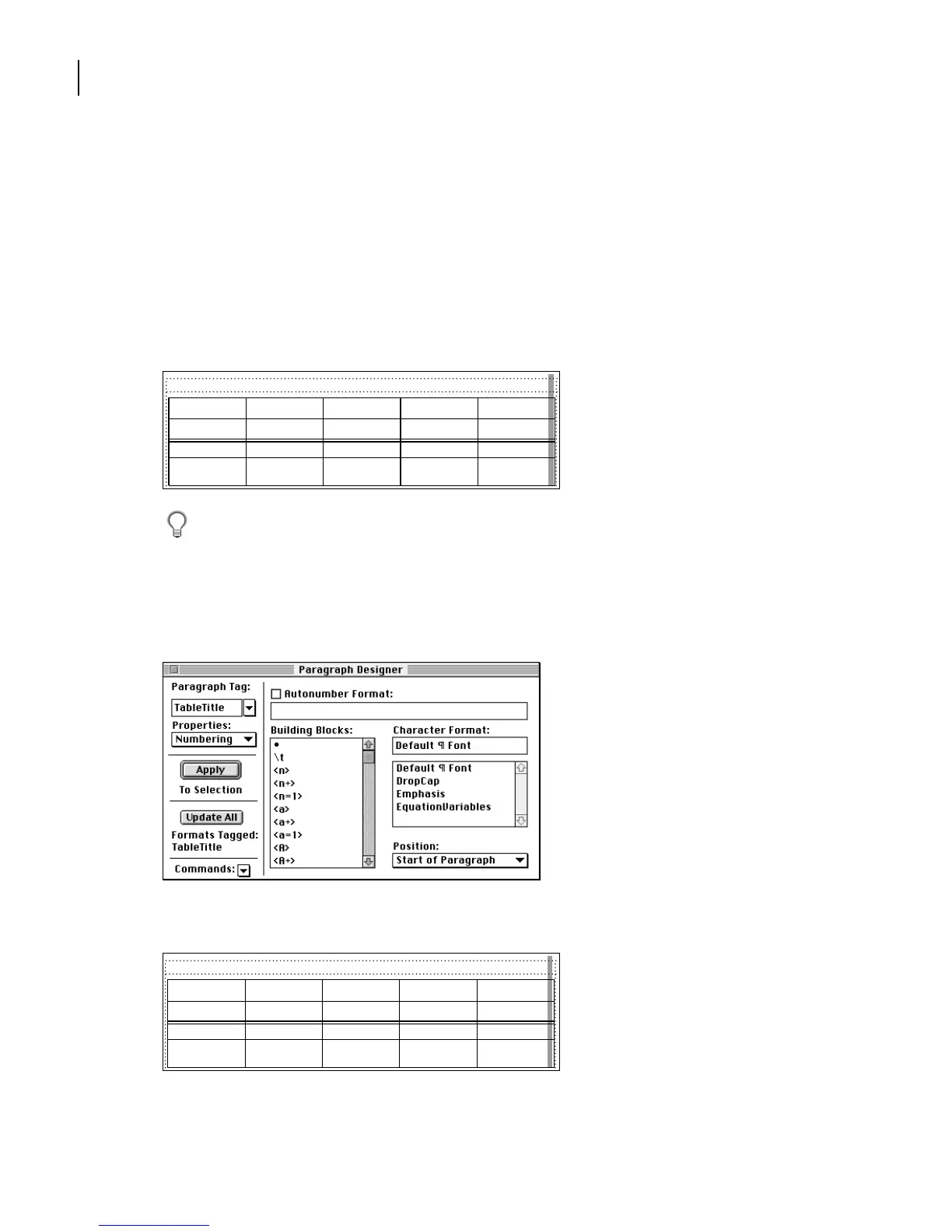
In the Paragraph Designer, choose Numbering from the Properties pop-up menu.
3
Click the Autonumber Format check box twice to turn it off.
4
Click Update All.
FISCAL YEAR
2002 2001 2000 1999
Current assets:
Cash & cash
equivalents
203,461 146,992 89,557 72,429
Table 1: Assets
FISCAL YEAR
Current assets:
Cash & cash
equivalents
203,461 146,992 89,557 72,429
Assets
2002 2001 2000 1999



 To Next Page