197
ADOBE FRAMEMAKER 7.0
Classroom in a Book
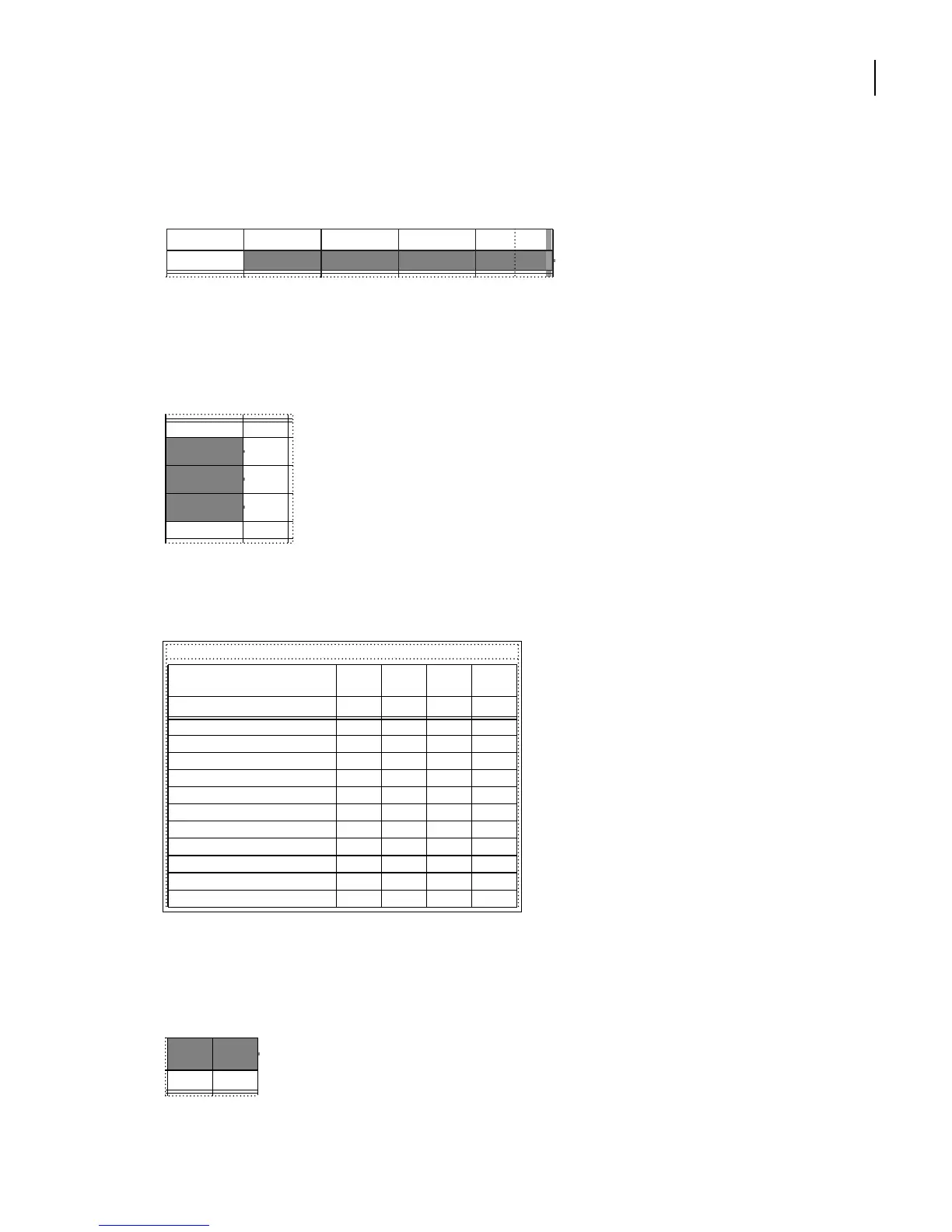
3 Drag from the heading cell that contains the text 2002 to the rightmost heading cell.
The four cells are selected.
4 Choose Table > Resize Columns.
5 Enter 42 in the To Width text box. Then click Resize.
6 Drag to select several cells in the first column of the table.
7 Drag a selection handle to the right until the table approximately fills the width of the
text frame. (You may need to drag several times.)
You can make text straddle the cells you select. Here you’ll straddle two cells so that the
heading fits on one line.
8 Drag to select the cell that contains the text FISCAL YEAR and the cell to its left.
FISCAL YEAR
2002 2001 2000 1999
Current assets:
Cash & cash
equivalents
Short-term
investments
Accounts
receivable
Inventories
49,349
101,006
157,700
203,461
ASSETS
FISCAL
YEAR
Current assets:
Cash & cash equivalents
203,461 146,992 89,557 72,429
Short-term investments
157,700 90,853 55,650 47,005
Accounts receivable
101,006 72,448 35,543 30,451
Inventories
49,349 30,557 20,512 15,627
Deferred income taxes
32,544 12,953 6,430 350
Other current assets
12,542 9,600 5,398 3,213
Total current assets
556,602 363,403 213,090 169,075
Investments
35,601 51,525 42,508 12,954
Furniture, fixtures, and equipment, net
20,428 10,327 6,972 3,451
Other assets
3,655 2,153 1,078 446
2002 2001 2000 1999
FISCAL
YEAR
2000 1999



 To Next Page