LESSON 1
22
Working with FrameMaker 7.0 Documents
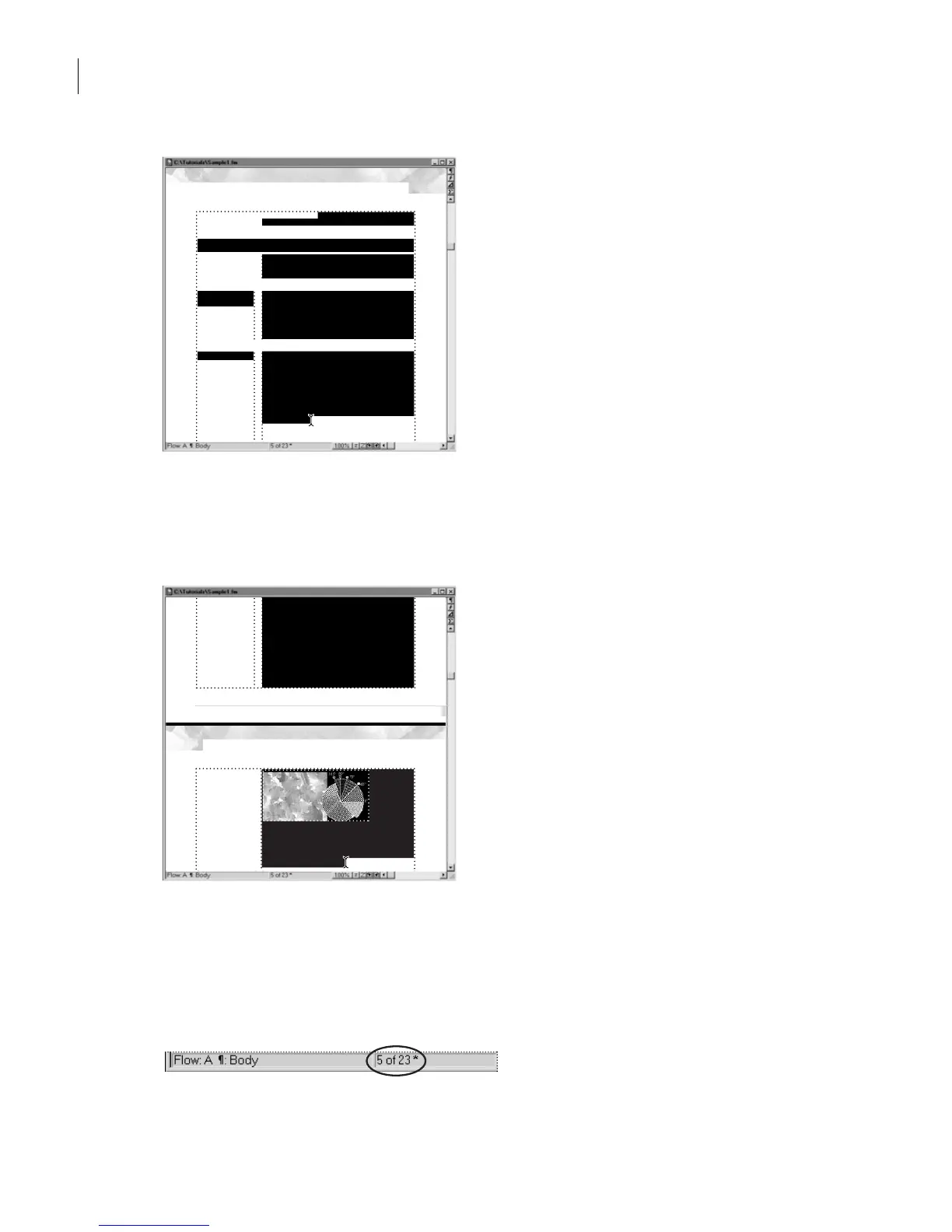
Tex t is selected as you drag.
4
Continue dragging downward until the pointer moves into the status bar. The
document scrolls downward to page 6, and the text continues to be selected. The graphic
at the top of the text frame is also selected.
Selection crosses the page boundary.
5
Release the mouse button.
6
Click anywhere on the page to deselect everything.
7
To return to page 1, click the Page Status area in the status bar.
5
available on a video monitor may not be printable on a
press.
Printing terminology
You’ll find printing technology easier to understand if
you’re familiar with the printing terminology discussed
on the next few pages.
Continuous-tone
art
An original photograph, drawing, or painting is called
continuous-tone art. If you look closely at continuous-
tone art, you will see that it consists of shades of gray
or color that blend smoothly. Scanned images that con-
tain a range of color tones are called continuous-tone
images.
Halftone screens
To reproduce continuous-tone images and process
colors on a commercial printing press, the image or
color must be broken into a series of dots of various
sizes and colors, called a halftone screen. Black dots
are used to re-create black-and-white images. Cyan,
magenta, yellow, and black dots are printed at different
screen angles to re-create color images on the press.
The four colored dots form a rosette pattern when cor-
rectly registered.
When printed, small halftone dots make up lighter
areas of an image while larger halftone dots make up
sizes and colors, called a halftone screen. Black dots
are used to re-create black-and-white images. Cyan,
magenta, yellow, and black dots are printed at different
screen angles to re-create color images on the press.
The four colored dots form a rosette pattern when cor-
rectly registered.
When printed, small halftone dots make up lighter
areas of an image while larger halftone dots make up
6
Process screens at different angles.
Spot colors and tints. Spot colors and tints are printed
with premixed inks on a printing press. (You can choose
from among hundreds of different spot-color inks.) Each
spot color is reproduced using
Color and Commercial Printing: Printing terminology
areas of an image while larger halftone dots make up
dark or color saturated areas.
a single printing plate.



 To Next Page