239
ADOBE FRAMEMAKER 7.0
Classroom in a Book
3
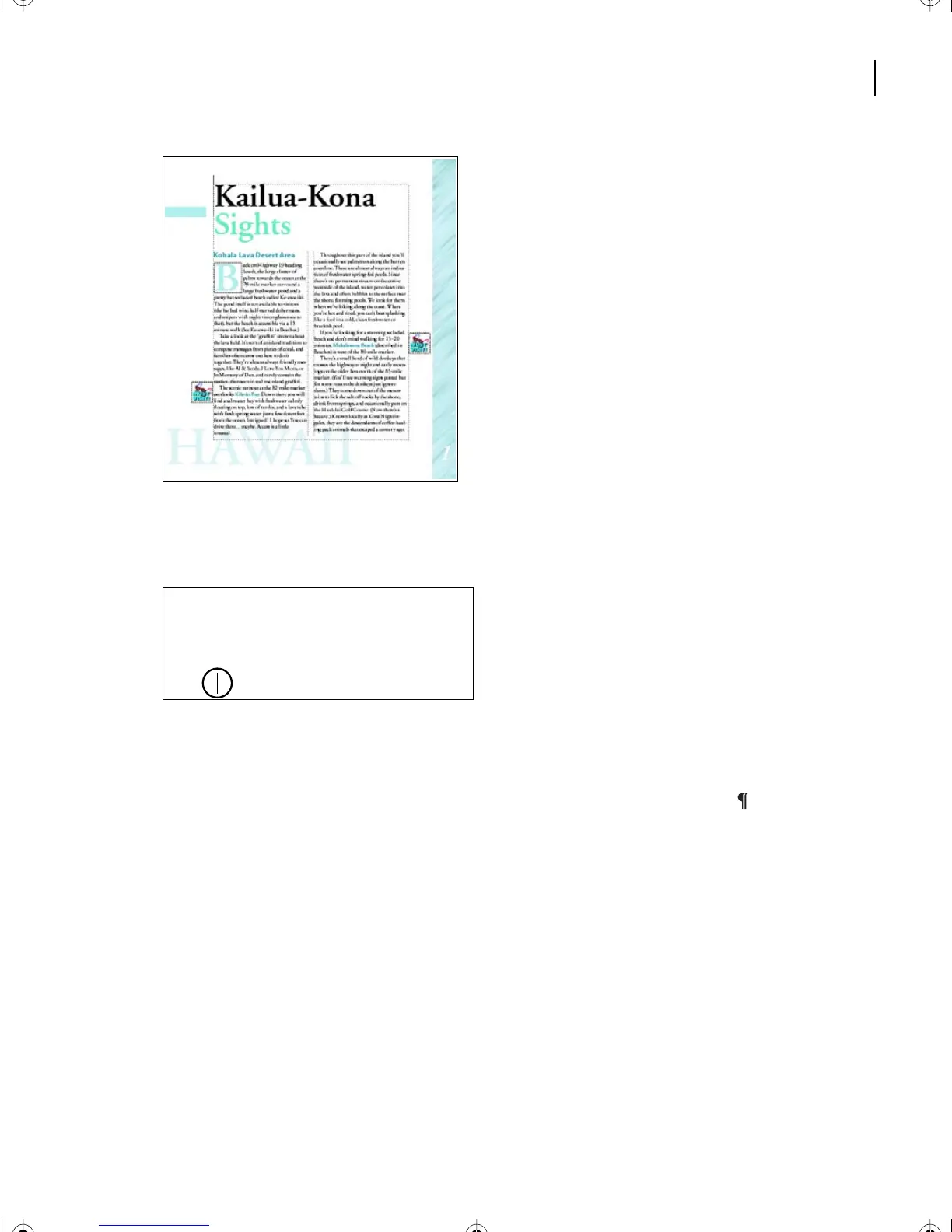
Go to page 4 of Ref1.fm.
4
In the left column, click at the end of the first paragraph, as shown.
Yo u’ll now start to insert a cross-reference to a heading. This is called a
paragraph cross-
reference
because the reference is to an entire paragraph.
Note:
A paragraph is any amount of text that ends with a paragraph symbol
()
. This means
that even a one-line heading is a paragraph.
5
Press the spacebar and type
For more information, see
and then press the spacebar again.
After these words, you’ll insert a cross-reference to another section of the travel guide.
6
Choose Special > Cross-Reference.
The Cross-Reference dialog box appears, which lets you specify the paragraph you want
to refer to (the
source
for the cross-reference) and the wording you want to use (the
cross-
reference format
).
Yo u’ll refer to a heading.
Finally, dismount and run a 26.2 mile mar-
athon. All this done under the tropical Sun.
This is the best opportunity you’ll ever
have to look into the faces of mass excel-
lence.
L10.fm Page 239 Saturday, July 6, 2002 12:17 PM



 To Next Page