LESSON 10
240
Cross-References and Footnotes
7
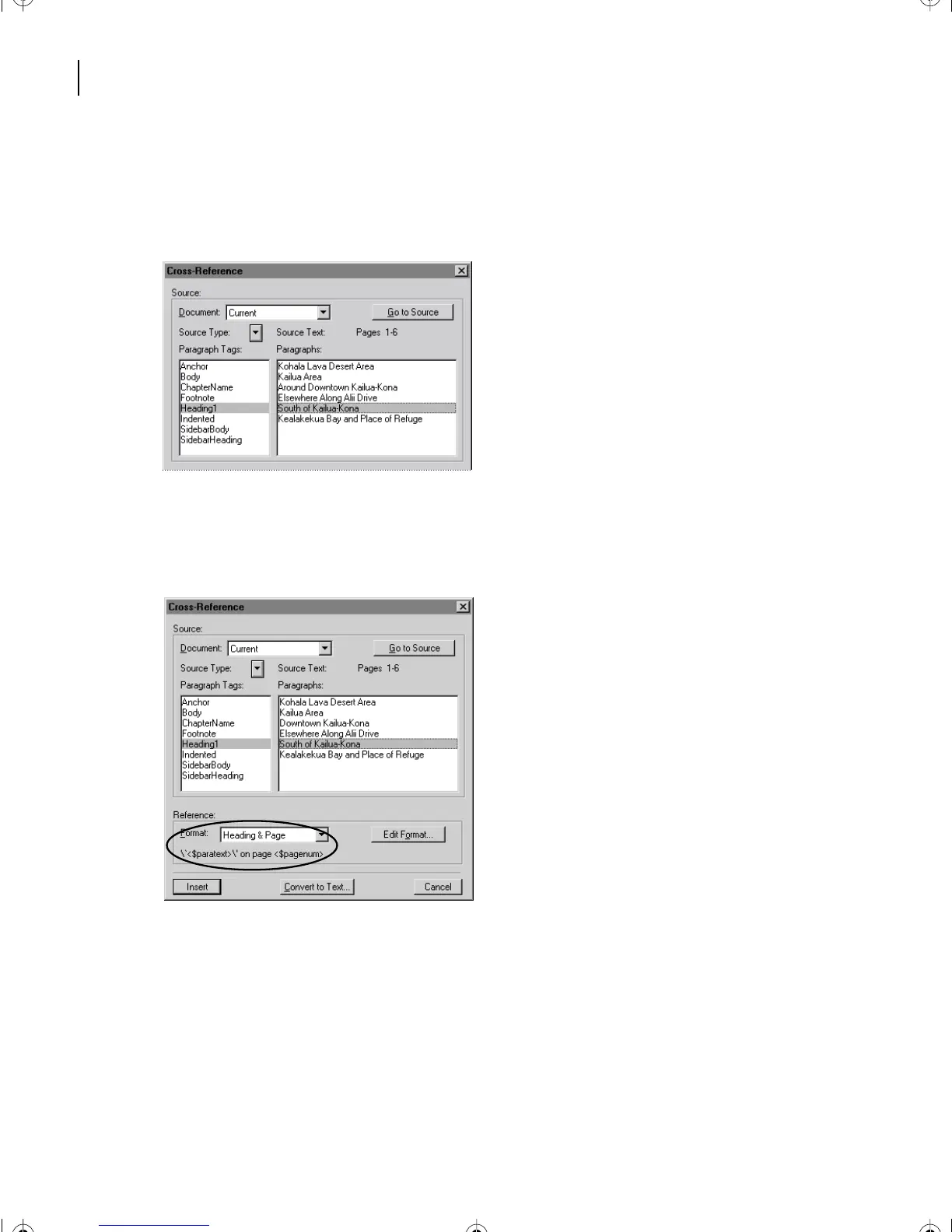
Select Heading1 located in the Paragraph Tags scroll list. The text of all the Heading1
paragraphs appears in the Paragraph scroll list.
8
Select South of Kailua-Kona located in the Paragraphs scroll list.
Next, you specify the format for the cross-reference, which you choose from the Format
pop-up menu. The name of the format appears in the pop-up menu, and the definition
appears below the pop-up menu.
9
Be sure to choose Heading & Page in the pop-up menu. This format is defined to
include the text of the heading and the page number on which it occurs.
L10.fm Page 240 Saturday, July 6, 2002 12:17 PM



 To Next Page