241
ADOBE FRAMEMAKER 7.0
Classroom in a Book
10
Click Insert. The cross-reference appears at the insertion point.
11
Type a period to end the sentence. Save the document.
12
Click once on the cross-reference (the text that FrameMaker 7.0 just inserted). Notice
that the entire cross-reference is selected, indicating that the cross-reference is considered
a single object by FrameMaker 7.0, not a series of words.
You can’t edit the text of the cross-reference directly. The text will change automatically
as the source changes. However, you can change it by choosing a different cross-reference
format, by referring to a different heading, or by editing the definition of the format.
Insert headings, figure titles, and table titles in the form of cross-references rather than
typing them directly. Adobe FrameMaker 7.0 will automatically track and update them.
Displaying the source of a cross-reference
You can use the cross-reference to go to the source paragraph quickly.
1
Double-click the cross-reference you just inserted. The Cross-Reference dialog box
appears.
2
At the top-right of the dialog box, click Go to Source. FrameMaker 7.0 displays page 5,
which contains the source heading.
3
Choose View > Text Symbols to display the marker symbol ( ) that appears at the
beginning of the heading. The marker defines the location of the source of the cross-
reference.
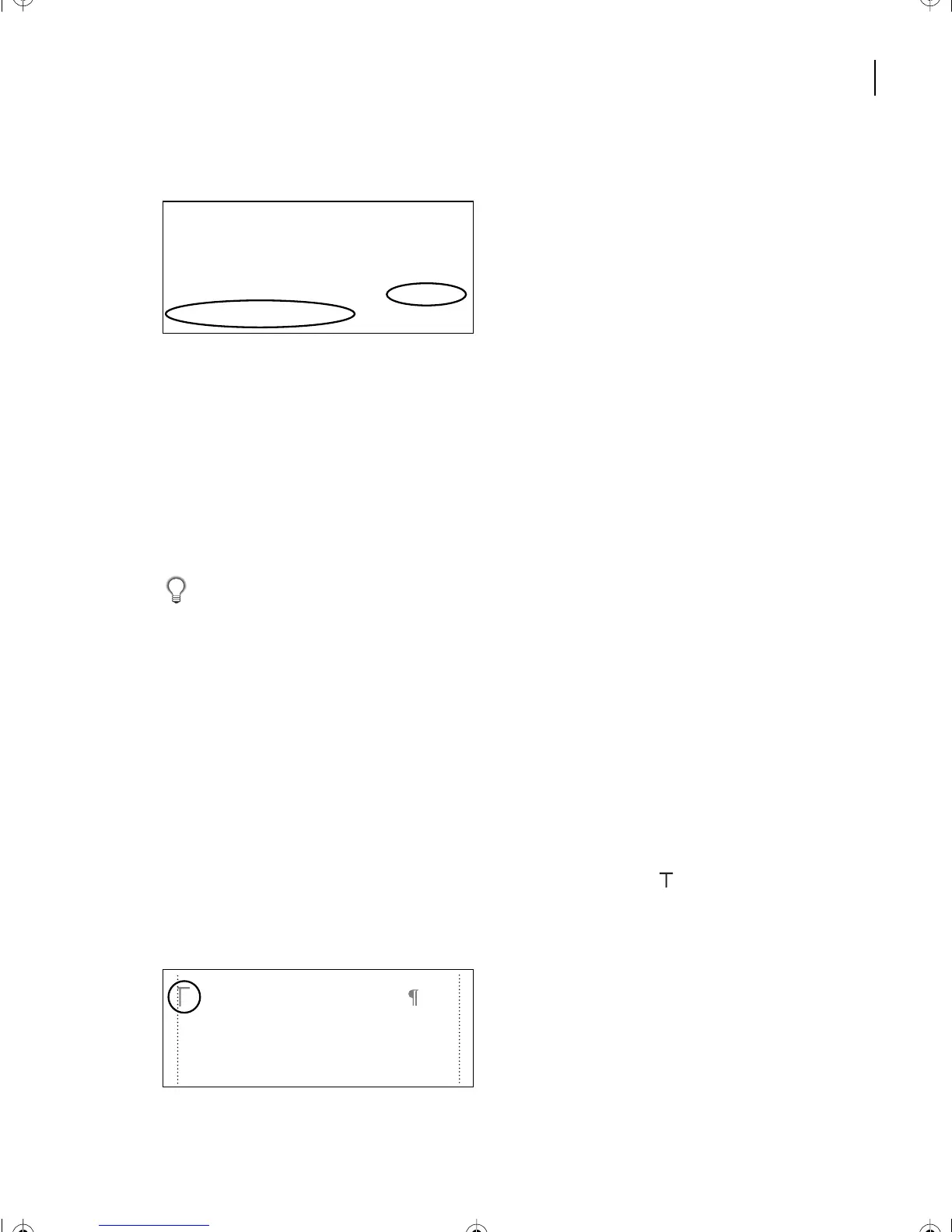
Finally, dismount and run a 26.2 mile mar-
athon. All this done under the tropical Sun.
This is the best opportunity you ll ever
have to look into the faces of mass excel-
lence. For more information, see South of
Kailua-Kona on page 5
South of Kailua-Kona
If you head south out of Kona, you’ll
come to a series of small towns, all above
1,000 feet. It’s usually cool up here, some-
L10.fm Page 241 Saturday, July 6, 2002 12:17 PM



 To Next Page