LESSON 10
242
Cross-References and Footnotes
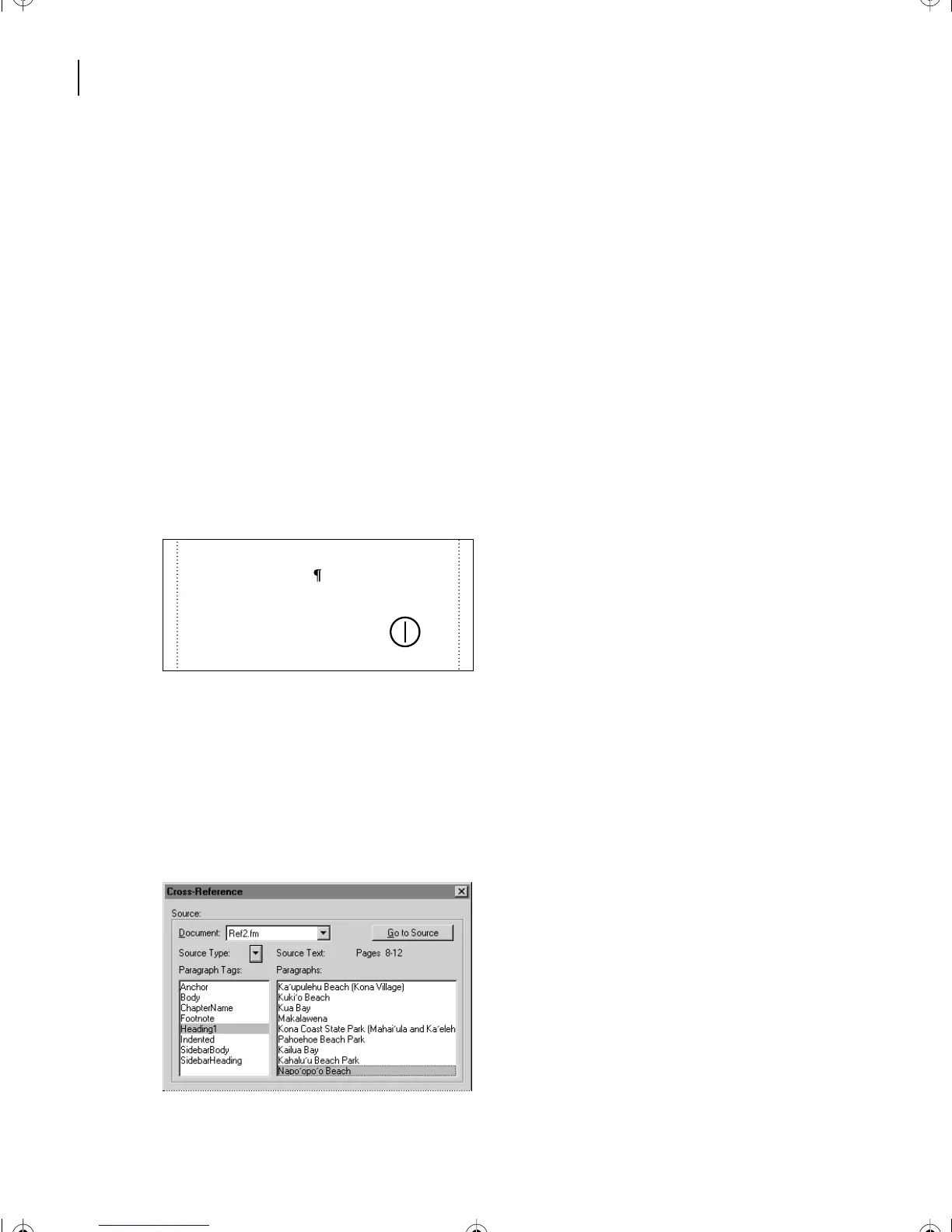
The marker symbol is difficult to see because it’s at the beginning of the paragraph. You
can confirm that it’s there by zooming to 400%.
Inserting an external cross-reference
The cross-reference you inserted was to a heading in the same document. Now you’ll insert
an external cross-reference, that is, a cross-reference to a heading in a different document.
1
Add Ref2.fm to your work space by opening it from the Lesson10 folder.
Note
: To create an external cross-reference, both the source and destination files must be open.
2
Arrange the two documents, Ref1.fm and Ref2.fm, so that you can see at least part of
both of them. (In Windows, you can choose Window > Tile.)
3
On page 6 of Ref1.fm, click at the end of the second sentence of the paragraph that
begins with
Napo‘opo‘o Beach
, as shown.
4
Press the spacebar, type
See
,
and press the spacebar again.
5
Choose Special > Cross-Reference.
6
Choose Ref2.fm from the Document pop-up menu at the top of the dialog box.
Ve r ify that Heading1 is still selected in the Paragraph Tags scroll list.
7
Select
Napo‘opo‘o Beach
located last in the Paragraphs scroll list.
strangers were mere mortals, not the gods
some felt them to be.
Napo‘opo‘o Beach used to be a fabu-
lous beach fronting the heiau. Most “cur-
rent” guidebooks still rave about it. Too
bad it doesn’t exist anymore. It had been
L10.fm Page 242 Saturday, July 6, 2002 12:17 PM



 To Next Page