LESSON 10
250
Cross-References and Footnotes
When you opened Ref1.fm at the beginning of this lesson, an alert message warned you
that this document contained unresolved cross-references. You’ll fix this problem next.
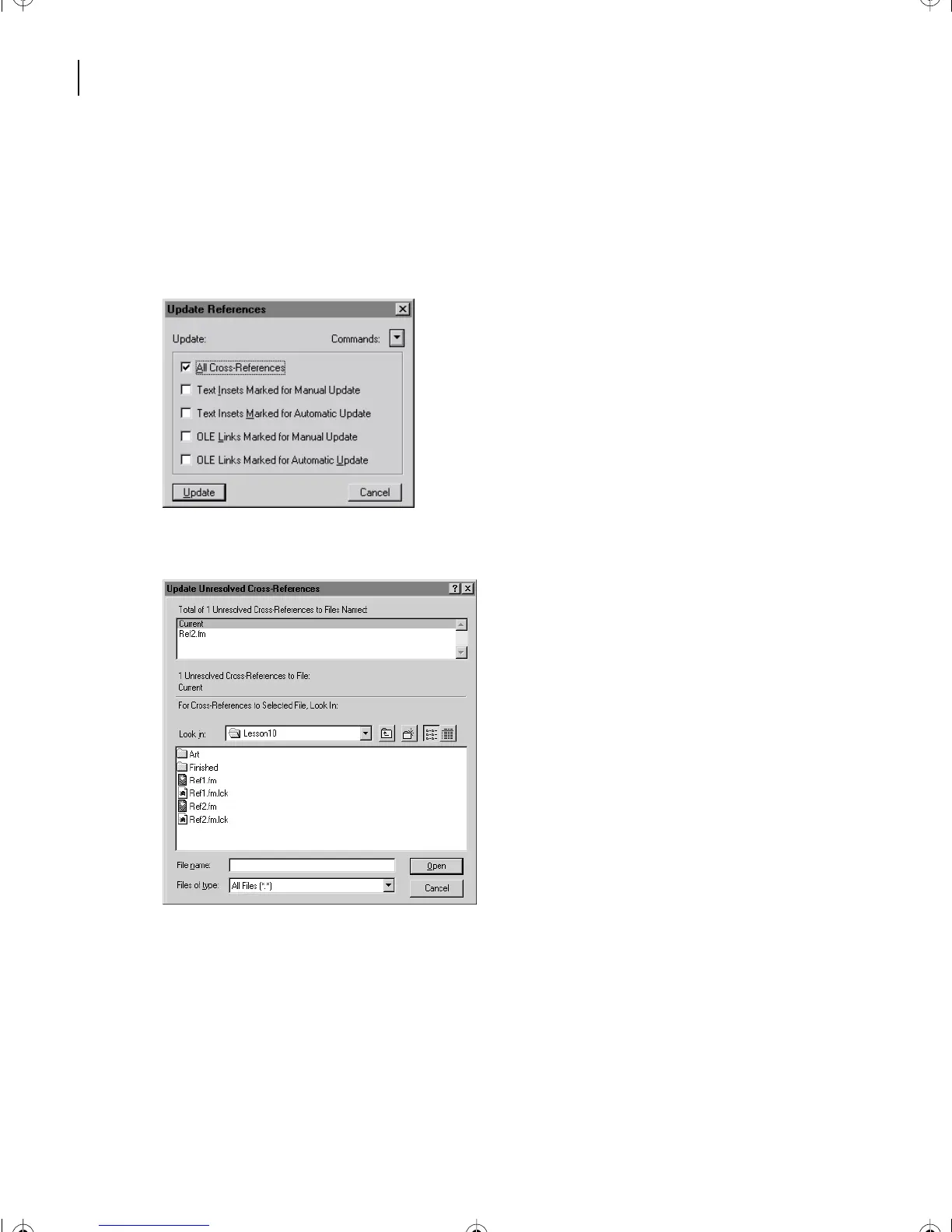
1 In Ref1.fm (not Ref2.fm), choose Edit > Update References.
2 Select All Cross-References and click Update.
The Update Unresolved Cross-References dialog box appears.
The text above the top scroll list tells you the total number of unresolved cross-references.
The scroll list contains all the documents to which the current document’s cross-
references refer.
L10.fm Page 250 Saturday, July 6, 2002 12:17 PM



 To Next Page