265
ADOBE FRAMEMAKER 7.0
Classroom in a Book
Adding documents to the book
Your book will eventually contain a table of contents, a preface, and three chapters. You’ll
add another chapter now.
1
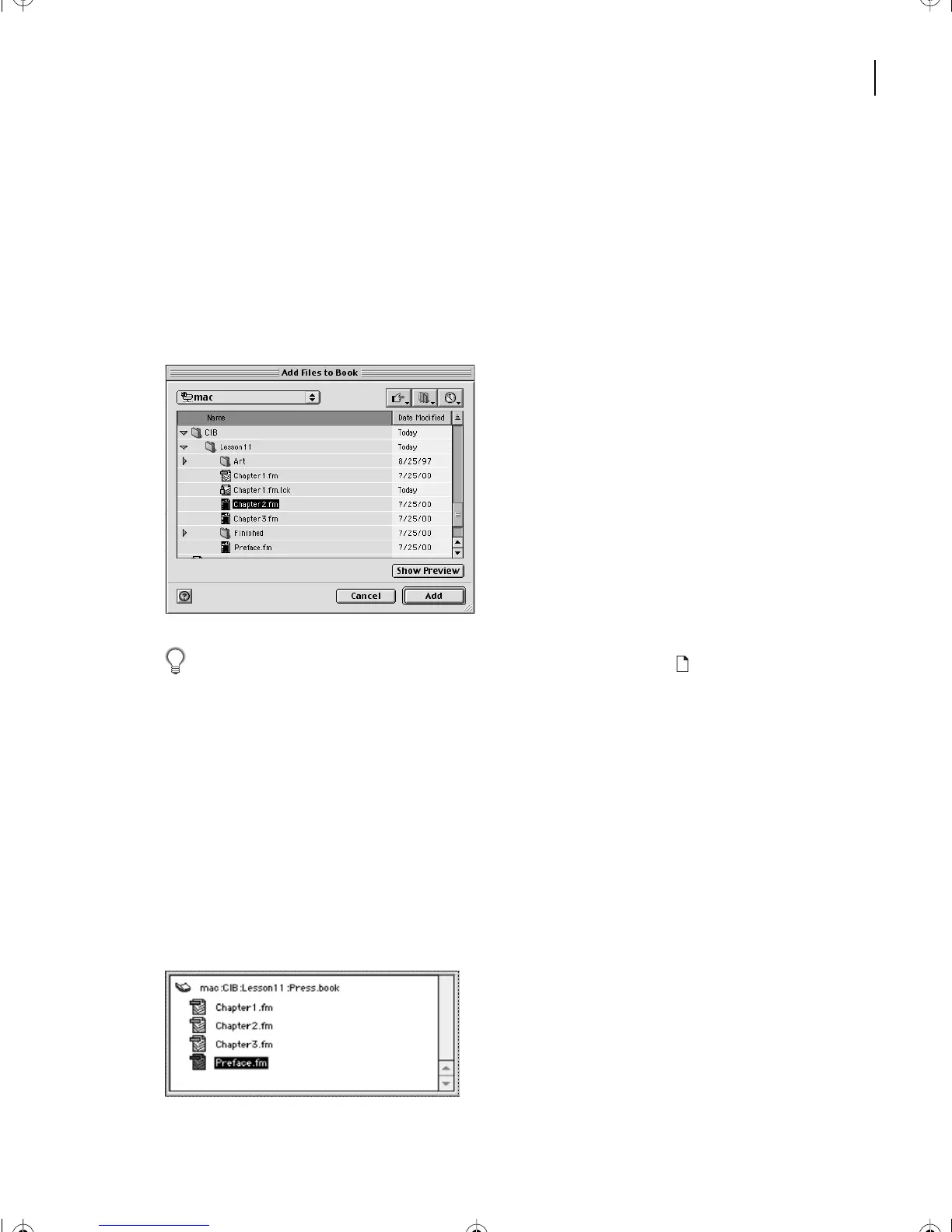
Choose Add > Files.
2
Navigate to the folder containing the chapter files; if necessary, select Chapter2.fm and
click Add.
To add a file to a book, you can also click the Book Add button ( ) at the bottom of the
book window.
Now, you’ll add the third chapter and the preface.
3
Choose Add > Files and do one of the following:
•
(Windows) Hold down Control while you select Chapter3.fm and Preface.fm, then
click Add.
•
(Mac OS) Hold down Shift while you select Chapter3.fm and Preface.fm, then click Add.
•
(UNIX) Select Chapter3.fm and click Add, select Preface.fm and click Add, then click Done.
The book window now shows that the book contains three chapters and a preface.
L11.fm Page 265 Sunday, July 7, 2002 10:27 PM



 To Next Page