LESSON 11
274
Books
9 Click in Chapter3.fm, and change the title of this chapter from Getting Output to Good-
Looking Output.
10 Save and close Chapter3.fm.
11 From the book file, generate the table of contents again by choosing Edit > Update
Book, then clicking Update.
To update a book, you can also click ( ) at the bottom of the book window.
12 Inspect the updated table of contents and note that the entry for this chapter now
correctly reads Good-Looking Output.
13 Save the table of contents and the book and keep them open.
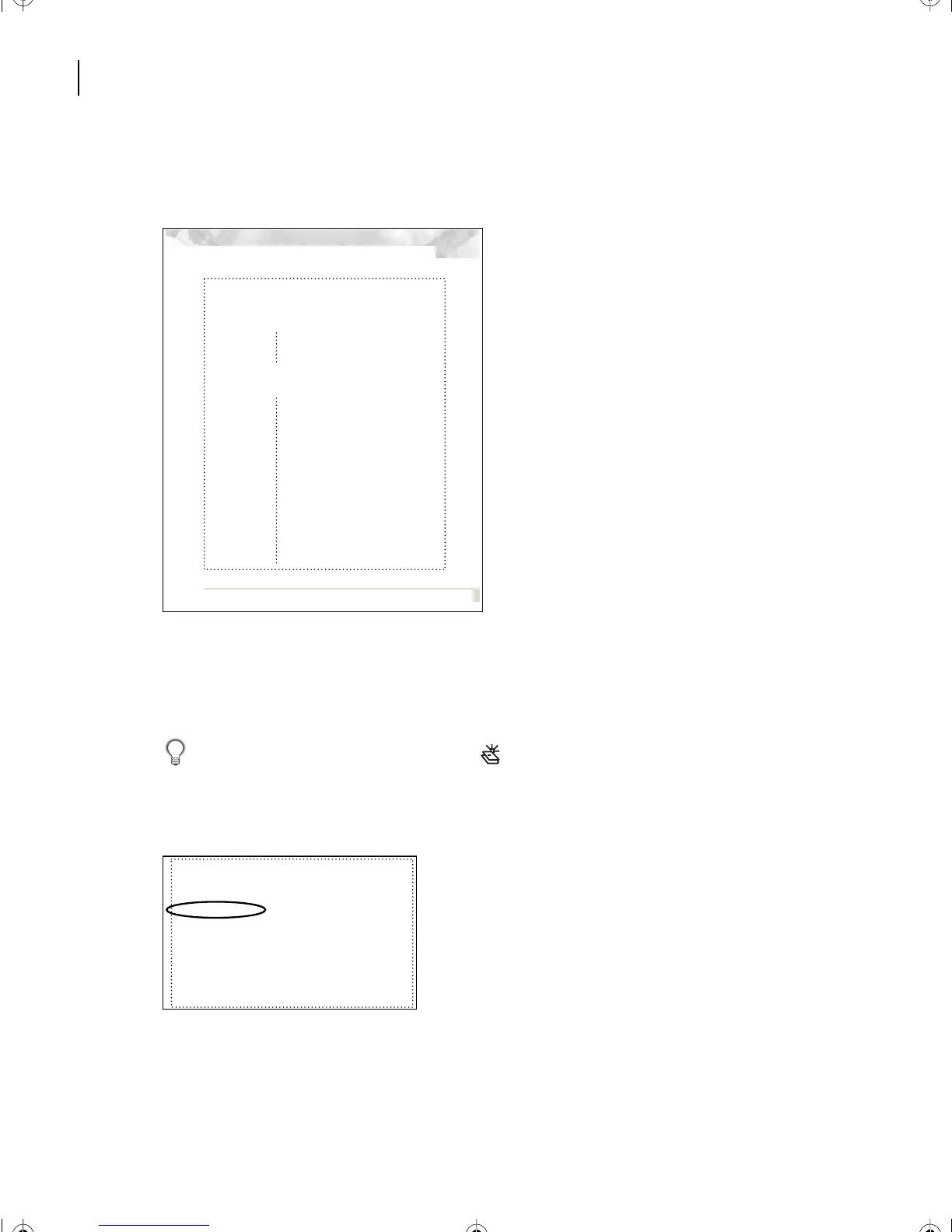
Good-Looking Output: Key steps in the production cycle
41
Chapter 3: Good-Looking
Output
Proofing, preflight, and file hand-off are three key
steps in the final production cycle. This chapter dis-
cusses how these tasks influence the success of your
output.
Key steps in the production cycle
Proofing lets you check your work and ensure that the
final printed piece will meet your requirements. It is
appropriate to proof your publication at several stages
in your project and the proofing process should be inte-
grated into your workflow.
Preflight
, a term that prepress professionals adapted
from aeronautics, refers to the process of stepping
through a systematic list of quality-control checks on
your publication before the final output stage. A pilot
performs a preflight check to verify that a plane is air-
worthy and meets legal flight requirements; performing
a digital preflight check lets you verify that a publication
prints and meets your prepress service providerís
requirements.
Handing off your file is a step in the publishing pro-
cess where communication with your prepress service
provider is critical. Recording the requirements, set-
tings, and files in a written report for your service pro-
Defining quality requirements 33
Specific publication requirements 34
Choosing prepress tasks 36
Selecting vendors 37
Good-Looking Output 41
Key steps in the production cycle 41
Desktop proofing options 42
Separation-based proofs 44
Creating a report for your service provider 47
Preparing files for imaging 49
Handing off files to a prepress service provider 51
Checking film separations 53
Checking contract color proofs 54
Checking press proofs 55
L11.fm Page 274 Sunday, July 7, 2002 10:27 PM



 To Next Page