281
ADOBE FRAMEMAKER 7.0
Classroom in a Book
11 Display the Default Font properties in the Paragraph Designer.
12 Change the Family to Myriad-Roman (Windows) or Myriad (Mac OS or UNIX), the
Size to 10, and click Update All.
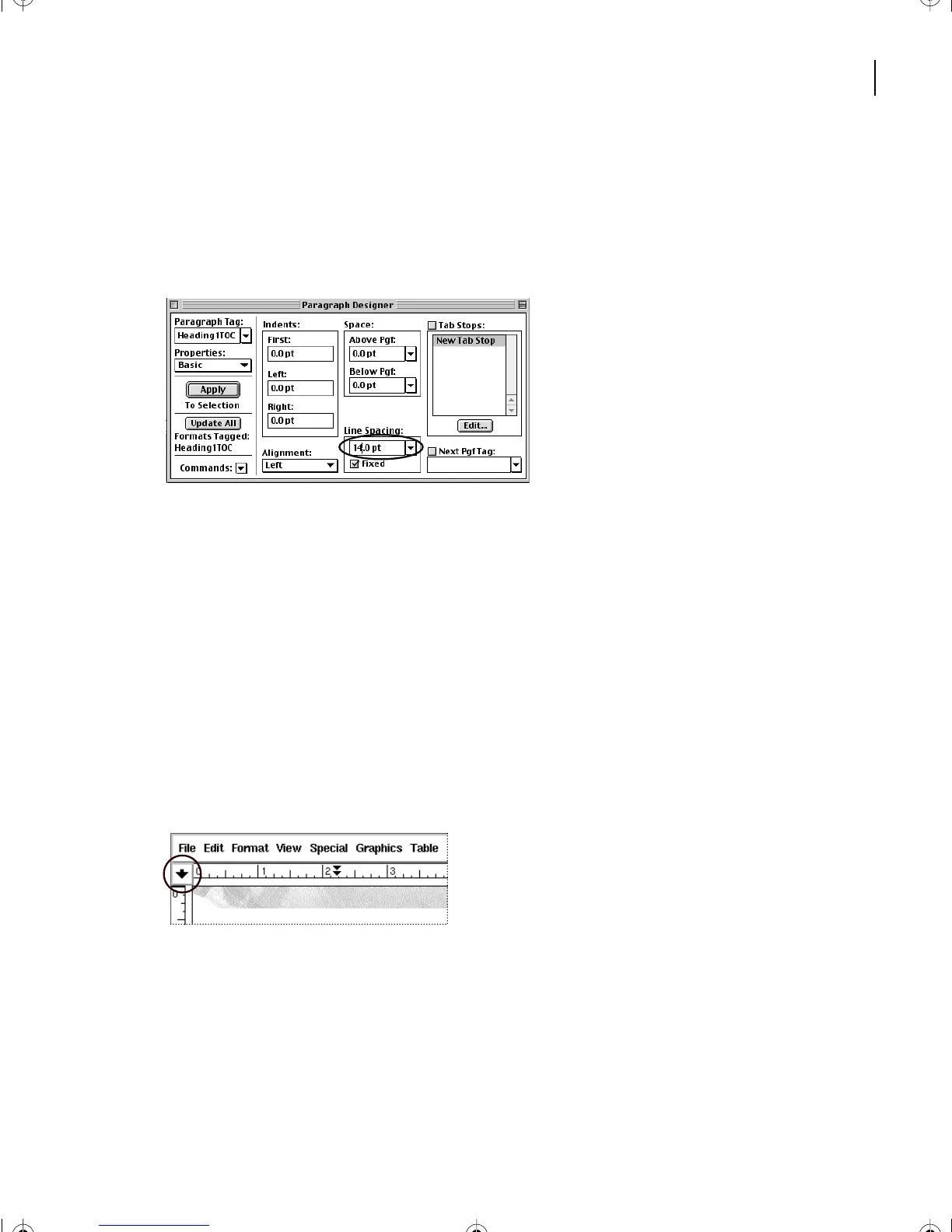
13 Display the Basic properties again, change Line Spacing to 14, and click Update All.
14 Save the document.
Adding tab leader dots
A table of contents often places page numbers at the right side of the page with dots
between the text and the page numbers.
To do this for all Heading1 entries, you need to make a few more changes to the format
of the entries.
1 Choose View > Rulers to display the document rulers.
2 If the formatting bar isn’t visible, choose View > Formatting Bar (Windows), or click
the formatting bar toggle at the left side of the top ruler (Mac OS and UNIX).
L11.fm Page 281 Sunday, July 7, 2002 10:27 PM



 To Next Page