LESSON 12
294
Indexes
The layout changes throughout the index.
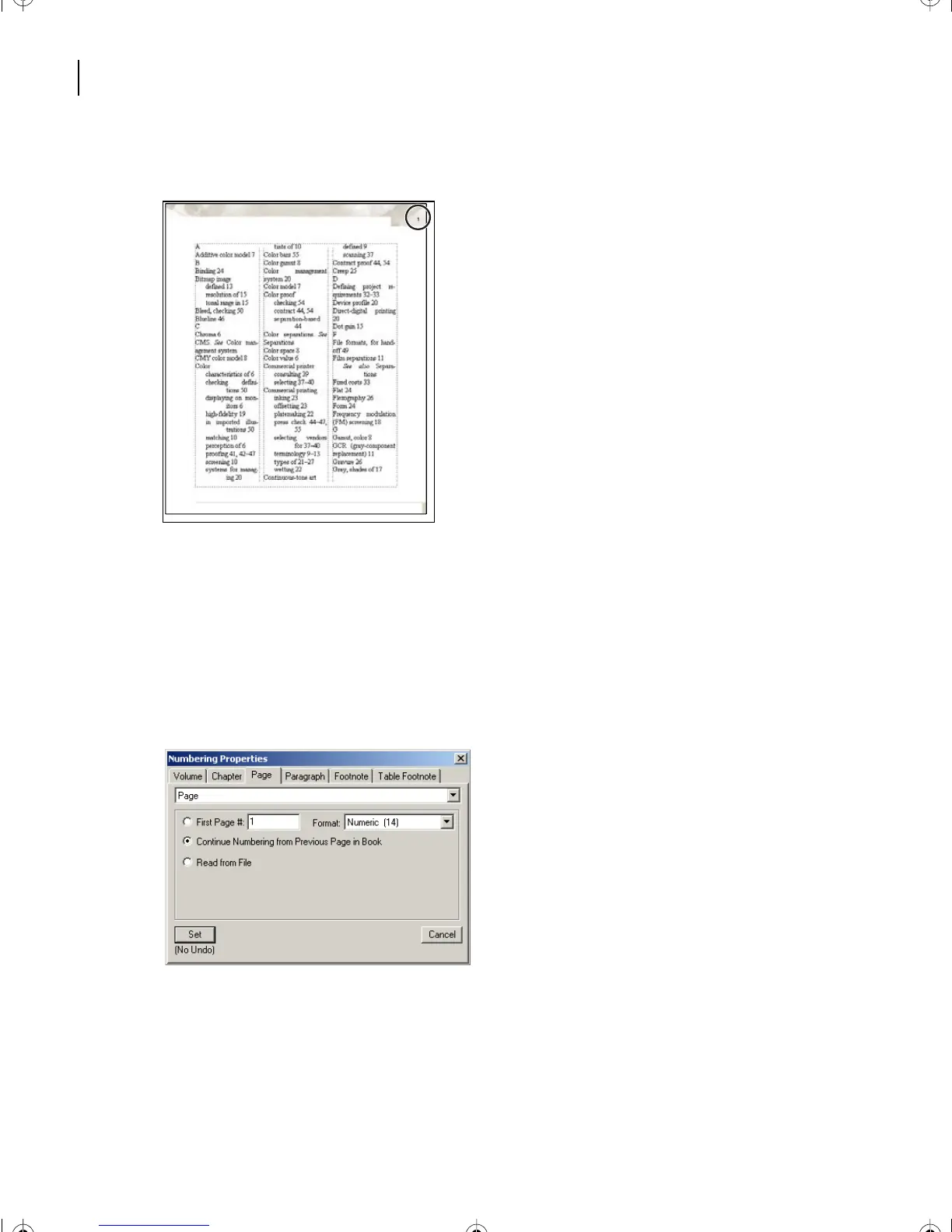
The page numbering is incorrect. (You may need to scroll up to see that the first page is
numbered 1instead of 59, the next page in the book). You’ll fix that next.
9
Return to the book file, select PressIX.fm, and choose Format > Document >
Numbering.
10
Click Continue Numbering from Previous Page in Book, and click Set. The next time
you generate the index, the pages will number correctly.
11
Return to the index file and save it.
L12.fm Page 294 Monday, July 8, 2002 1:28 PM



 To Next Page