29
ADOBE FRAMEMAKER 7.0
Classroom in a Book
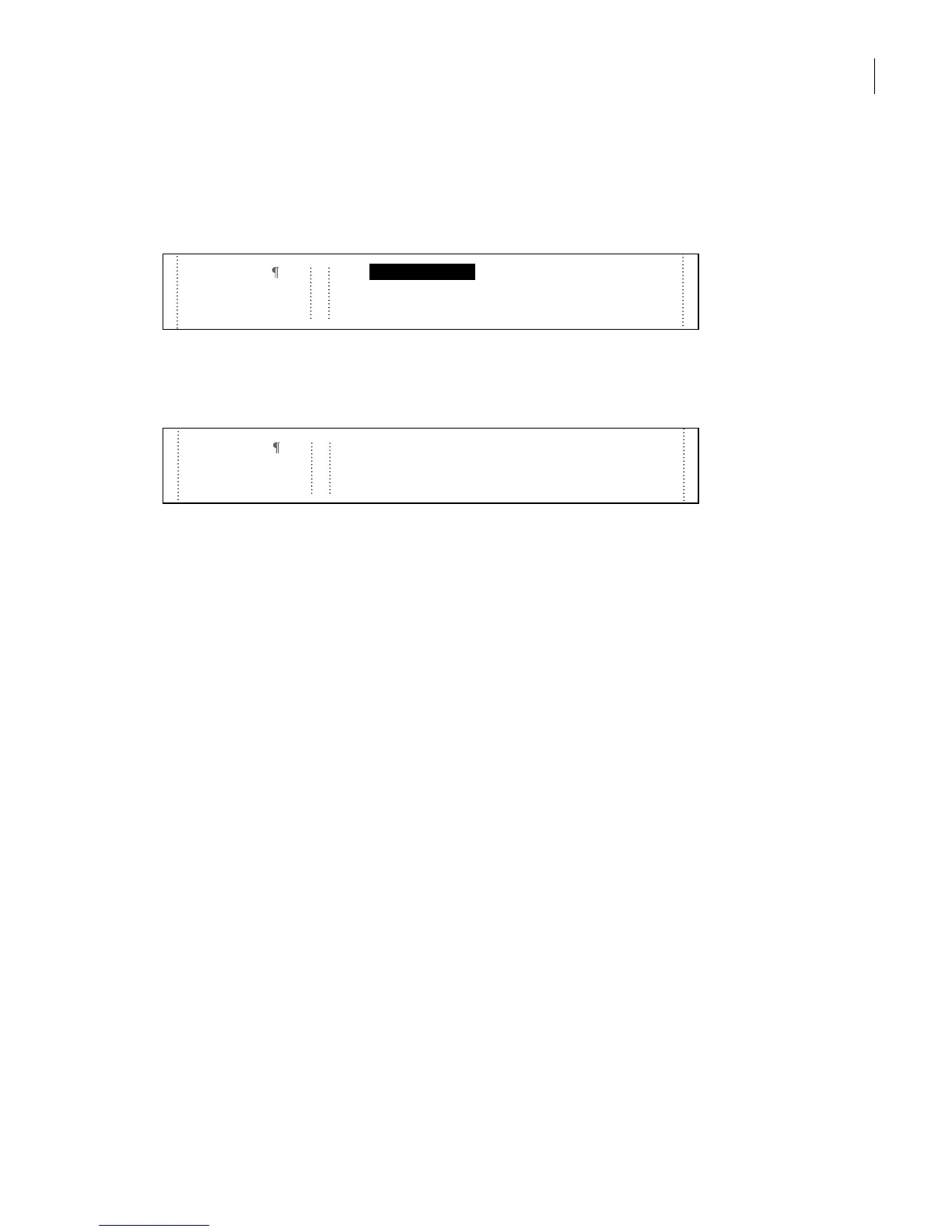
4 Double-click the word visible (at the beginning of the last paragraph on the page), and
then Shift-click the word spectrum to select both words. (You can also drag to select
both words.)
5 Click FirstUse in the Character Catalog, and then click anywhere else on the page to
deselect the text so you can see that it now appears in color and italics.
6 Close the Character Catalog.
Yo u’re finished with the sample document.
7 Choose File > Save and then choose File > Close.
Writing a short memo
To finish this lesson, you’ll use one of the standard templates that come with FrameMaker
7.0 to write a short memo for a sales report. When you create a new document from a
standard template, that document is an untitled copy of the template. The template itself
doesn’t change when you modify and save the new document.
Creating the memo from a template
First you’ll create a blank memo from a template.
1 Do one of the following:
• (Windows and Mac OS) Choose File > New > Document.
• (UNIX) In the main FrameMaker 7.0 window, click New.
Color gamuts
The visible spectrum contains millions of colors; each
device used in commercial printing can reproduce a
unique subset of this range known as its
color gamut
or
Color gamuts
contains millions of colors; each
device used in commercial printing can reproduce a
unique subset of this range known as its
color gamut
or
The
visible spectrum



 To Next Page