LESSON 1
30
Working with FrameMaker 7.0 Documents
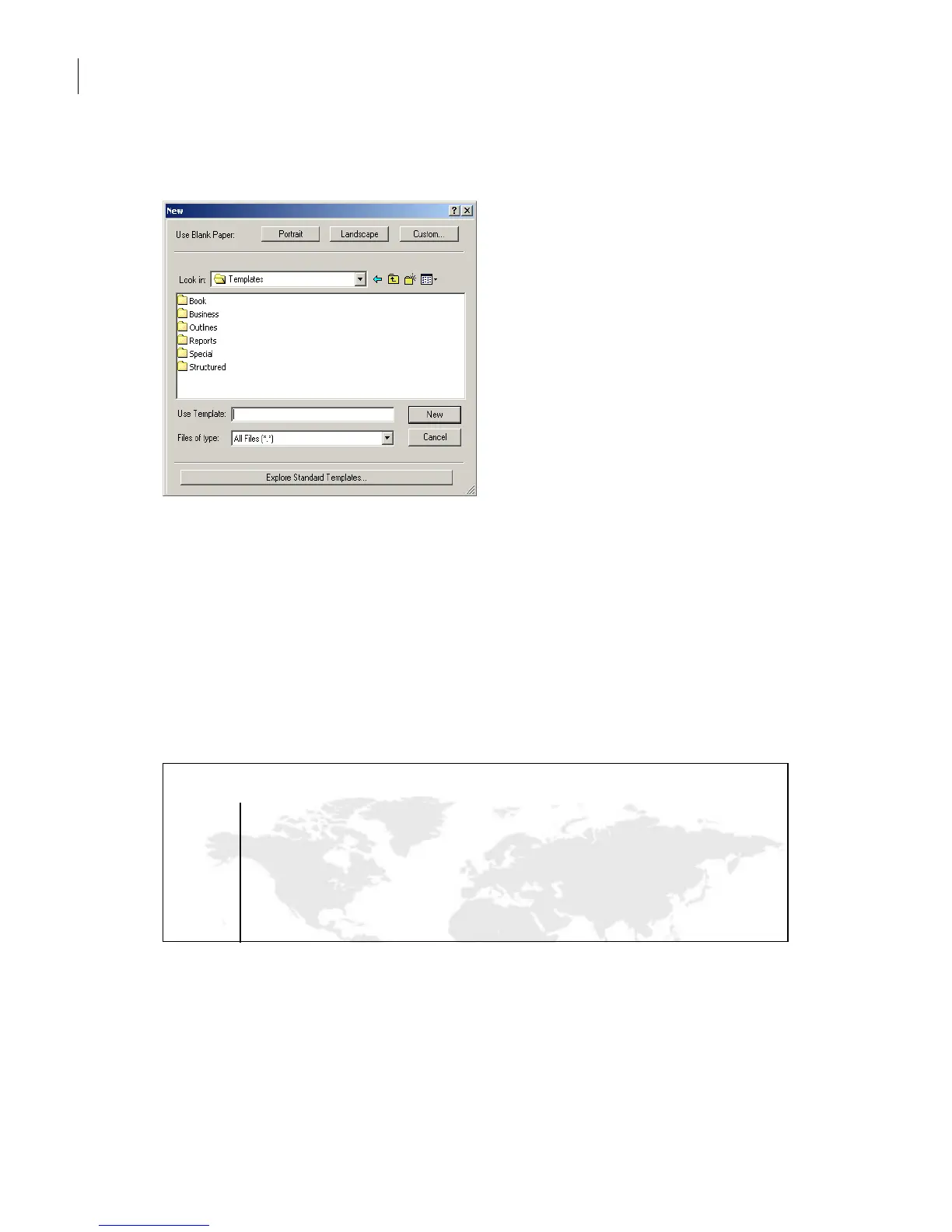
The contents of the Templates folder appear in the dialog box.
2 If the contents of the Templates folder don’t appear in the dialog box, do one of the
following:
• (Windows and Mac OS) Navigate to the Templates folder in the FrameMaker 7.0 folder.
• (UNIX) Click Cancel, click Exit in the main FrameMaker 7.0 window, restart
FrameMaker 7.0, and then repeat step 1.
Yo u’ll use the Memo template in the Business folder.
3 Double-click Business and then double-click Memo.fm.
Untitled memo
The memo appears as an untitled new document.
4 Choose File > Save, make sure you are in the Lesson01 folder, and then enter the
filename SalesMemo.fm and click Save.
Date: July 22, 2002
memo
To :
Your Company Name
1000 Main Street
City, State 99999
444.555.1212
Fax 444.555.2222



 To Next Page