305
ADOBE FRAMEMAKER 7.0
Classroom in a Book
• (Mac OS) Press Option+space.
6 In the Paragraph Designer, change the Family to Myriad-Roman (Windows) or Myriad
(Mac OS and UNIX), the Size to 8, and the Spread to 5.
7 Click Update All, then close the Paragraph Designer.
8 Choose View > Text Symbols to turn off text symbols.
9 Choose View > Body Pages to display the first page of the index.
Changes you make to the reference page are not reflected on the body pages until you
generate the index, so the separators haven’t changed yet.
10 Do one of the following:
• (Windows and Mac OS) Click in the book window, and choose Edit > Update Book.
• (UNIX) Choose Edit > Update Book in the book window.
11 Click Update.
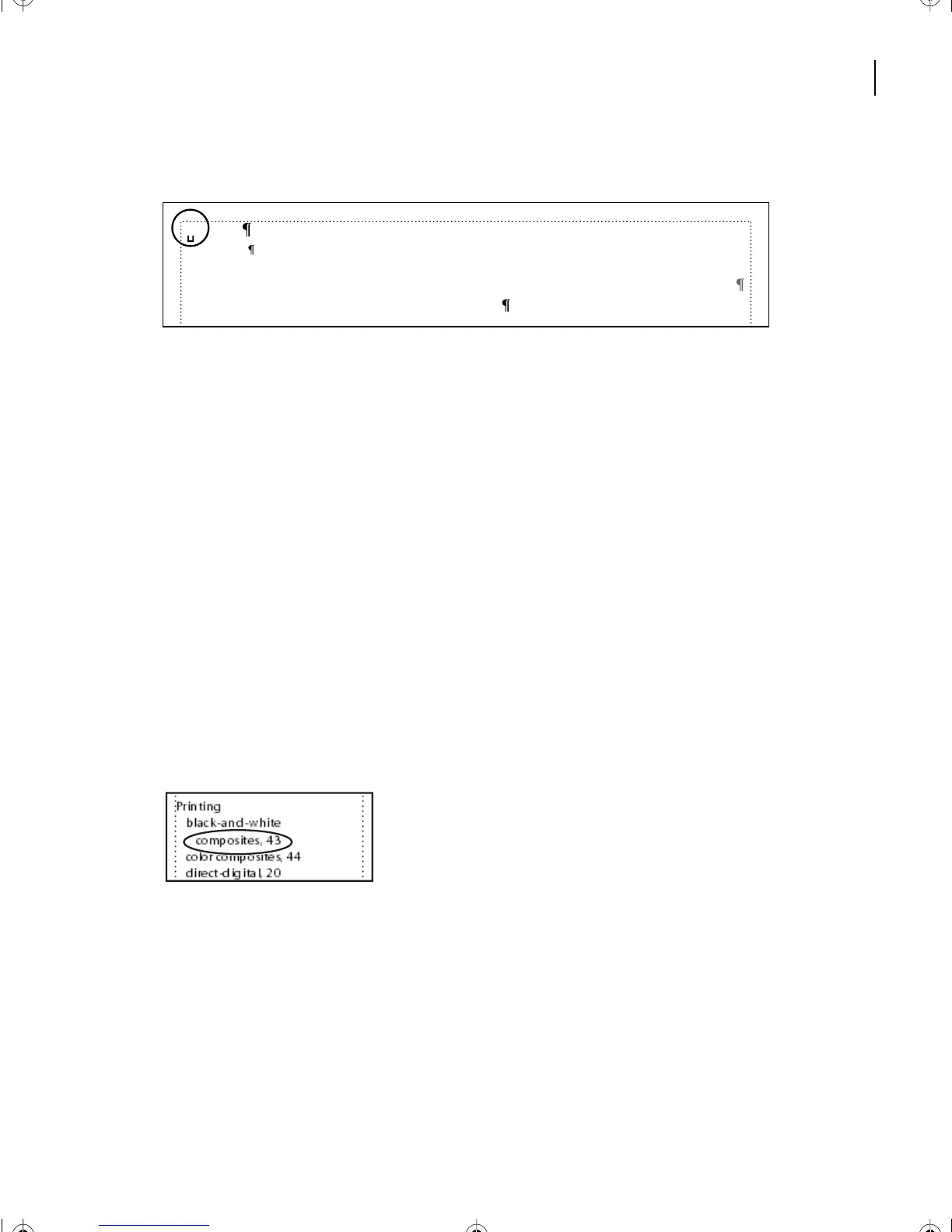
12 Return to the index and notice that a comma now appears after the text of every entry,
and that line breaks no longer occur between the entry and the page number.
Symbols[\ ];Numerics[0];A;B;C;D;E;F;G;H;I;J;K;L;M;N;O;P;Q;R;S;T;U;V;W;X;Y;Z
<$symbols><$numerics><$alphabetics>
, 1, 2–3
Level2IX
L12.fm Page 305 Monday, July 8, 2002 1:28 PM



 To Next Page