311
ADOBE FRAMEMAKER 7.0
Classroom in a Book
Correcting an inconsistency
First you’ll correct the spelling inconsistency.
Tw o entries should appear as a single entry.
Yo u’ll remove the s from the second entry so that the index will contain one entry for
Pixel, with two page numbers.
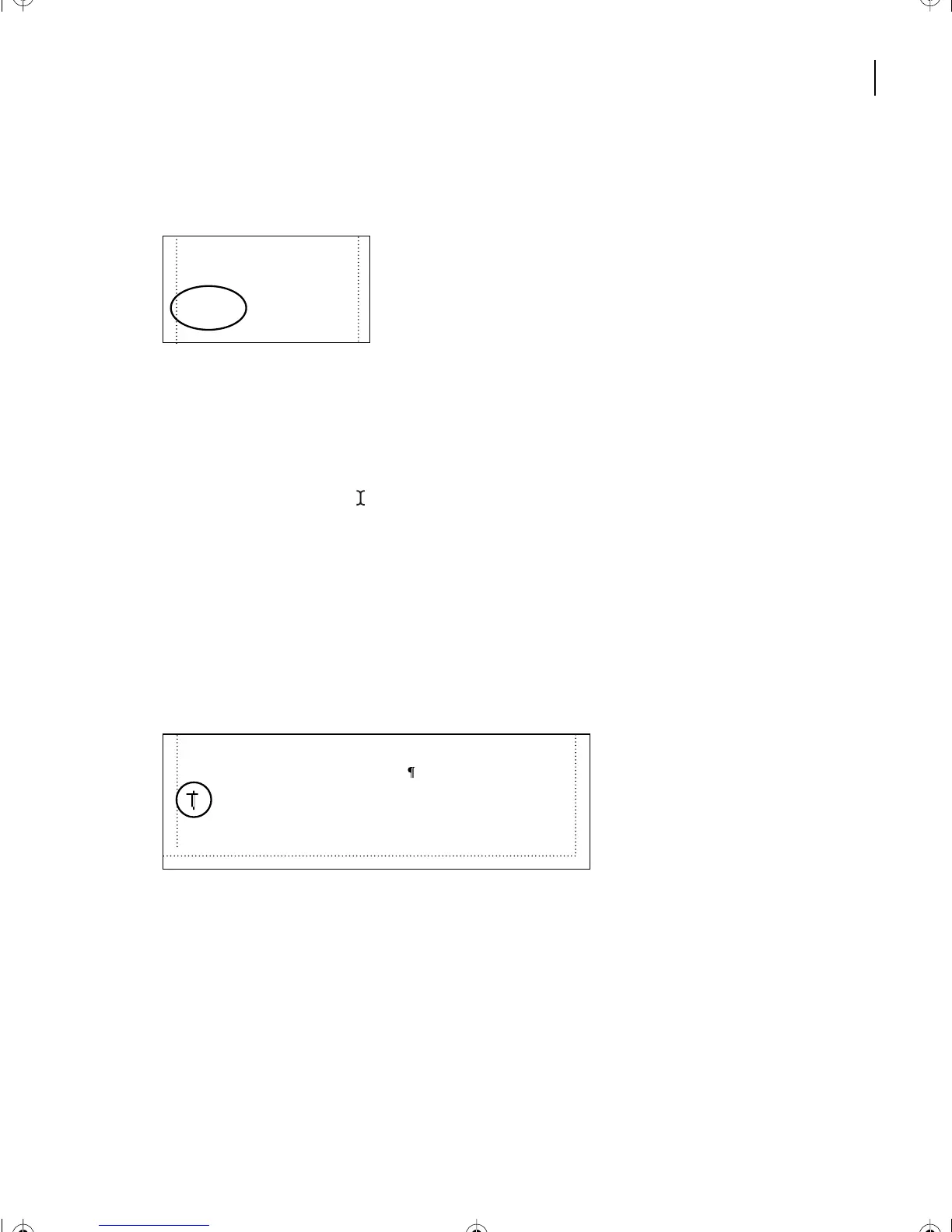
1 Display the second page of the index.
2 Place the text cursor ( ) over the Pixels entry.
3 Do one of the following to display the source of the entry:
• (Windows) Press Control-Alt over the page number and the cursor changes to a
pointing finger. Then click the entry.
• (Mac OS) Control-Option-click the entry.
• (UNIX) Control-right-click the entry.
The first chapter appears, with the index marker selected.
4 Choose Special > Marker.
5 Delete the s at the end of Pixels in the Marker Text box and click Edit Marker.
6 Save Chapter1.fm.
The next time you generate the index (you’ll do this later), a single index entry, Pixel,
appears with both page numbers on one line.
P
Page creep.
See
Perfect binding, 25
Pixel, 13
Pixels, 15
Platemaking, 21
both the clarity of detail and the tonal range that can be
reproduced from bitmap images.
A pixel is the smallest distinct unit of a bitmap image.
A high-resolution bitmap image contains enough data—
a description of each pixel’s location and what color is
L12.fm Page 311 Monday, July 8, 2002 1:28 PM



 To Next Page