LESSON 12
312
Indexes
Correcting a spelling error
Next you’ll edit a marker to fix a problem in a page range that results from a spelling error.
Spelling error
You indicate a page range for an index entry by inserting two markers in the text. The first
marker indicates the start of the page range; the second indicates the end of the range. In
this case, the second marker contains a spelling error.
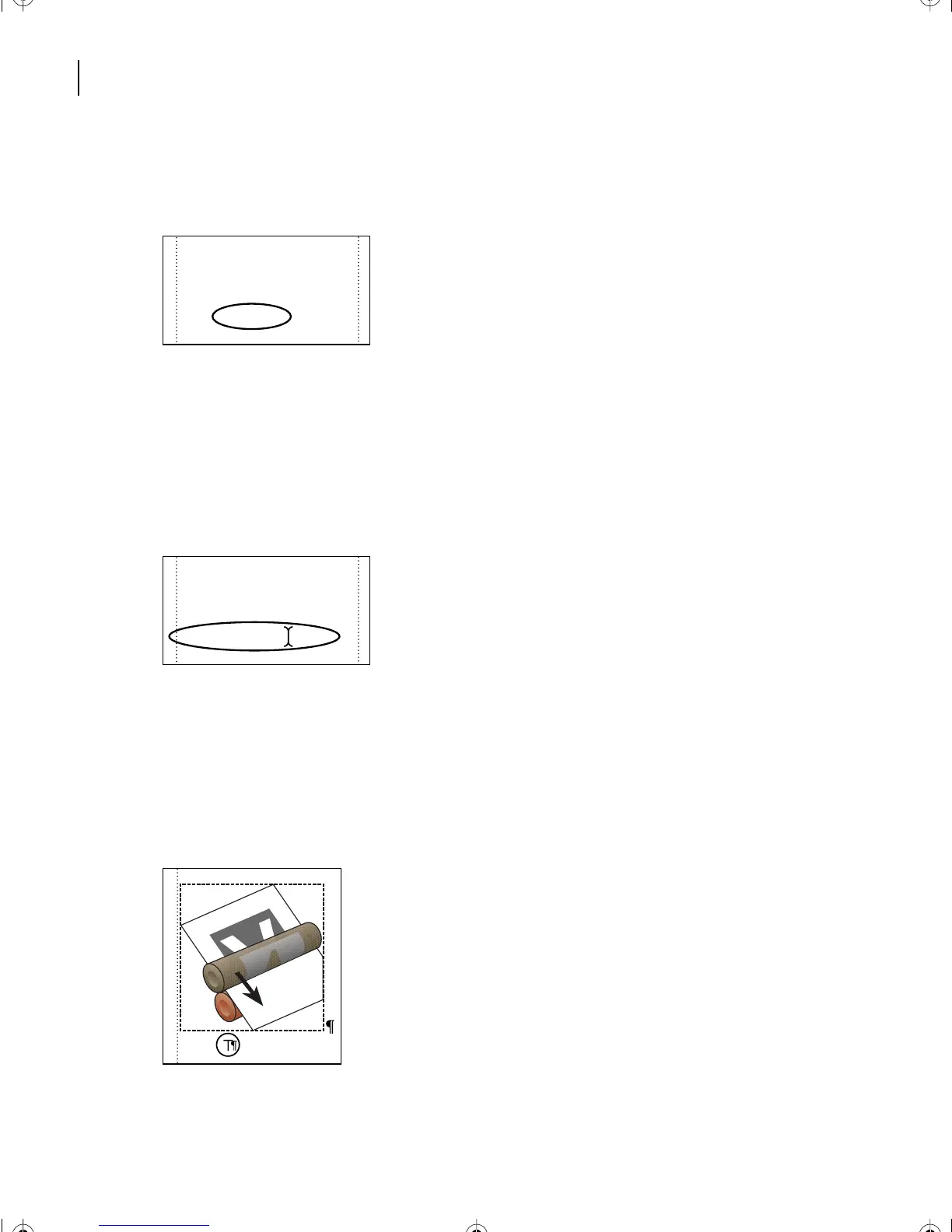
1 On the second page of the index, place the pointer on the second entry with a broken
page range (the entry with the spelling error Offset litography).
2 Do one of the following to display the end of the page range:
• (Windows) Control-Alt-click over the page number. The cursor changes to a pointing
finger. Then click the entry.
• (Mac OS) Control-Option-click the entry.
• (UNIX) Control-right-click the entry.
O
Object-level overprinting, 12
Object-oriented graphic, 13
Offset lithography, 21–??
Offset litography, ??–24
Offsetting, 23
O
Object-level overprinting, 12
Object-oriented graphic, 13
Offset lithography, 21–??
Offset litography, ??–24
Offsetting, 23
Printing
L12.fm Page 312 Monday, July 8, 2002 1:28 PM



 To Next Page