313
ADOBE FRAMEMAKER 7.0
Classroom in a Book
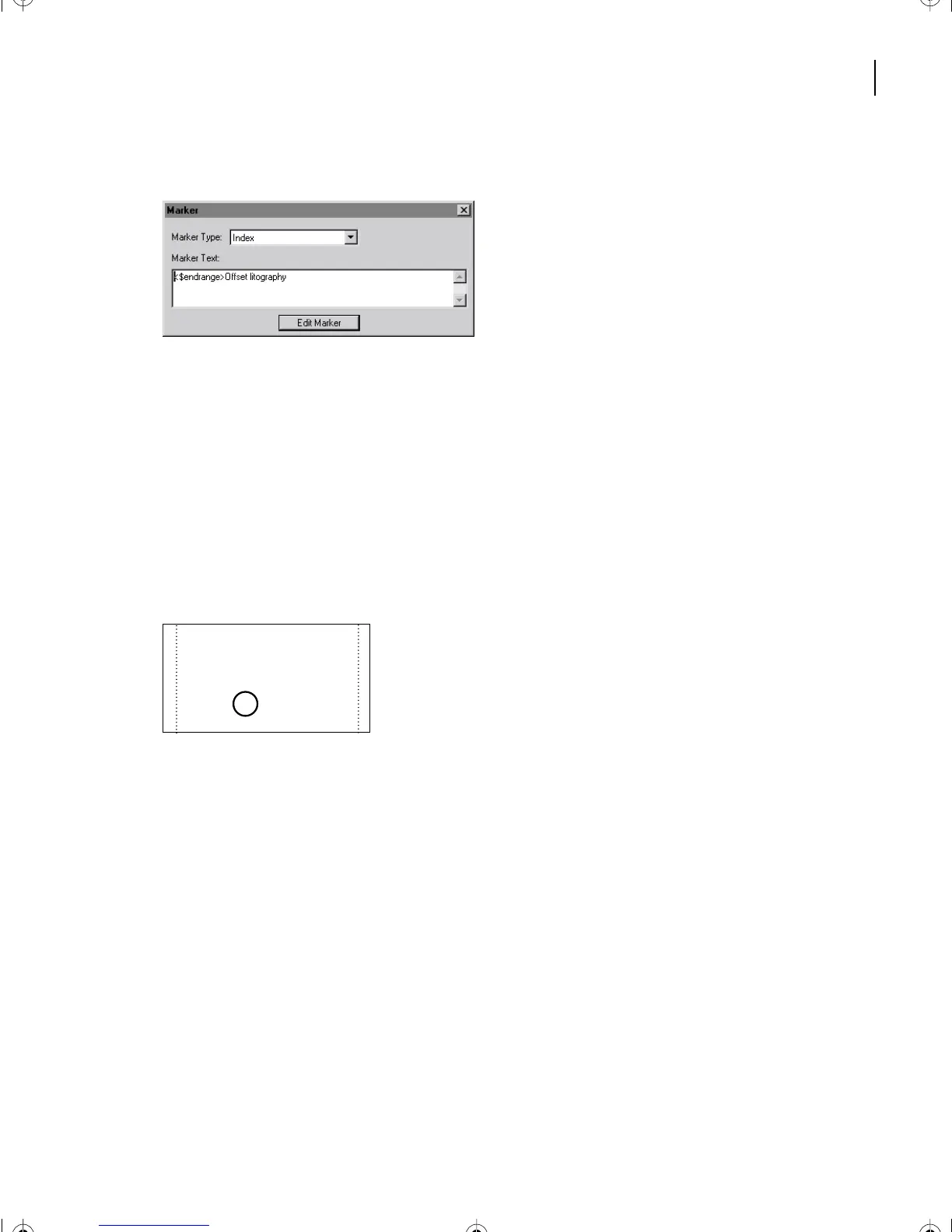
3 If the Marker dialog box is obscured, redisplay it.
4 Click between the t and o of litography in the Marker Text box.
5 Enter an h and click Edit Marker.
6 Save Chapter1.fm.
When you generate the index again (you’ll do this later), the page range will appear
correctly.
Removing a page reference
Now you’ll remove the page number from a cross-reference (See) entry.
Page number appears where it shouldn’t.
1 On the second page of the index, place the pointer on the page number of the
Linescreen entry in the first column.
2 Do one of the following to display the beginning of the page range:
• (Windows) Control-Alt-click over the page number. The cursor changes to a pointing
finger. Then click the entry.
• (Mac OS) Control-Option-click the entry.
L
Laminate proof, 46
Lightness, 6
Linescreen.
See
Screen
ruling, 5
Linked graphics, 50
L12.fm Page 313 Monday, July 8, 2002 1:28 PM



 To Next Page