321
ADOBE FRAMEMAKER 7.0
Classroom in a Book
Finished.fm already contains information about both models of office chairs. The
information on the CEO office chair is visible, and the information on the Professional
office chair is hidden.
2
Choose Special > Conditional Text.
3
Click Show/Hide.
Yo u’ll now swap the two conditions—showing the one that’s hidden, and hiding the one
that’s shown.
4
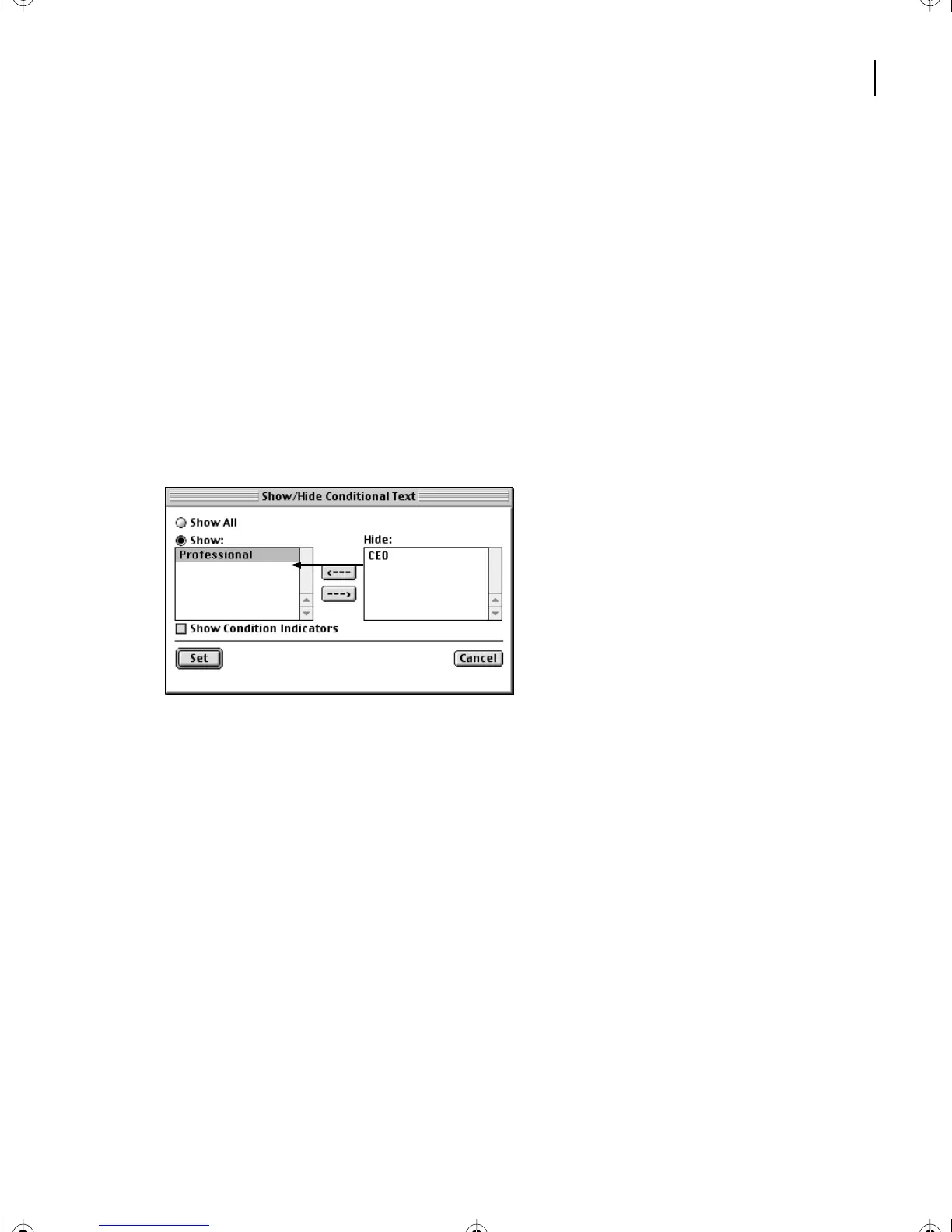
In the Show/Hide Conditional Text dialog box, double-click CEO to move it from the
Show scroll list to the Hide scroll list.
5
Double-click Professional to move it from the Hide scroll list to the Show scroll list.
6
Click Set.
L13.fm Page 321 Saturday, July 6, 2002 12:42 PM



 To Next Page