LESSON 13
330
Conditional Text
5
In the Conditional Text dialog box, double-click Professional to move it to the In scroll
list. Then click Apply.
Adding a model number
Next you’ll add the model number of the Professional chair.
1
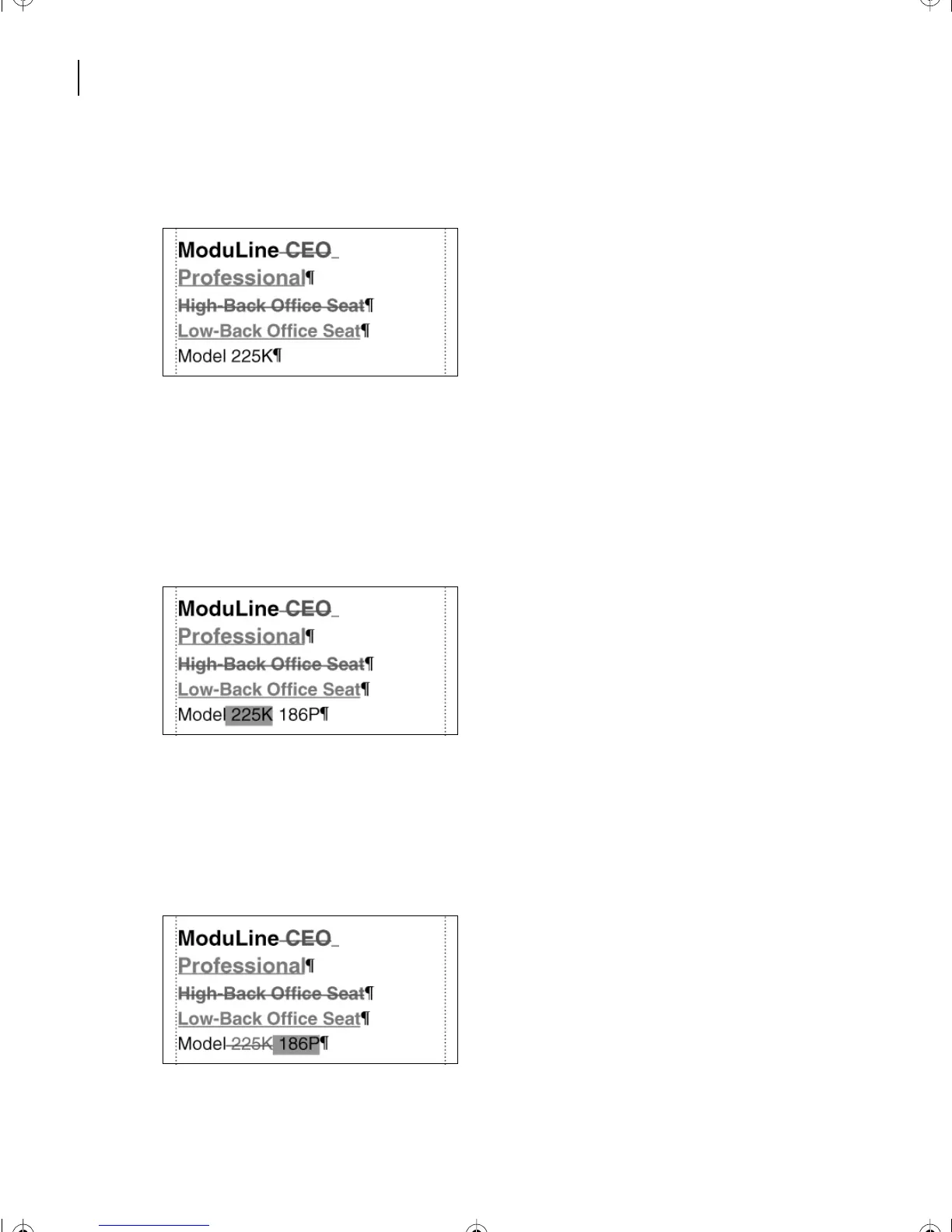
Click at the end of the paragraph containing the model number,
Model 225K
.
2
Press the spacebar and then type
186P
.
3
Select
225K
and the space before it.
4
In the Conditional Text dialog box, double-click CEO to move it to the In scroll list.
Then click Apply.
5
Now select
186P
and the space before it. (Drag from the right of
186P
back to the end
of the 225K. Dragging back from the end of the line prevents you from selecting the
paragraph symbol.)
L13.fm Page 330 Saturday, July 6, 2002 12:42 PM



 To Next Page