389
ADOBE FRAMEMAKER 7.0
Classroom in a Book
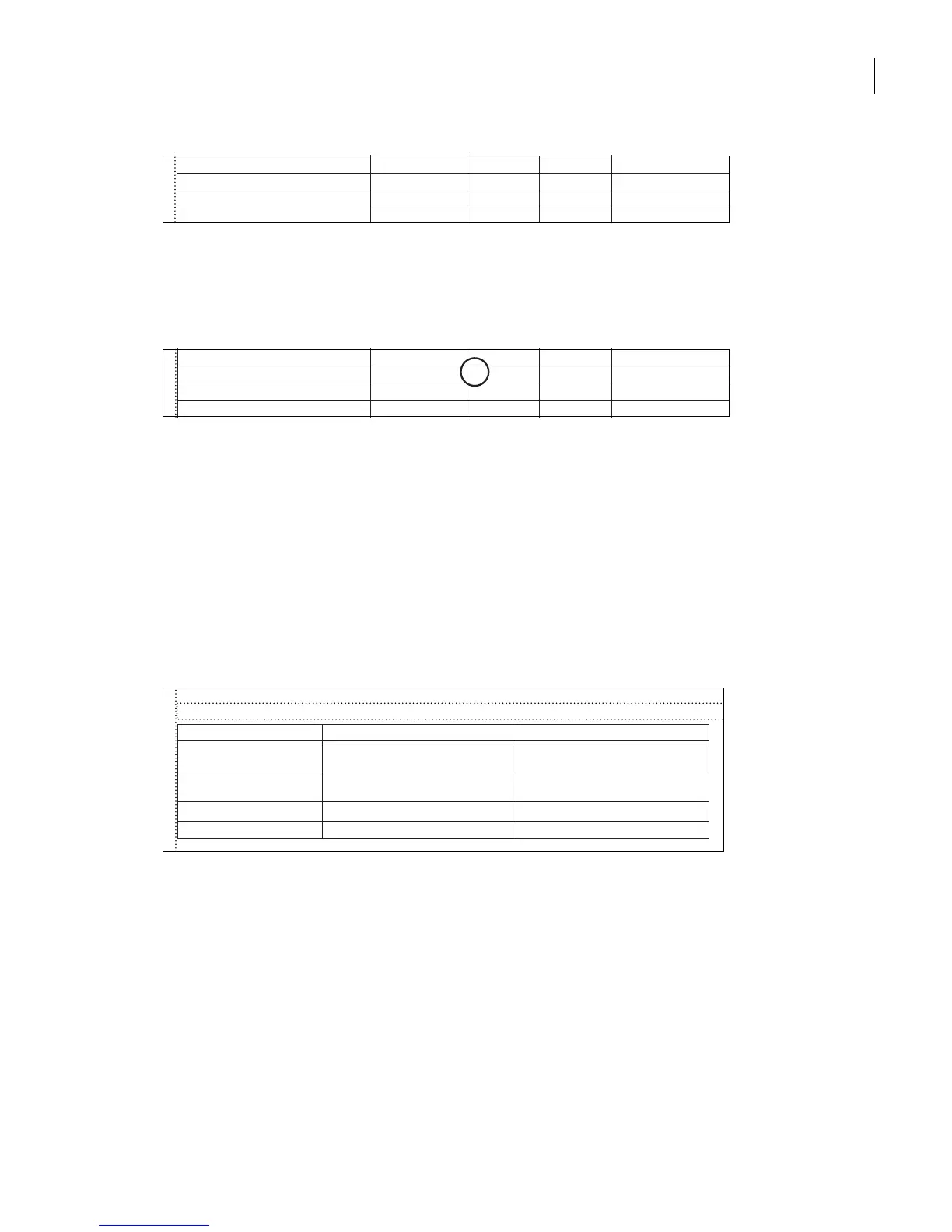
• The third column indicates (with Ye s or No) whether FrameMaker 7.0 starts a new Web
page. Look at this setting for P:Heading2. You see a Y because this is the heading you
changed earlier in the HTML Setup dialog box.
• The Include Auto# column indicates (with Yes or No) whether to include a FrameMaker
7.0 autonumber in the paragraph. FrameMaker 7.0 automatically converts paragraphs
that start with a number or a bullet to HTML ordered and unordered lists—so normally,
you won’t want the FrameMaker 7.0 autonumber also included.
6 Scroll to the System Macros table. This table contains predefined macros you can use
to add items to the start and end of your Web pages. You’ll edit this table in a minute.
7 Scroll to the last reference page, the Headings reference page. The only table here is the
Headings table. This is where the settings for the autolevel headings are stored.
Now that you’ve had a brief tour of the mappings on the HTML and Headings reference
pages, you’ll edit a table.
C:Emphasis§ EM§ N§
N§
N§
N§
N§
§
§
§
§
C:Link§ EM§ N§
X:Heading & Page§ See Also§ N§
X:Page§ See Also§ N§
N§
N§
N§
N§
§
§
§
§
P:Heading1§ H*§ N§
P:Heading2§ H*§ Y§
P:Heading3§ H*§ N§
P:Mapping Table Cell§ P§ N§
Headings Table§
Heading Level§ Paragraph Format§ Comments§
1§
Heading1§
2§
Heading2§
3§
§
§
§
§
Heading3§
4§ CellBodyRotate§



 To Next Page