LESSON 15
390
HTML and Web Publishing
Including return links to the main page
When you divide a document into several Web pages, FrameMaker 7.0 automatically
creates a linked “table of contents” so that your readers can navigate to the other pages in
the series. But to return to the main contents page, a reader must click the Back button in
the browser window. You can provide a more elegant way to get back to the main
document by having FrameMaker 7.0 insert a hypertext return link at the end of each
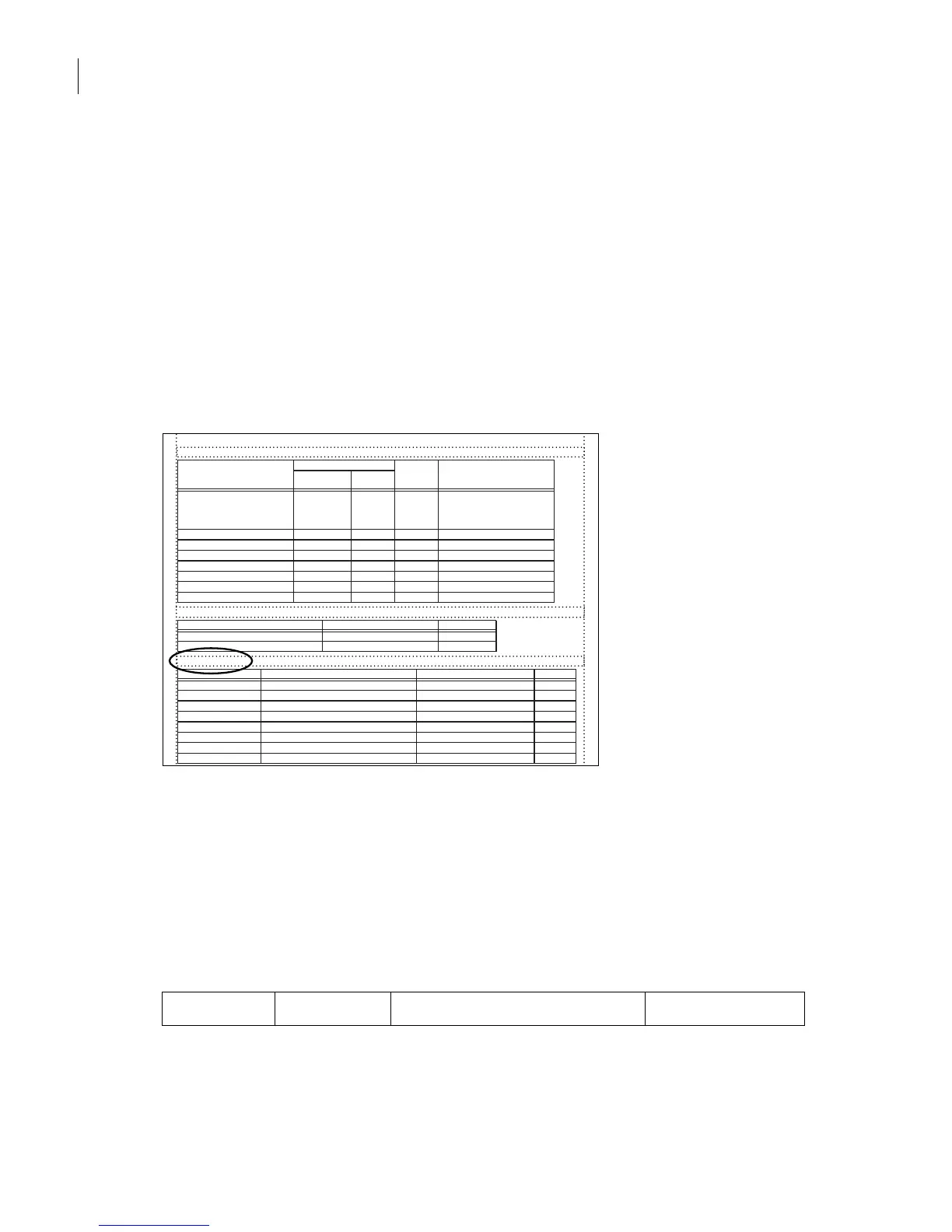
subdocument. To provide the return links, you need to edit the System Macros table on
the HTML reference page.
1 Scroll to the System Macros table on the HTML reference page.
2 In the Replace With column of the EndOfSubDoc row, enter the following HTML code
to add a link to the subpages, but not to the main page or the last page in the series:
<P><A HREF="<$parentdoc>"> Return to main page </A></P>
Note: Don’t be concerned about how this HTML code wraps or hyphenates in the table cell.
FrameMaker 7.0 will read the code as if it were one unbroken line.
Here is an analysis of the parts of this code:
<P> ... </P> <A> ... </A> HREF="<$parentdoc>" Return to main page
HTML Mapping Table§
FrameMaker Source Item§ HTML Item§ Include
Auto#§
Comments§
§
§
§
§
§
§
§
§
§
§
§
§
§
§
§
§
§
§
§
§
§
§
§
§
§
§
§
§
§
N§
N§
N§
N§
N§
N§
N§
Elemen§ New Web
Page?§
P:TableTitle§ LI¶
Parent = OL¶
Depth = 0§
N§ N§ §
C:Emphasis§ EM§ N§
C:Link§ EM§ N§
X:Heading & Page§ See Also§ N§
X:Page§ See Also§ N§
X:See Heading & Page§ See Also§ N§
X:Table All§ See Also§ N§
X:Table Number & Pag§ See Also§ N§
HTML Options Table§
Contro§l Value§ Comments§
Image Format§ 0001IMAGJPEGMACP0001JPEG§
Copy Files Imported by Reference§ N§
System Macros§
Macro Name§ Replace With§ Head§ Comments§
StartOfDoc§ <TITLE> <$defaulttitle></TITLE>§
EndOfDoc§
StartOfSubDoc§ <TITLE> <$defaulttitle></TITLE>§
EndOfSubDoc§
StartOfFirstSubDoc§ <TITLE> <$defaulttitle></TITLE>§
EndOfFirstSubDoc§
StartOfLastSubDoc§ <TITLE> <$defaulttitle></TITLE>§
EndOfLastSubDoc§



 To Next Page