41
ADOBE FRAMEMAKER 7.0
Classroom in a Book
7
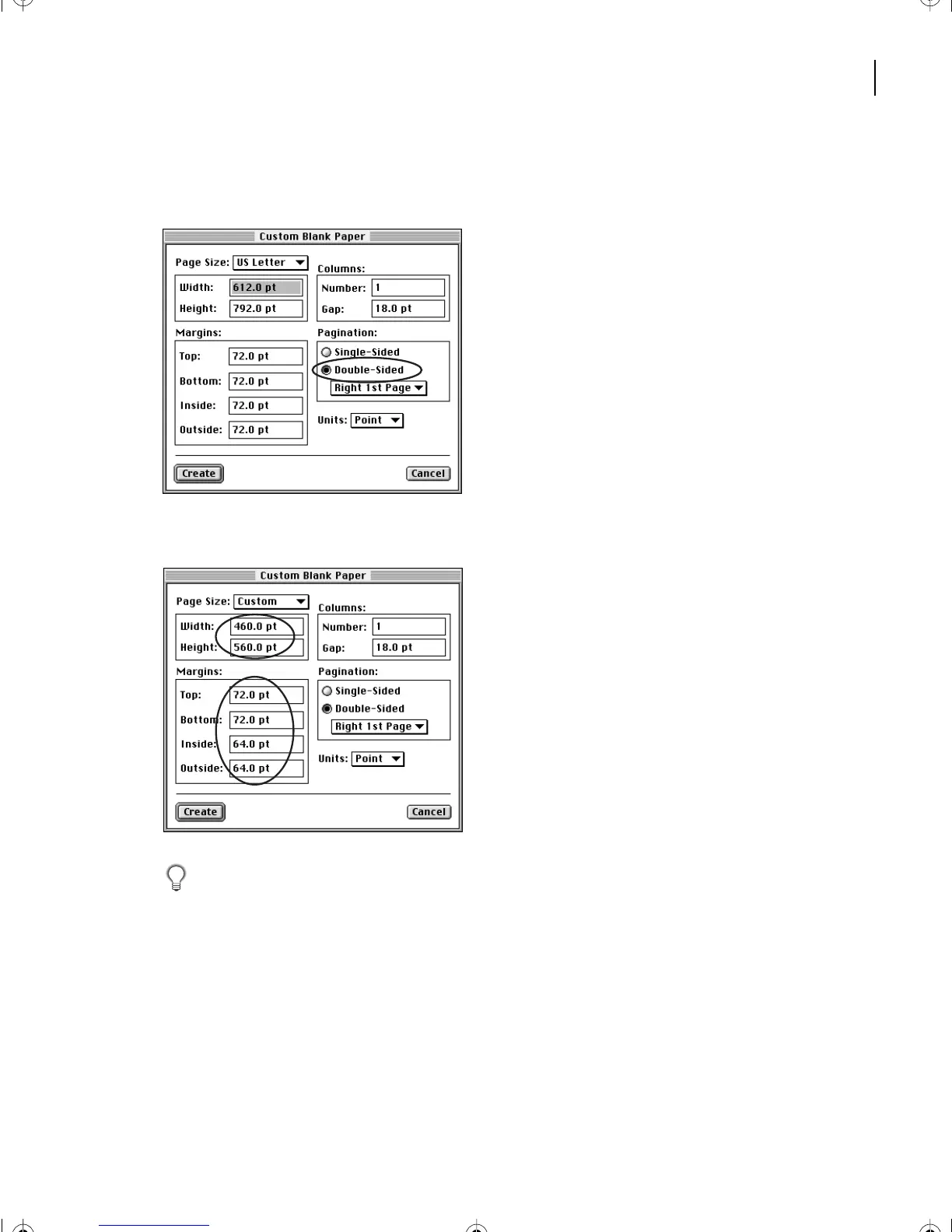
In the Pagination area, select Double-Sided. Notice that in the Margins area, the text
boxes formerly labeled Left and Right are now labeled Inside and Outside.
8
In the Page Size area, change the Width to 460 points and the Height to 560 points.
Yo u can enter just the number (for example,
460
rather than
460 pt
), because you already
specified points as the units for the document.
9
The Top and Bottom margins remain at 72 points, but change the Inside and Outside
margins to 64 points.
10
Click Create.
L02.fm Page 41 Saturday, July 6, 2002 11:23 AM



 To Next Page