419
ADOBE FRAMEMAKER 7.0
Classroom in a Book
2
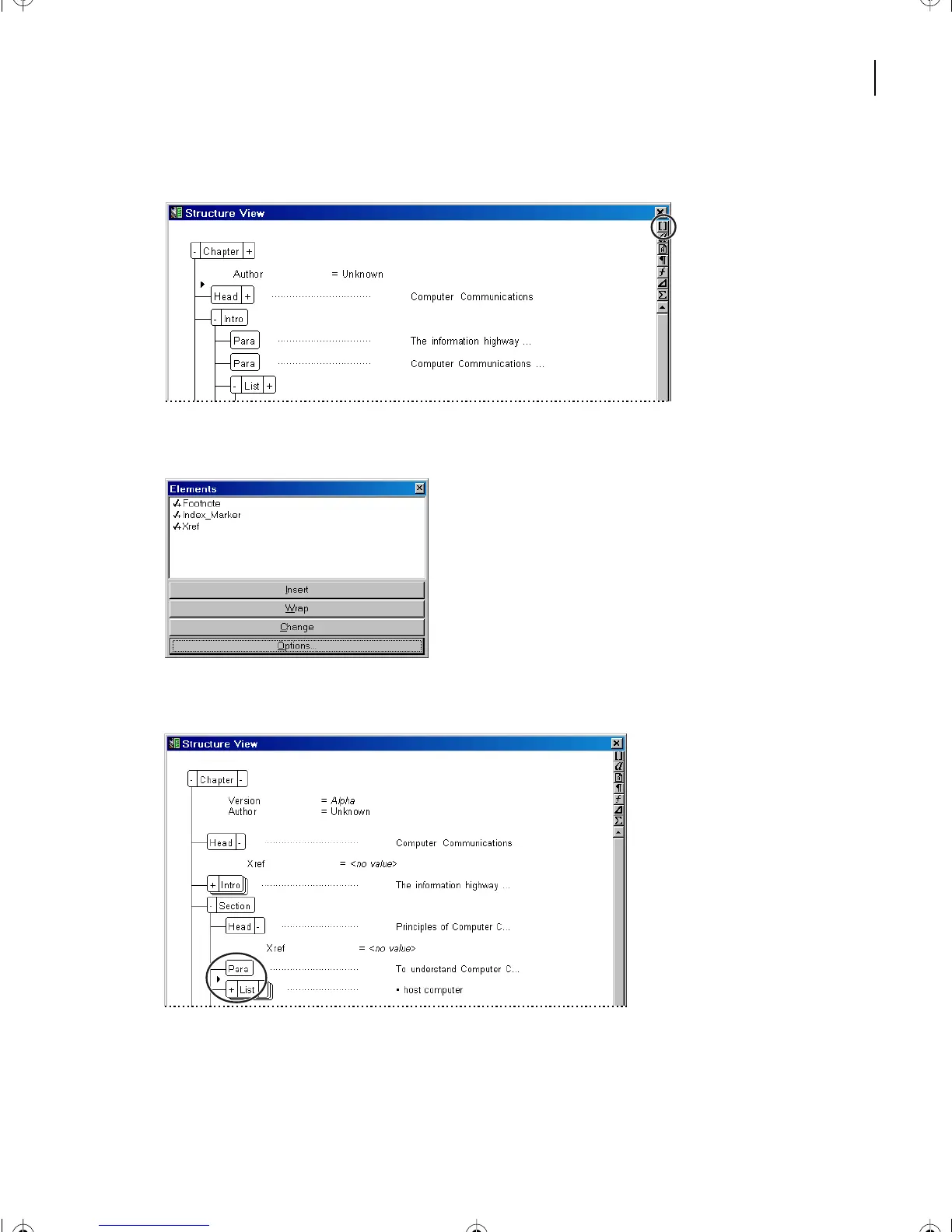
Click the Element Catalog button located in the upper right corner of either window.
The Element Catalog appears, displaying elements valid at the insertion point.
3
In Structure View, in the first Section element, click below the first Para element.
L16.fm Page 419 Saturday, July 6, 2002 4:02 PM



 To Next Page