LESSON 16
420
Structured Documents
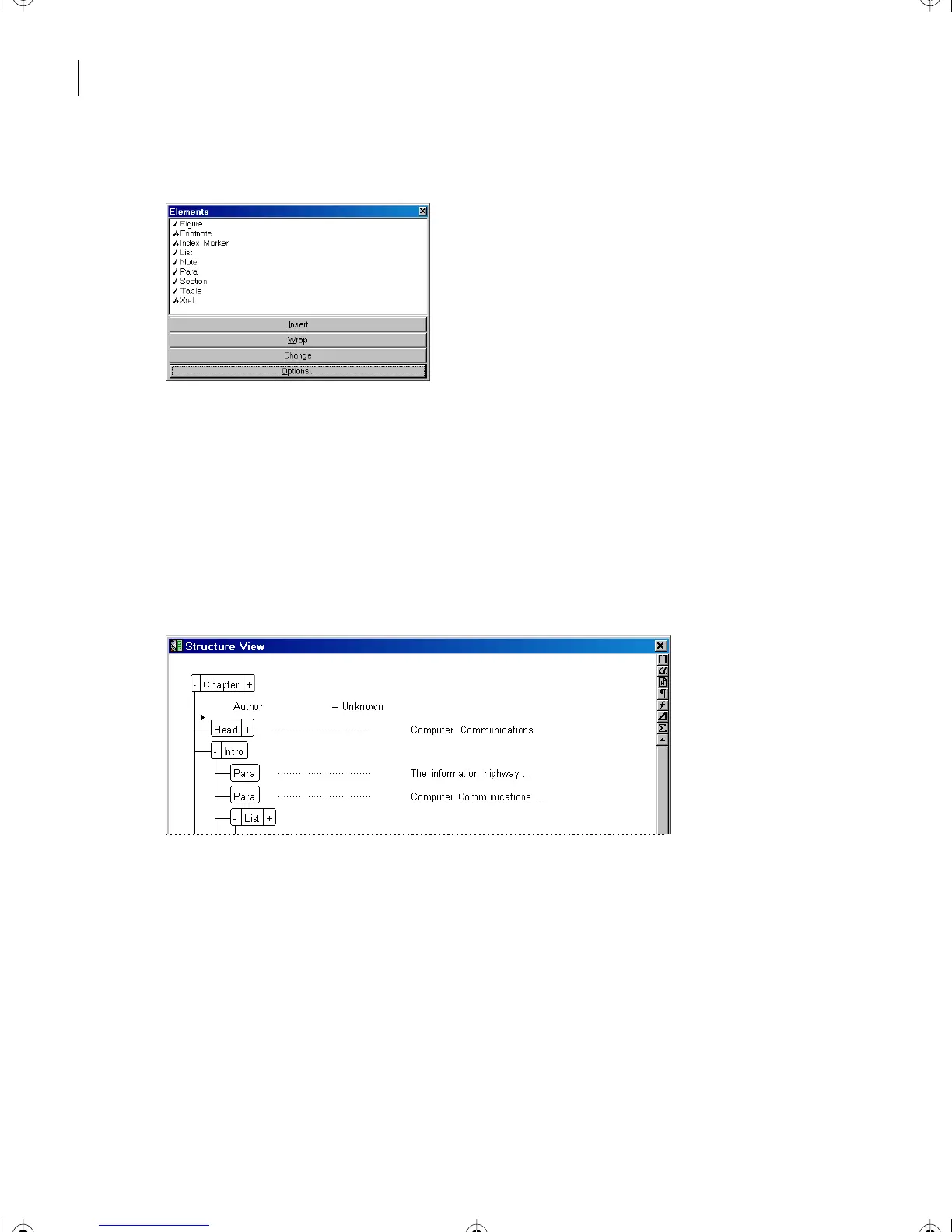
The Element Catalog changes to reflect elements valid at the insertion point.
Note:
The list of elements varies, depending on the location of the insertion point.
4
Place the insertion point in other elements and view the valid elements displayed.
Changing display options
At present, the Element Catalog is set to display a list of valid elements at the insertion
point. The Set Available Elements command lets you set which elements to display.
1
In Structure View at the beginning of the document, click after the Chapter element.
L16.fm Page 420 Saturday, July 6, 2002 4:02 PM



 To Next Page