LESSON 16
424
Structured Documents
4
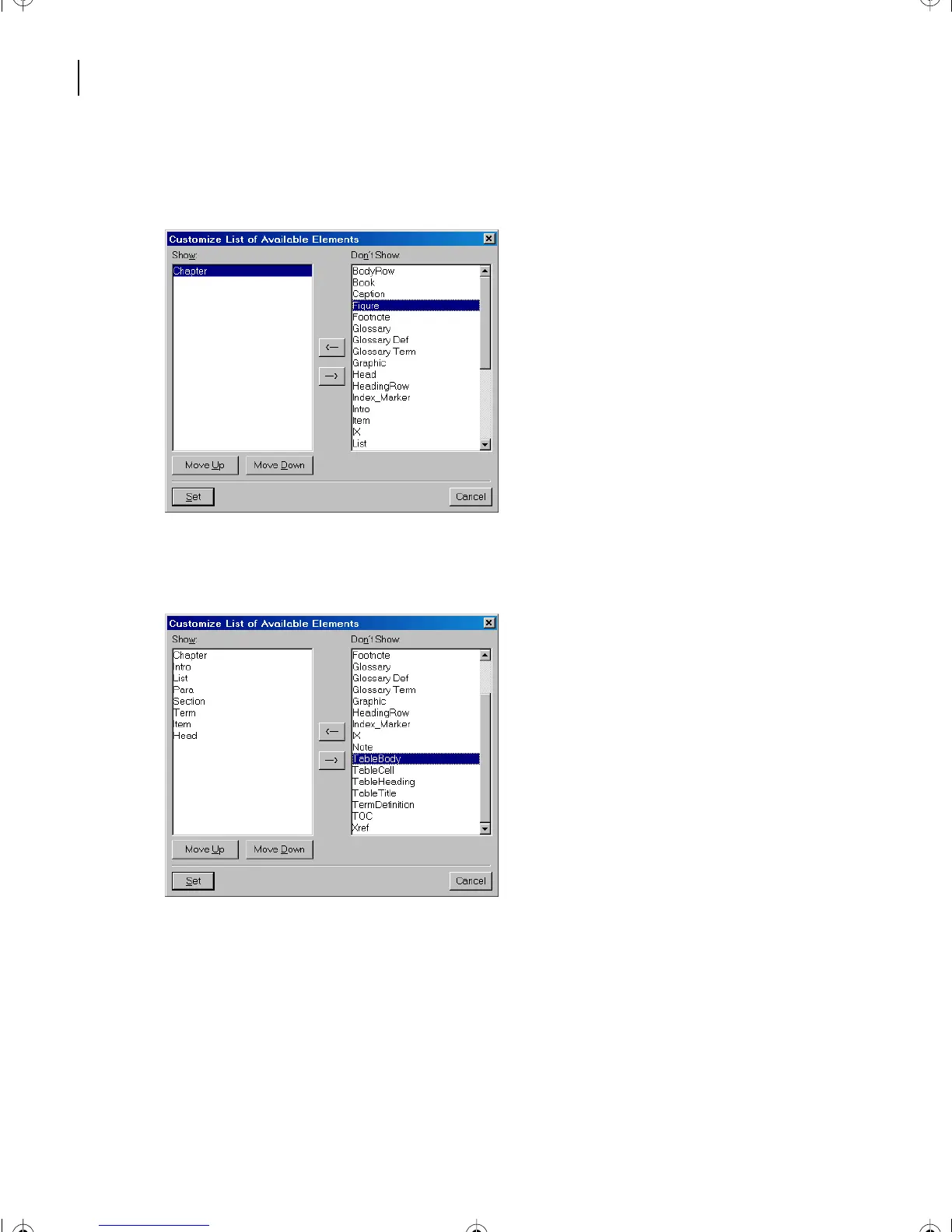
Select the Chapter element, and click on the Left Arrow button (or double-click the
element to move it into the Show scroll list).
5
Repeat step 3 for the following elements: Intro, List, Para, Section, Term, Item, and
Head. The Show list should look like the one shown below.
6 In the Show list, select the Section element.
7 Click the Move Up button twice to move the Section element just below the Intro
element.
L16.fm Page 424 Saturday, July 6, 2002 4:02 PM



 To Next Page