435
ADOBE FRAMEMAKER 7.0
Classroom in a Book
7
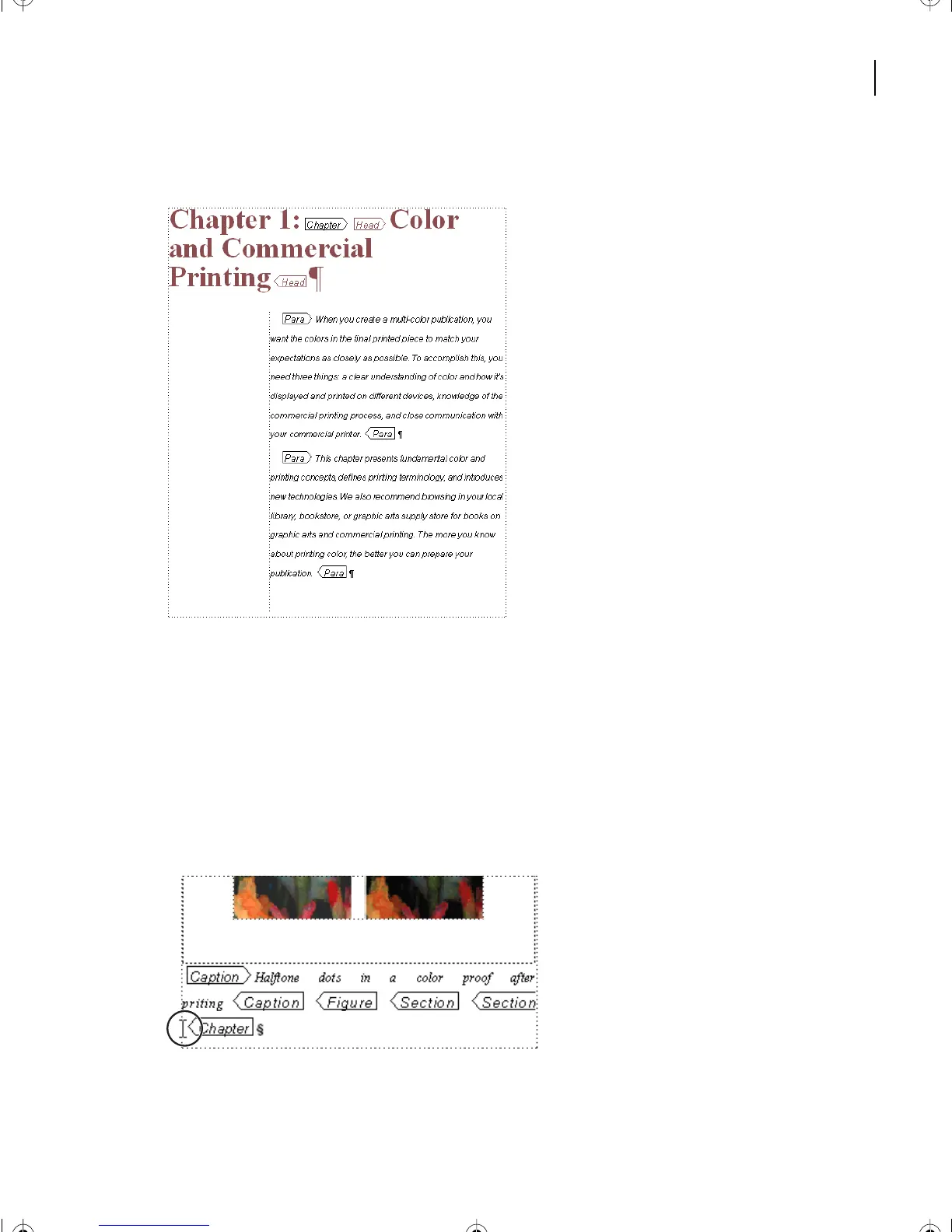
Choose View > Element Boundaries (as Tags).
You can scroll through the document to the end, observing differences from the earlier
standard FrameMaker lessons that used this material. Explore the tags and graphics.
Be sure that text symbols are turned on for viewing, and refresh the screen periodically.
Importing an XML section
1
With CIBColorDoc1.fm active, place the cursor at the end of the document before the
[Chapter] tag at the last paragraph text symbol.
2
Choose File > Import > File > CIBColorDoc2.xml, and Import by Reference.
L17.fm Page 435 Saturday, July 6, 2002 4:37 PM



 To Next Page