LESSON 17
438
Authoring XML
6
Save the document.
Importing an SVG graphic into a [Figure] element
1
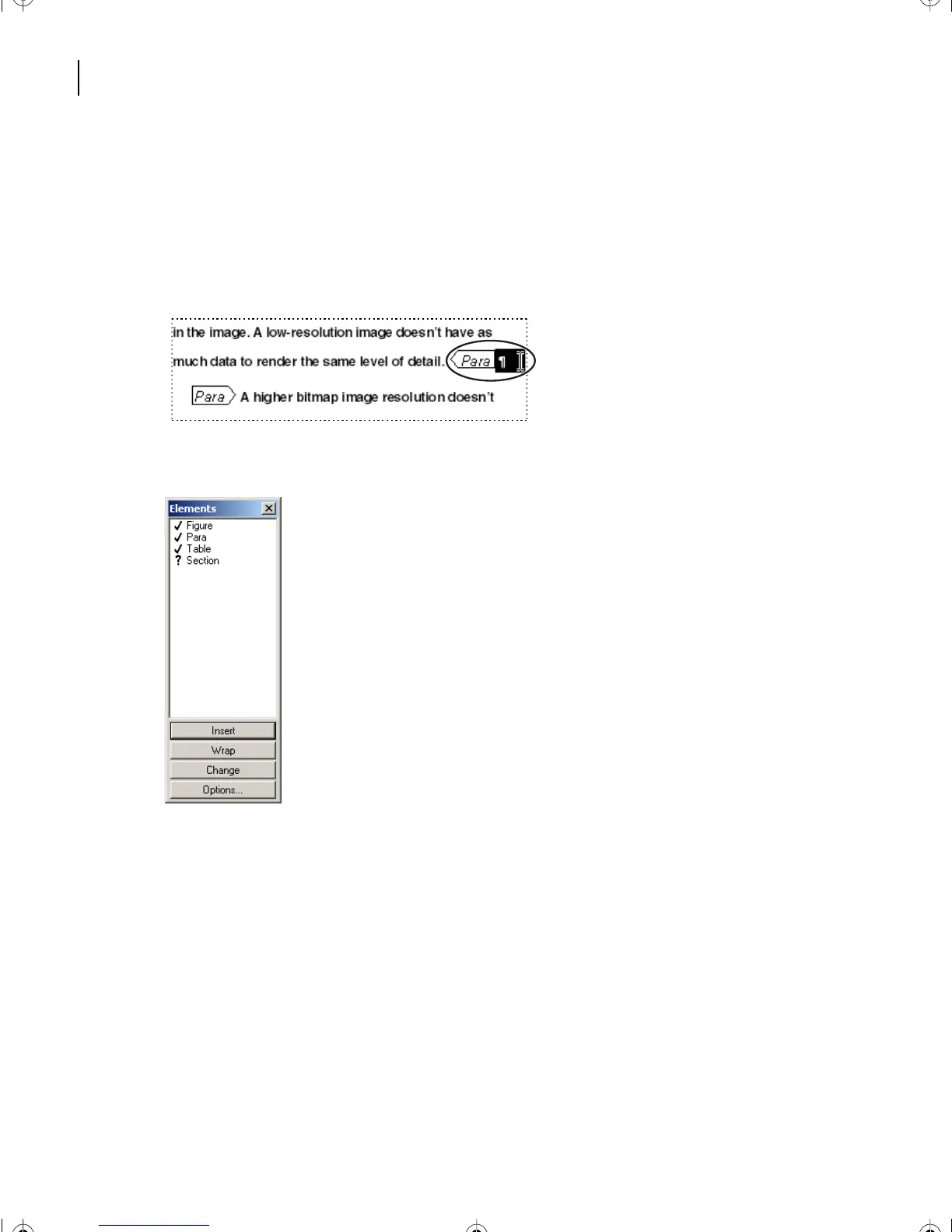
At the end of the new section’s second paragraph, select the Paragraph Text Symbol to
the right of the word
detail
.
2
Choose Element > Element Catalog, and the Element Catalog appears.
L17.fm Page 438 Saturday, July 6, 2002 4:37 PM



 To Next Page